

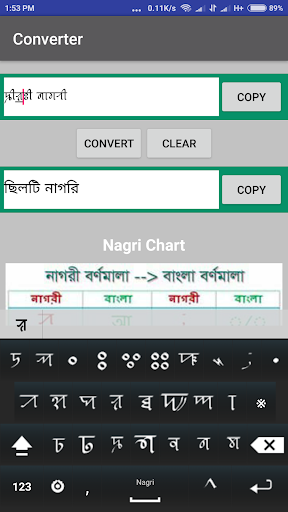
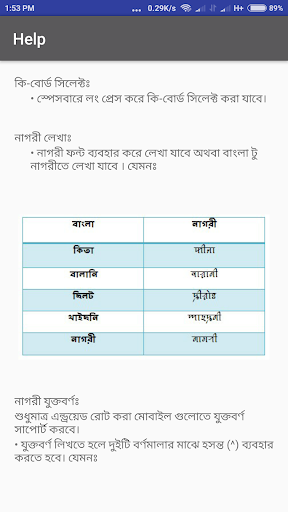
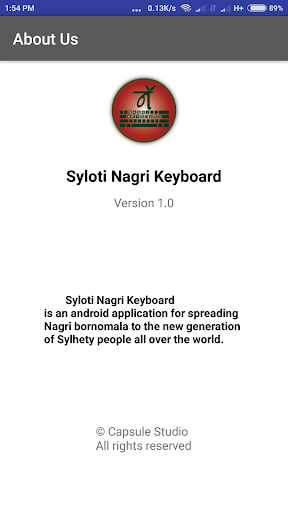
Installation
1. Download & install
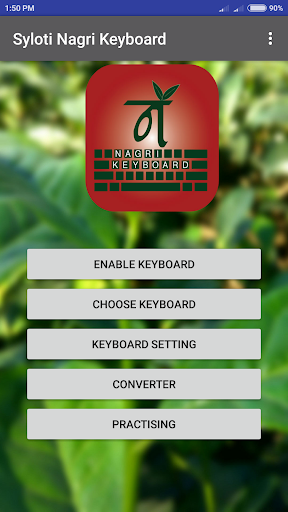
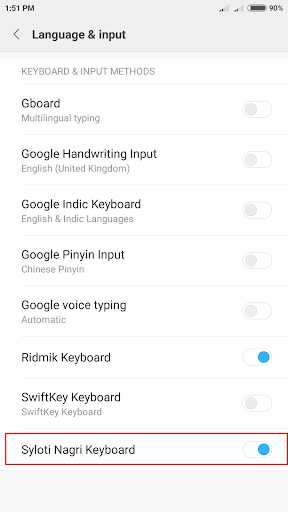
2. Go to Main Menu > Enable Keyboard > Select Syloti Nagri Keyboard
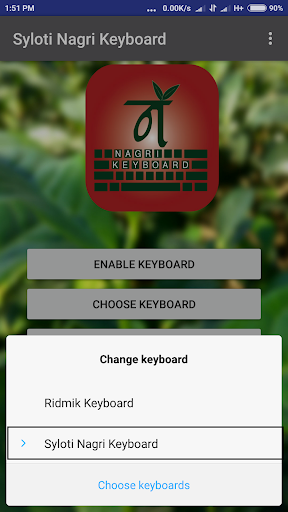
3. Enable Syloti Nagri Keyboard > Main Menu > Select Syloti Nagri Keyboard
4. Then open any typing field (practising or any other text fields).
5. Enjoy!
Permission
Internet permission is NOT required. So, nothing to worry about it.
0. Added new Keyboard Layout
1. Added new letter
2. Fix bug




9Apps 4.9














