



: ) How to use (:
Click on “Whatsapp icon” tab to see recent stories.
open again storysaver app and
Open photo or video story you want to save
Click on download icon.
That's all..!!
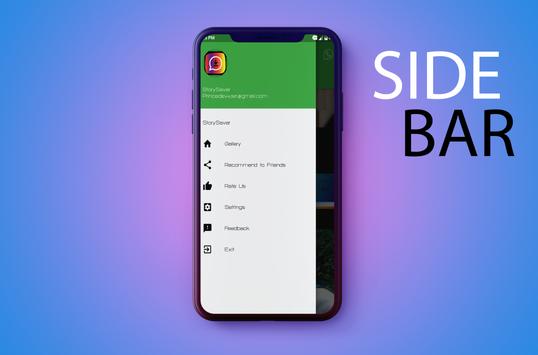
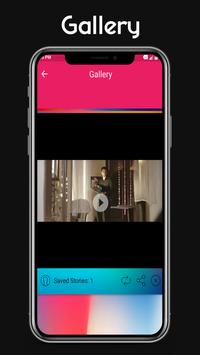
___You can view all saved stories in image and video go to Storysaver
gallery___
With Whatsapp's new status feature, all statuses automatically disappears after 24 hours.So with our app you can save your favorite status and can access it anytime.
:' ___Most Important___ :'
Make sure you respect the privacy of your contacts and have permission before downloading their status
** DISCLAIMER **:
StorySaver for WhatSSapp isn't affiliated with, sponsored or endorsed by WhatsApp Inc. The "WhatsApp" name is copyright to WhatsApp, Inc.

9Apps 4.9