
FREE for a trial-period, after which we will kindly ask you to purchase for a small fee.
Will save you tons of time, frustration & errors trying to type on the regular annoying small mobile keyboard.
Great for reducing spelling typos too!
Speechkeys is a new unique (patent-pending) concept keyboard that combines non-stop, continuous & natural Speech-To-Text TOGETHER with key-typing and additional enhancing features. It is based on the success of Speechnotes for Chrome & mobile.
Stop getting frustrated by regular mobile typing or regular voice typing. Your keyboard should understand you, not the other way around. Speechkeys makes mobile typing easy - so you can focus on your text and thoughts - and not on the keyboard.
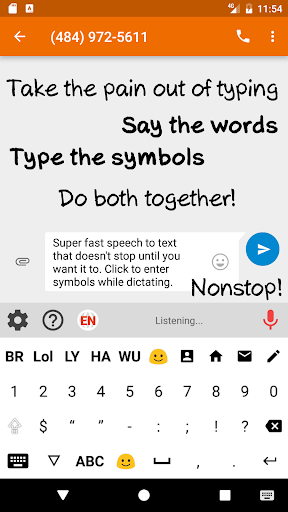
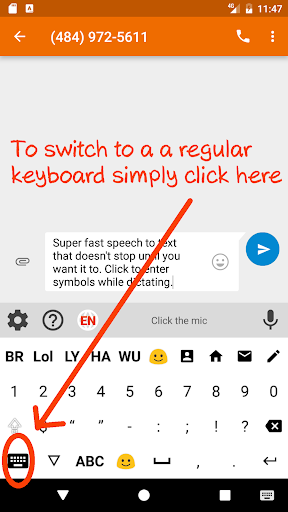
Type unlimited at the speed of speech. Click the mic and start dictating. Unlike regular voice-typing - it will never cut you in the middle. You don't have to click again and again to restart it. We mean it - we're talking about whole assays - thousands of words - written in the speed of your speech. You can now voice-type while you're walking, driving or working around the house. Want to insert a mark, symbol, or emoji? Do it while in dictation mode - no need to stop - and go back. This way - you can dictate punctuation marks if you like - but you don't need to - you can insert with a single click if you prefer. The result is super fast, accurate and easy voice typing.
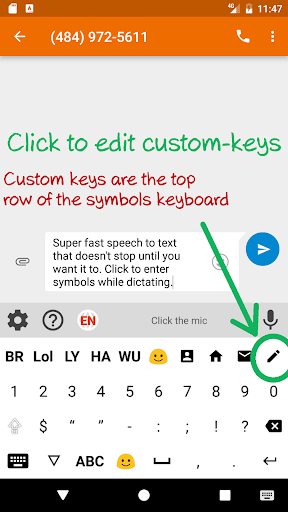
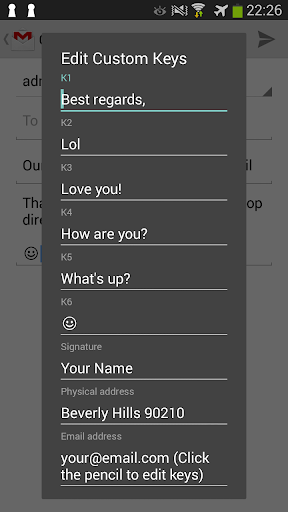
Custom keys:
Have your email address, signature, common phrases, names or professional terms pre-defined and insert them whenever you want in a single click - on their corresponding custom key.
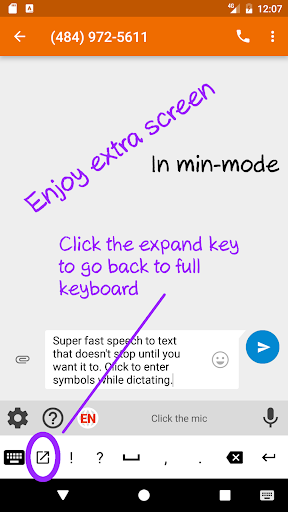
Mini-keyboard:
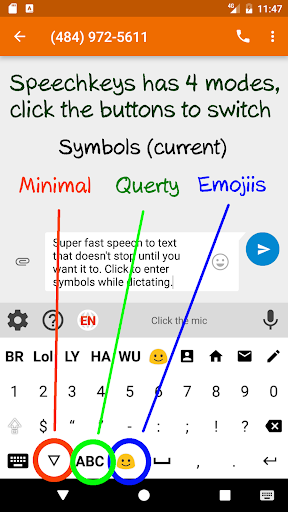
Minify the keyboard to a single-row so you can get more space on the screen. Focus on what's important - the keyboard is just the tool.
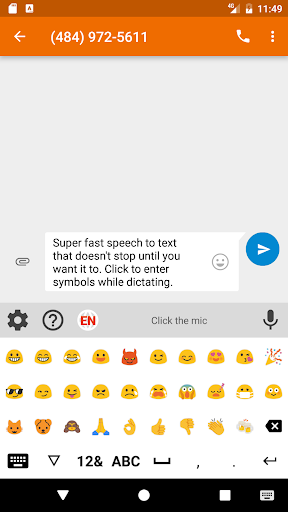
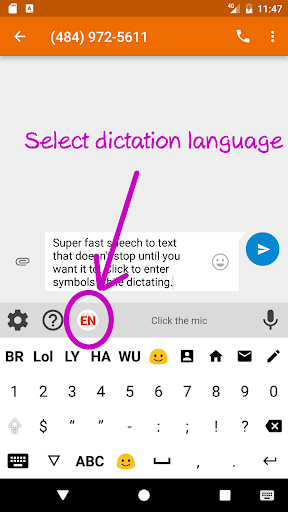
Emojis, offline support (with downloaded language packages), multilingual and more...
Like it? Please share & rate. Have a problem - please email us - and we'll quickly respond. Empower yourself with a great tool!
New: supports BLUETOOTH headsets. No need to even be close to the phone. Simply talk with the BT headset on and Speechkeys will take the notes.
Relies on Google's Speech Recognition Service.
Privacy:
We very much value and protect your privacy. We don't store any of your data: not speech, not transcripts, no typed keys. In fact, we don't even send it to our servers. Every internet communication for the speech recognition is directly between your device to Google's speech recognition servers. Other than Google (our speech-recognition provider) We will never send any data of you or from you to 3rd parties. We use Google's speech-recognizer - so Google's privacy policy may apply.
Enjoy!
Quite a few improvements... Check it out!








9Apps 4.9















