

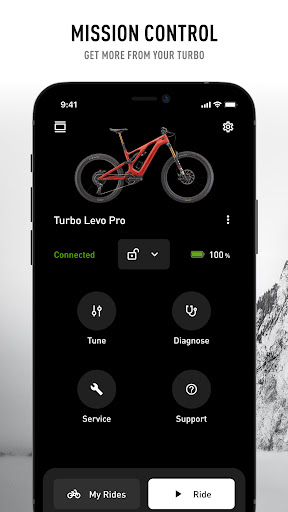
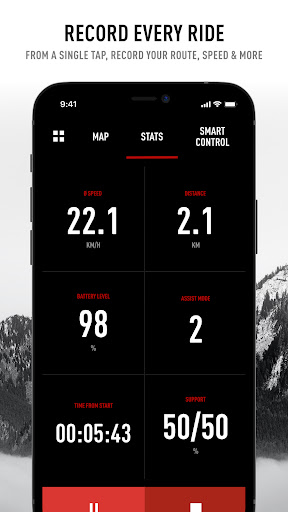
Customize, control, and diagnose your Specialized Turbo electric bike with Mission Control.
Use Mission Control to:
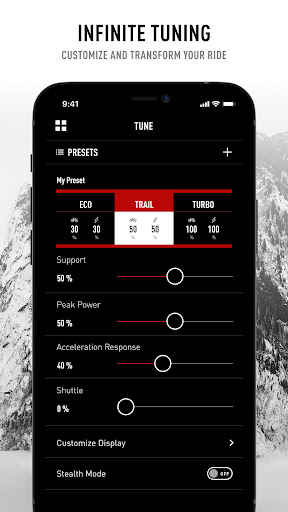
TUNE THE RIDE
Customize your motor characteristics with Support, Peak Power, and more tunable features.
DIAGNOSE
Get immediate feedback and overviews of motor, battery, and system health.
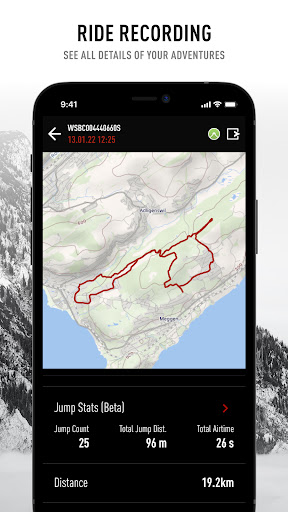
RECORD RIDES
Have a detailed overview of your fitness and ride history at your fingertips.
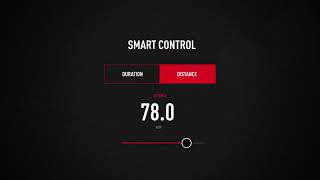
SMART CONTROL
Adjust the motor and battery output based on how far or how long you want to ride.
CONNECTIVITY
Integrate and automatically upload your rides to STRAVA’s dedicated e-bike segment.
Mission Control is compatible with
- all Turbo Levo
- all Turbo Kenevo
- all Turbo S, X
- Vado and Como if they are equipped with the Specialized TCD-w display *
* If you are using a Vado bike with a BLOKS display which is not compatible with the app, please contact in with your retailer for a solution
** To better your route accuracy and maintain a continuous connection with your turbo bike, please set location permissions be set to “Always allow”.
Specialized Turbo E-Bikes Get Better Over Time
Improved Radar Alerts
More options to customize the Alerts on bikes equipped with the Radar.
Race Gate Startup Sound
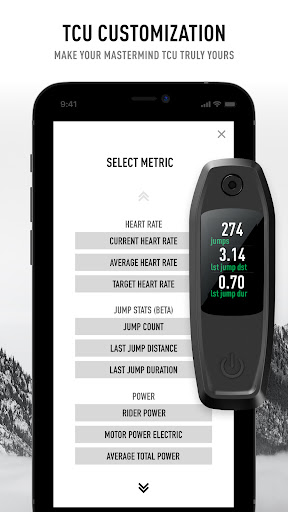
Option to select a Race Gate Startup Sound for mountain bikes with the Mastermind TCU.
Make sure to update to the latest firmware to benefit from the new features.





9Apps 4.9














