
Voice generation. Text to speech.
A serious tool that is known, however, for its frequent out of ordinary usage.
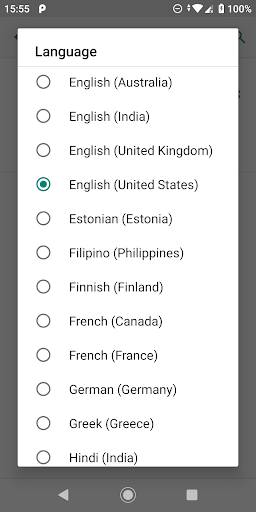
Experiment with different English accents and with a wide range of available foreign languages
Instantly load a foreign language engine, no restart required. Need an Internet connection though (only once for each new language).
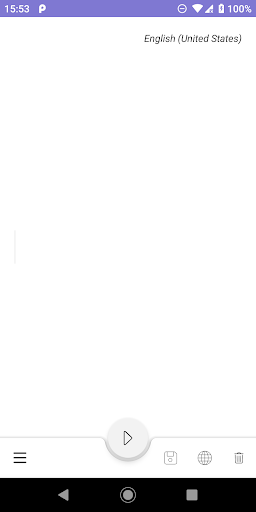
New Bottom App Bar design , hold and use the app with the same hand.
Clear text option (thanks David Garza for the idea!)
The following languages are supported: Bengali (Bangladesh), Bengali (India), Cantonese (Hong Kong), Chinese (China), Chinese (Taiwan), Czech, Danish, Dutch, English (Australia, India, UK, US), Estonian, Filipino, Finnish, French (Canada, France), German, Greek, Hindi, Hungarian, Indonesian, Italian, Japanese, Khmer (Cambodia), Korean, Nepali, Norwegian Bokmål, Polish, Portuguese, Russian, Sinhala, Slovak, Spanish (Spain, US), Swedish, Thai, Turkish, Ukrainian, Vietnamese.
SpeakIt is in the TOP 8 software for deaf people.
Change voice pitch to low, normal or high. Change voice speed.
Adjust sound volume with the device's media volume button.
STOP key - click on the back button to stop the playback
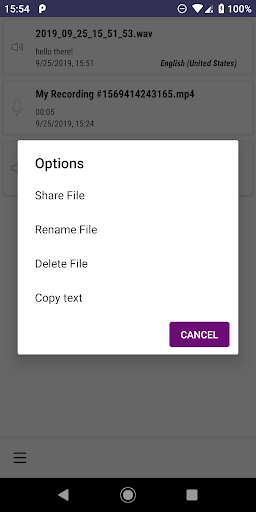
Save a sound file and share it over skype or email
For those with hearing impairment, an indicator shows when the device is actually speaking
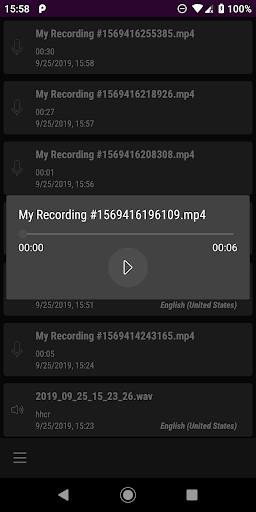
Save voice messages to a list.
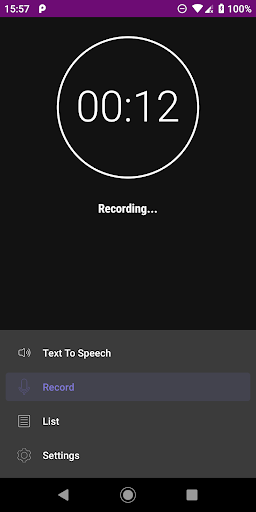
Record sounds/voice from microphone
The application must be installed on the internal device storage only since it contains a Home Screen widget and a Service. Cannot move to SD card.
Android 13 compatibility updates.





9Apps 4.9