Snipping Tool - Screenshot Touch icon

Snipping Tool - Screenshot Touch

1.18 for Android
3.9 | 100,000+ Installs | Reviews

Aloha Std

Description of Snipping Tool - Screenshot Touch

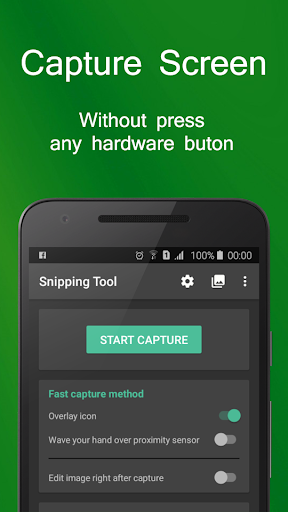
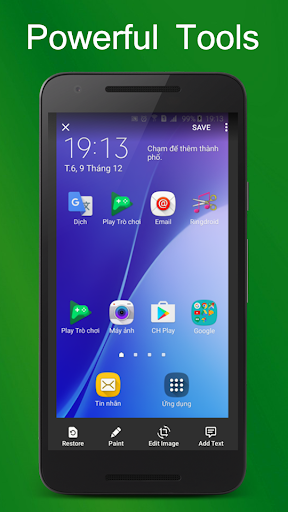
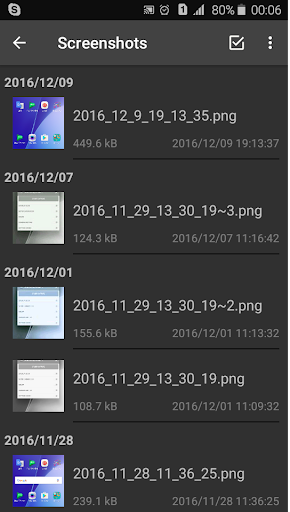
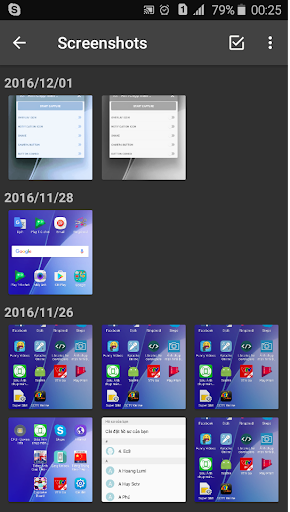
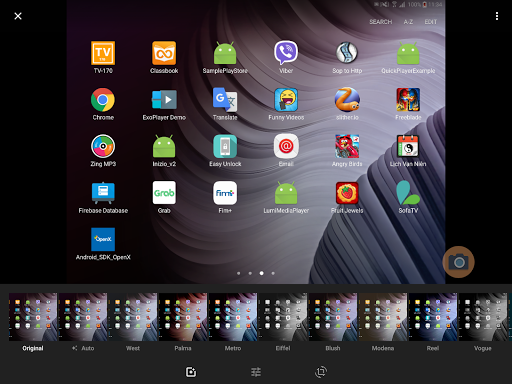
Snipping Tool is a free application that help you capture device's screen easily, conveniently. You can take a screenshot quickly without pressing any hardware button, just one touch for screenshot. You can also edit screen capture image after that with many powerful tools then share your file.
With Snipping Tool, you can:
- Capture screen easily by:
Touch the overlay icon.
Wave your hand over proximity sensor.
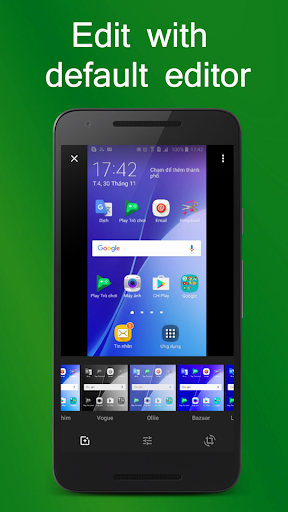
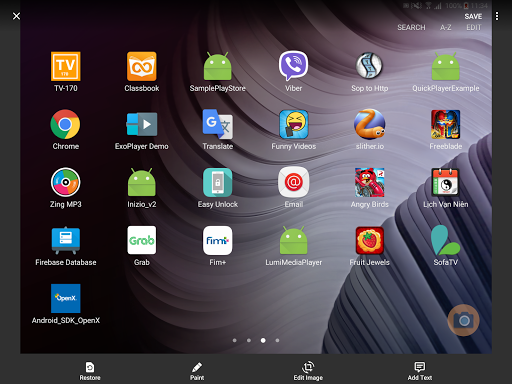
- Edit screenshot with many tools:
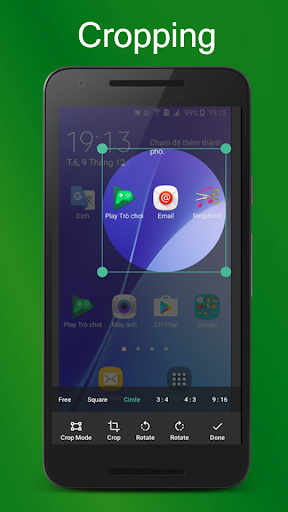
Rotate, crop image.
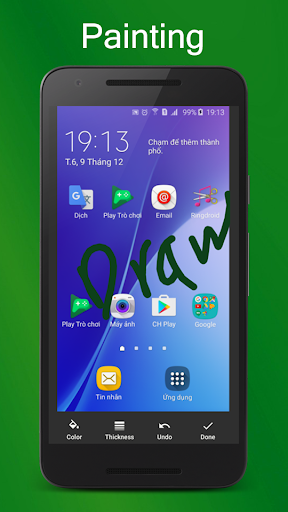
Draw on the captured image.
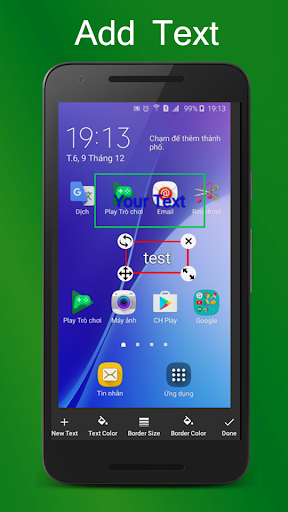
Add text to image.
And many other powerful tools.
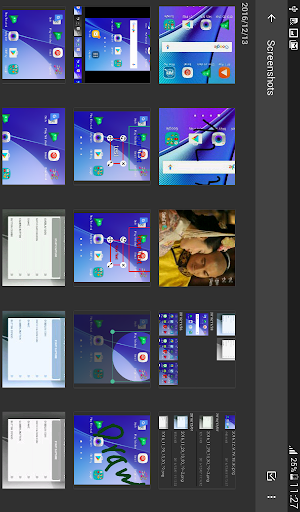
- Manage screen capture image (change name, zip, share and so on)
- Support save screen capture images as png, jpg, webp.
Let's try capturing screen by Snipping Tool - Screenshot Touch free for android, you will enjoy it ^^
Note:
- Application support Android 5.0 and up.
- Application requires WRITE_EXTERNAL_STORAGE Permission to save screen capture images to device storage.
- Application requires SYSTEM_ALERT_WINDOW Permission to draw the fast capture icon over other applications.
Thank you for using Snipping Tool - Screenshot Touch. Any questions please contact email: lta1292@gmail.com

What's New with Snipping Tool - Screenshot Touch 1.18

- Supported the newest Android version
- Fixed some bugs that users reported
- Optimized the application

Information

  • Category:
    Tools
  • Latest Version:
    1.18
  • Updated:
    2021-08-08
  • File size:
    4.6MB
  • Requirements:
    Android 5.0 or later
  • Developer:
    Aloha Std
  • ID:
    com.anhlt.sniptool
  • Available on:
Reviews
  • avatar
    I can't find a way to save the photos ob my device and they are just stuck on the apps gallery. 👎
    2020-10-04 10:18
  • avatar
    Good app ...i am using this app to take screen shoot. ..realy good...try at least one time...and u know the results
    2020-10-02 02:59
  • avatar
    Doesn't even deserve a single star. Don't install it. But have to give a star to rate. See, I had to basically do one thing, crop and use the cropping. The only thing for which this app is meant for...
    2020-10-01 09:07
  • avatar
    Nice app ! Using more than 4 months. Works great without any issue !
    2020-09-16 02:14
  • avatar
    This app never worked on the chrome book well because it would never screen shot the right thing unfortunate
    2020-06-22 10:53
  • avatar
    Sometimes when we tap on the it takes too many tap to save the screenshot
    2020-06-13 11:55