Smart Cover Lite (Screen Off) icon

Smart Cover Lite (Screen Off)

19.3.1.4 for Android
2.6 | 1,000,000+ Installs | Reviews

skyarmy

Description of Smart Cover Lite (Screen Off)

★ ★ ★ Flip Cover Explanation
★ ★ ★
1. View Cover and Flip Cover Users is highly recommended.
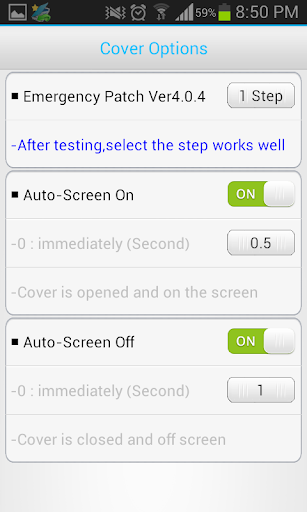
2. After testing about 10 times on each step, select
the step that work very well .
3. After upgrade ,the used step
may not be appropriate.
Then please select
other step.
4. Does not recognize the gap because it does not accurately reflected laser proximity sensor cover is made ​​of some.
So stick to that same sticker (white color) in a well-reflected in the position facing the proximity sensor.
★ ★ ★ Main Functions ★ ★ ★
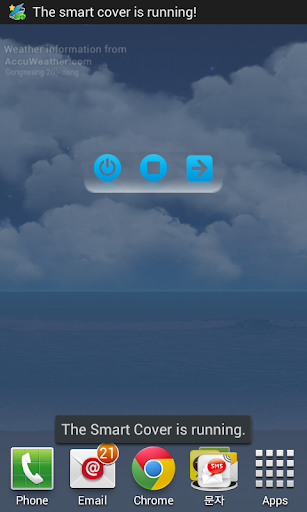
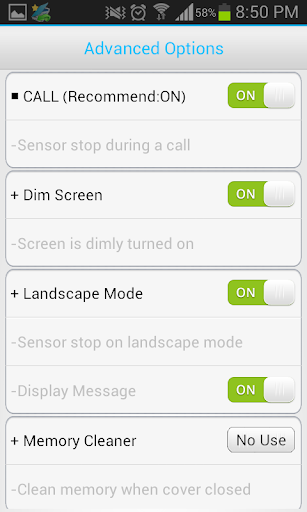
1. When you open or close the cover, the screen turns on and off automatically.
2. Landscape Mode
- When Landscape Mode( like camera, game) is running,Sensor pause
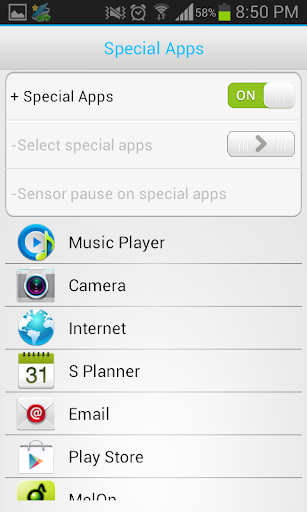
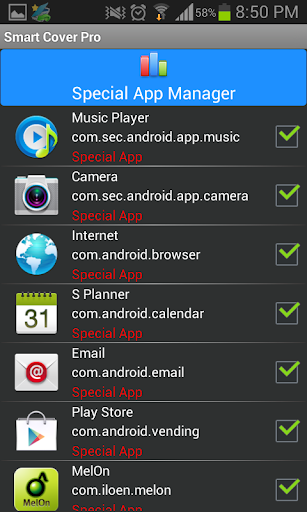
3. Special App
- When it is running, Sensor pause.
4.
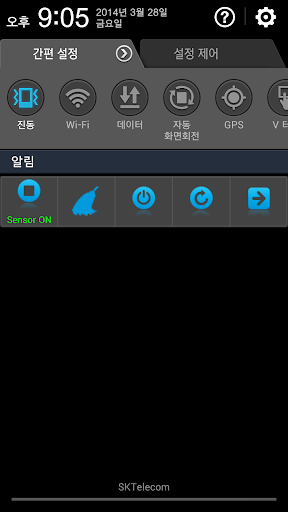
Show icon in Notification area.
- Screen off, Sensor On/off , Memory optimizer and Rotation control
5.
Service execute automatically when the phone restart.
6.
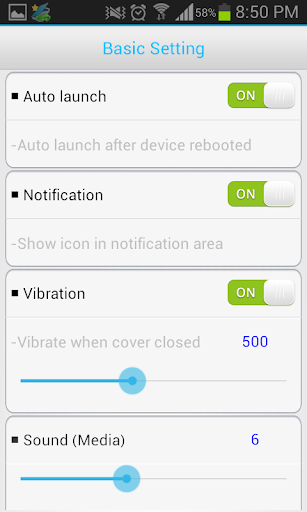
Vibration when the screen is closed.
7.
Sound when the screen is closed.
8. Sensor pause when plug headset
9. Power Saving
★ ★ ★ How to save battery ★ ★ ★
1. During sleep time, the sensor will be stopped.
2. When using Landscape mode
or Phone Call Option, the sensor will be stopped
3. When Special apps be not in use, it is effective to option to OFF.
4. When only necessary ,It is effective to use Vibration.
5. If battery is low, only use the default options.
★ ★ ★
Notices ★ ★ ★
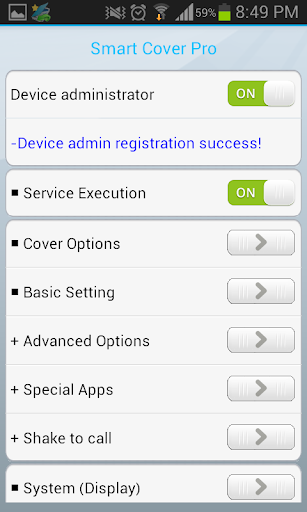
- To uninstall this app, Service-Execute button must be OFF.
- Or Setting ->Security -> Device administrators -> Unchecked the smart cover -> Try uninstall app

What's New with Smart Cover Lite (Screen Off) 19.3.1.4

Some features have been removed due to Google policy and mobile technology upgrade. Error corrected.Remove unnecessary permissions

Information

  • Category:
    Tools
  • Latest Version:
    19.3.1.4
  • Updated:
    2019-03-15
  • File size:
    3.7MB
  • Requirements:
    Android 2 or later
  • Developer:
    skyarmy
  • ID:
    com.skyarmy.sensornearcover
  • Available on:
Reviews
  • avatar
    I understand this is a beta app. I would like for you to know that the Google ads in your app are not staying in the app main page. They are taking over my phone. I will find them on my main screen when I log into my phone. Some of the personalized setting do not work or are delayed. I am happy that it works with my phone. I think with some continued work this will be a very good app.
    2020-07-31 11:21
  • avatar
    I didn't think it was possible, but this app looks like it was modeled after a Windows 95 program. It is easily the sketchiest app I've ever encountered. For all its admin permissions and the like which is scarily bizarre, the app and associated cover don't even work. How Google approved this monstrosity is beyond me.
    2020-07-12 12:51
  • avatar
    Doesn't support Smart Lock (or visa versa?). 1-2-3-4-5-6 steps to learn, not clearly explained. Tried it out several times by now. Definitely uninstalled till better update.
    2020-06-12 12:19
  • avatar
    I am struggling to work out the settings to get the cover to work as it should. The app keeps overriding the phones fingerprint unlock, forcing you use the pin to unlock the phone, this is really frustrating. There does not seem to be any instructions on how best to set the up app, it all seems too vague, a lot of guess work and trial and error (more error than success at the moment).
    2020-04-05 11:25
  • avatar
    Why enforce password as well as fingerprint? Can't change. What is emergency patch 1 step 2 step 3 step etc? Uninstalling. Also, why ads? This was supposed to be included with the cover I paid for.
    2020-02-15 05:06
  • avatar
    App did work, and locked and unlocked the screen automatically ok. But even when I unlock manually with my fingerprint, it now activated pin as well as fingerprint! I don't want to have to unlock twice every time.
    2020-02-12 08:29