
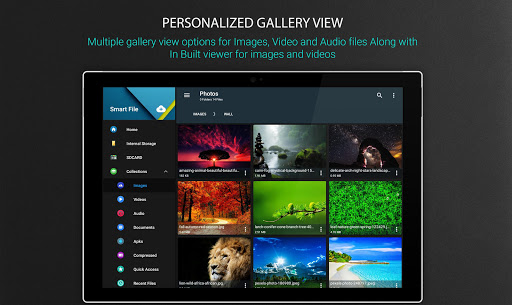
Smart File Manager (File Explorer) is the simplest, Powerful, Small, Free and perfect App to manage files like Images, movies, documents, Music, apps in your mobile.
Features List :
* File Manager - File explorer to access and manage storage, copy and paste files, delete files, backup files, transfer files, show hidden files, compress and decompress files and many such similar actions easily.
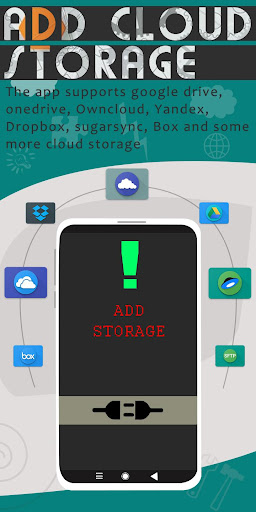
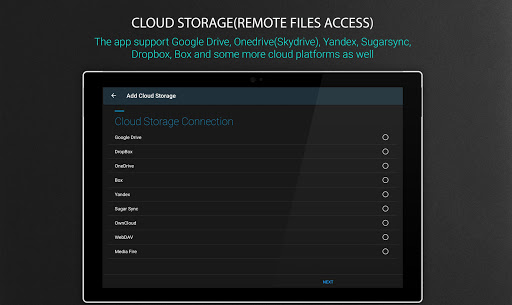
* Cloud Storage - file manager for Dropbox, box, google drive and multiple clouds.
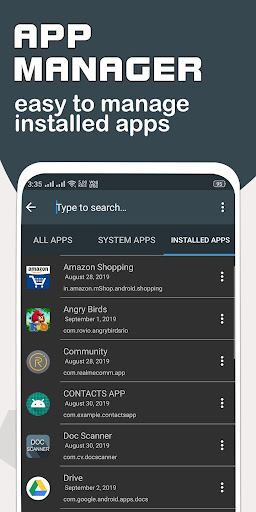
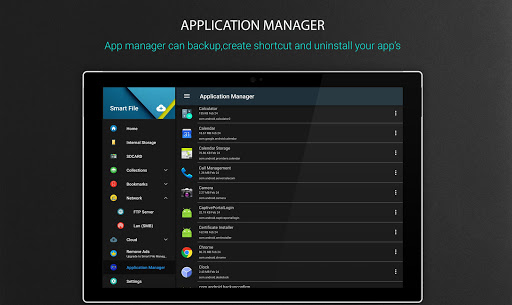
* Application Manager - easily backup, uninstall and create shortcut for your apps.
* Root explorer - powerful root explorer tool for root users, allows access to the entire file system and all data directories.
* Built-in various file types viewers and players : video player, image viewer, document reader inside app.
* App manager - create backup, open, create shortcut and uninstall your app’s.
* ZIP and RAR support : compressed and decompressed ZIP, RAR, JAR, TAR and APK files with password(encryption AES 256 bit).
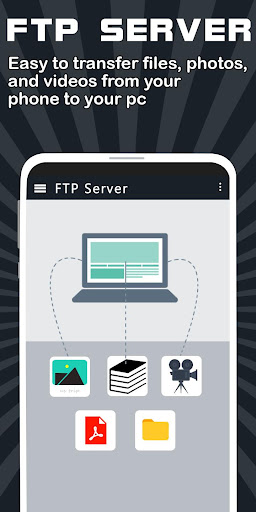
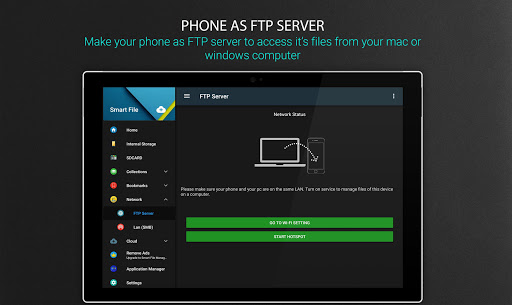
* FTP Server - using FTP manage your files of mobile from Your PC.
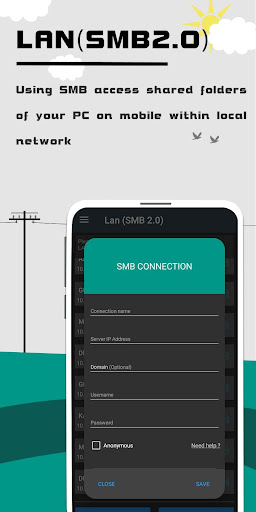
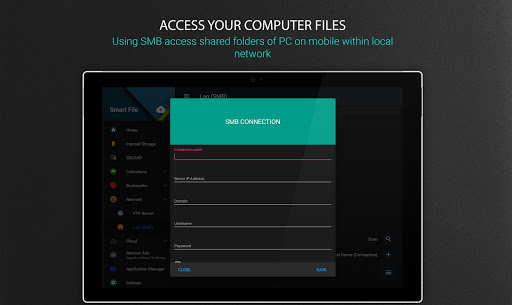
* SMB : access your home PC files on your mobile using samba.
* View media by category : browse and access your media files by category (like image,video,recent files,history..).
* Supports 30 languages.
App Manager & Storage Cleaner
* Manage system and user installed apps
* Backup apps to apk file
* Uninstall apps
* Share apps
Cloud Storage Manager
* Supports multiple cloud storage : Onedrive(skydrive), Google Drive, Dropbox, Box, OwnCloud, Yandex, Sugarsync, WebDAV, Mediafire and some more.
* FTP client and WebDAV client : access and manage WebDAV servers just like your local storage.
* Remote File Manager : easily manage your phone files from your computer.
* SMB (Windows) : access your home PC files using SMB.
Material Design File Manager
* Improved UI and UX for best performance
* The app support multiple light and dark themes
* Multi color options support
* Simple and Clean in design
FTP Server
* access and download files and folders from your phone to PC.
Features at a glance :
- cloud file manager pro - all in one cloud storage manager : support almost all popular cloud storage providers.
- file explorer - cloud manager & file manager.
- android file explorer - browse internal storage and external sd card storage easily.
- android file manager app - this application will manage your files efficiently.
- storage analyser app - free up mobile storage and functioning smart by analysing regularly.
- file manager for external memory - access files on USB flash drive or access files on microSD.
- filemanager - transfer content between internal storage, external storage, usb flash drive, and cloud storage easily.
- fileexplorer : this app helps you to browse and access your media files by category(like image,audio ,video...).
- FTP file manager - transfer and manage files or documents over ftp connection.
- file commander : easily handle all your files whether they are stored in your device's memory, microSD card, cloud storage, or local area network(using wifi).
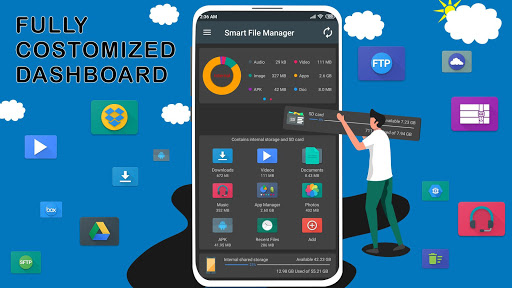
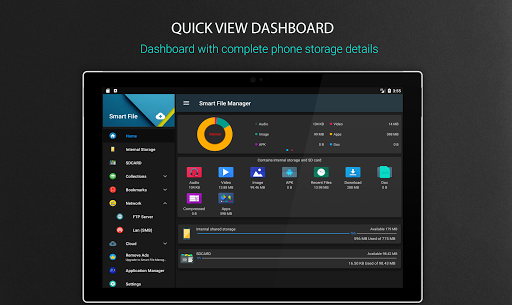
- SD Card Analyst : the app dashboard shows complete analyzed details of your phone storage.
- A file manager - this app is rated “best file manager” by users based upon multiple ratings and reviews.
Bug Fixes & Performance Improvements.
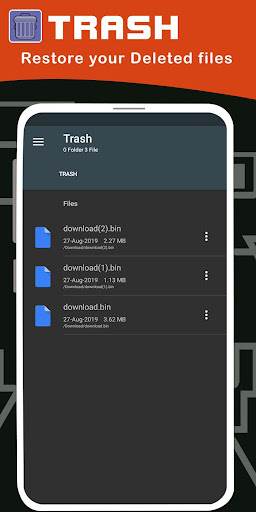
File sharing feature added.
Deep cleaner features added to remove unused files and free up storage.




9Apps 4.9













