
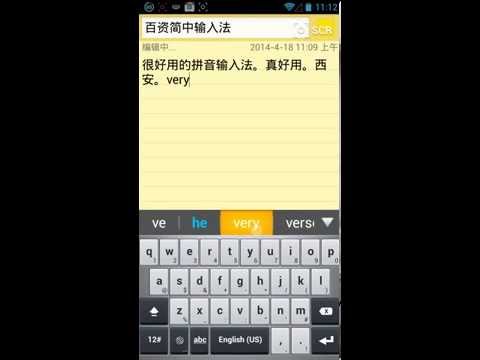
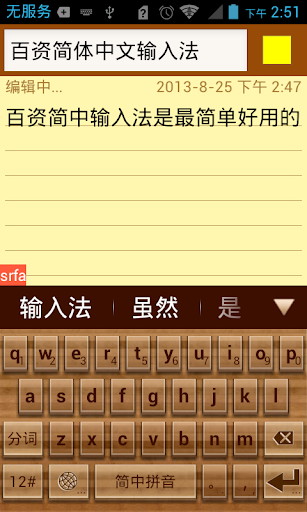
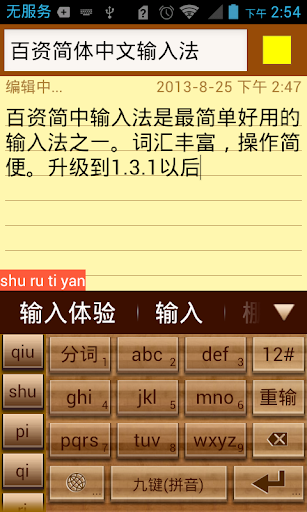
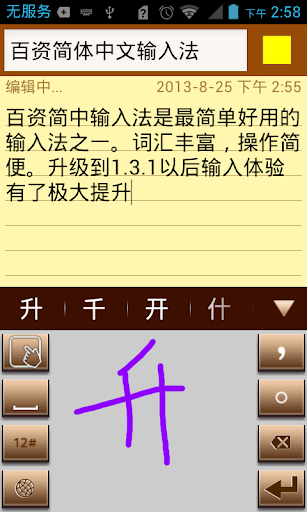
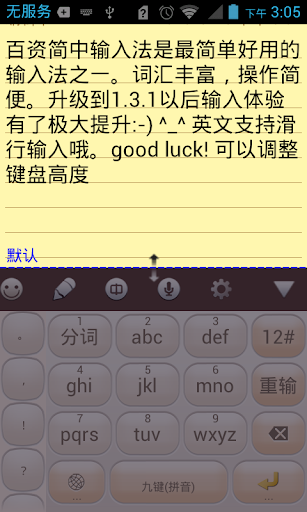
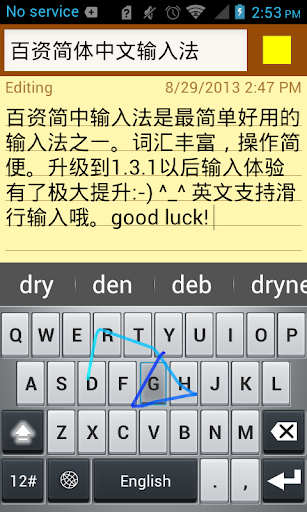
Linpus Keyboard is one of the most practical input method. It supports English, Chinese PinYin (Full layout and nine-grid simple layout) and handwriting input method.
The main feature of Linpus keyboard (IME) are:
* Simplified Chinese vocabulary error-correction feature;
* Simplified Chinese vocabulary fuzzy-input-method;
* Simplified Chinese vocabulary prediction;
* Simplified Chinese vocabulary memory feature;
* Simplified Chinese sentence input feature;
* Chinese and English mixed input support;
* English prediction and next word prediction;
* Local address book contact feature;
* Voice input method;
* Handwriting input method, support full screen;
* Keyboard layout candidate view fling animation support;
* Keyboard layout candidate view gesture support;
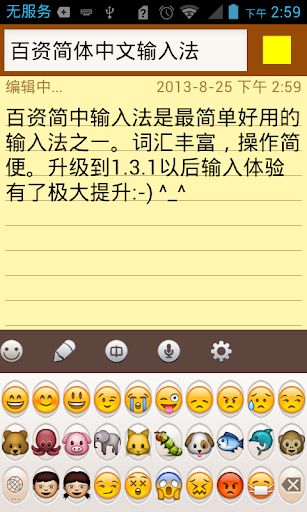
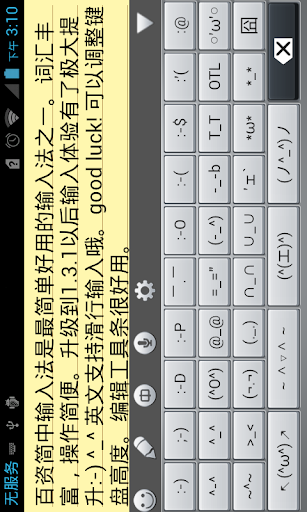
* Emoji and Emotion support.
Note: To be used on your Android device(Smart Phone or Tablet), LinpusIME must be enabled in "Settings"->"Language & keyboard settings".
Search key words:
IME LinpusIME PinYin Linpus voice input method useful practical contact touch key keyboard handwriting
v1.2.9 Update List:
1. Adjust the 9-Grid layout, make it more beautiful;
2. Add layout button size setting;
3. Add pink theme and delete Chinese new year theme;
4. Fix rotation in handwriting layout will crash issue.
v1.2.2 Update List:
1. Add auto correction mechanism;
2. Add handwriting half and full screen switch;
3. In the tablet split keyboard add 9-Grid digits;
4. Add wood theme and China new year theme.
v1.2.1 Update List:
1. Add English next word prediction;
2. Add emotion button on candidate view bar;
3. Change symbol layout and switching SPEC.
v1.2.0 Update List:
1. Add handwriting setting: user can select the trace color;
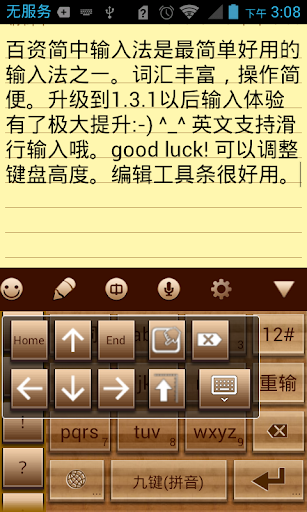
2. Add direction pad in candidate view to easier edit text;
3. Modify punctuation: easier to use;
4. Add some new words;
5. Fix XML parse error issue.


![[Slow Chinese Podcast] A remedy 💊 for unhappiness? 🤔 // Upper intermediate, HSK 3-5, soft-spoken screenshot 2](https://i.ytimg.com/vi/mH3-F9Fl15Y/mqdefault.jpg)









9Apps 4.9













