
Simple Sticky Note Widget icon

Simple Sticky Note Widget

21 for Android
3.6 | 1,000,000+ Installs | Reviews

michael lin

Description of Simple Sticky Note Widget

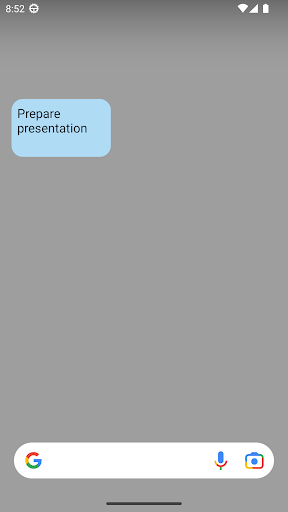
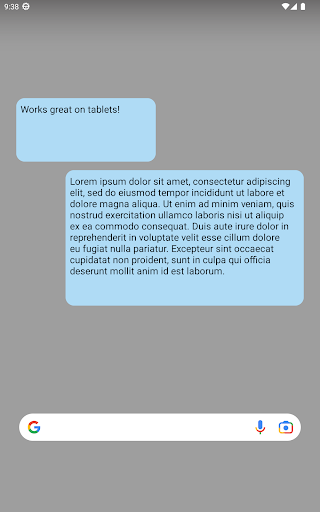
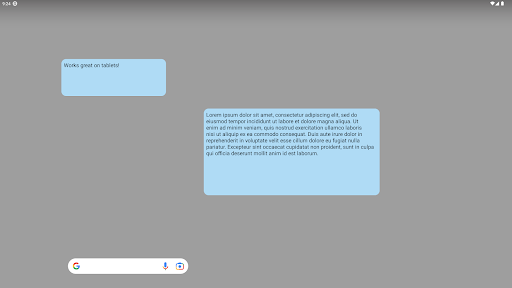
A lightweight, no-nonsense sticky notes widget. No permissions required!
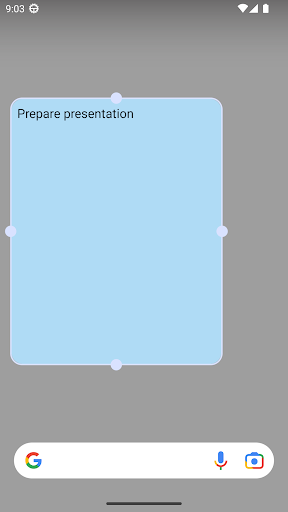
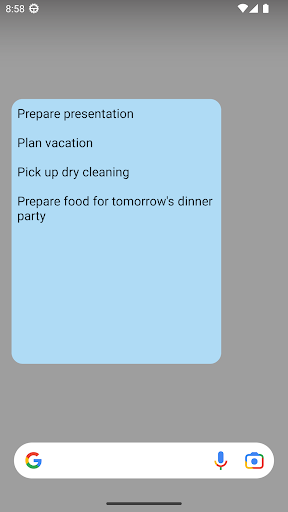
Resizable, scrollable, and enabled for both your home screen and (on devices running Jelly Bean and KitKat) lock screen.
There is a hidden sticky note history feature that allows users to view their sticky note edits from the past 24 hours (in case of accidental deletion, etc). To access the feature:
1) Add a sticky note widget to your home screen.
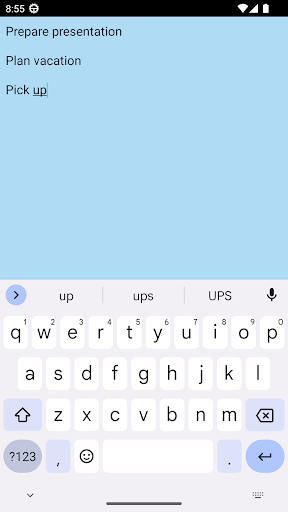
2) Open the sticky note widget editor by tapping on the widget.
3) Double-tap the editor screen 5 times in quick succession.
4) Swipe left and right on the history screen to see the available notes
*You may need to restart your device before the widget shows up in your widget list.
*Due to Android limitations this app may not be visible when installed on the SD card.
Check out Simple Sticky Note Widget Plus if you'd like the ability to change background colors, font sizes, and share note text to other apps!

What's New with Simple Sticky Note Widget 21

Add a call-to-action button

Information

  • Category:
    Productivity
  • Latest Version:
    21
  • Updated:
    2023-12-11
  • File size:
    1.1MB
  • Requirements:
    Android 4.0 or later
  • Developer:
    michael lin
  • ID:
    com.clarendon128.android.widget.stickynote
  • Available on:
Reviews
  • avatar
    Does what I want a sticky note to do. Only one problem though - when I pick up my phone the next day the sticky note isn't responsive and I have to restart my phone to use it again. Would like that fixed if possible.
    2020-10-16 12:50
  • avatar
    Says what it does and does what it says. There's a whole laundry list of things I could add for extra features, but then it wouldn't be what it is, would it? Ok I remember now, COLORS! I wish you could color code the notes. That's like using labels for me. If everything is yellow, then nothing stands out. Kinda lame if you're trying to remind yourself of something important. The sea of yellow just stops grabbing my attention...
    2020-10-14 06:42
  • avatar
    App will not open up! Brand new samsung s20 fe, after the install, it just shows a Uninstall button, no open and no icon anywhere.
    2020-10-10 02:08
  • avatar
    Added my first sticky note to my home screen a few days ago, entered text for the first time yesterday, today the text has disappeared. - LG V60 Android 10
    2020-10-08 07:14
  • avatar
    There is no way to change font size. It apparently has no settings nor does it have any "ReadMe" file to go with it. Try as I may, I couldnt make it work. There is another widget that goes by the same name, that I have used for years, and it works flawlessly. It isnt listed!
    2020-10-06 10:41
  • avatar
    Best one out there. Very simple, just sits there and holds notes, no bullsh*t. My only request is that if you go into the open app list and jump into another app to copy something or whatever, it doesn't fully disappear and you can't jump back to it.
    2020-09-28 05:03