Simple Markdown icon

Simple Markdown

0.5.0 for Android
4.3 | 10,000+ Installs | Reviews

William Brawner

Description of Simple Markdown

As we all know, 30,000+ users downloaded Simple Markdown latest version on 9Apps for free every week! Although you probably won't notice it at first. This hot app was released on 2018-10-25. If you still need more information collecting extra factors, read below.
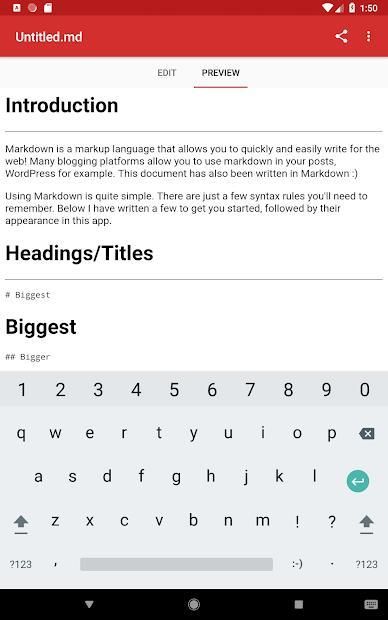
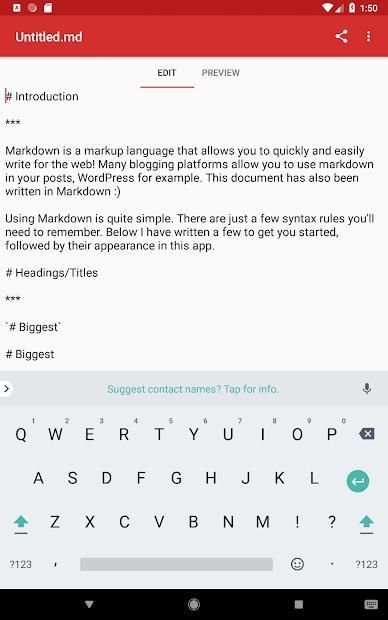
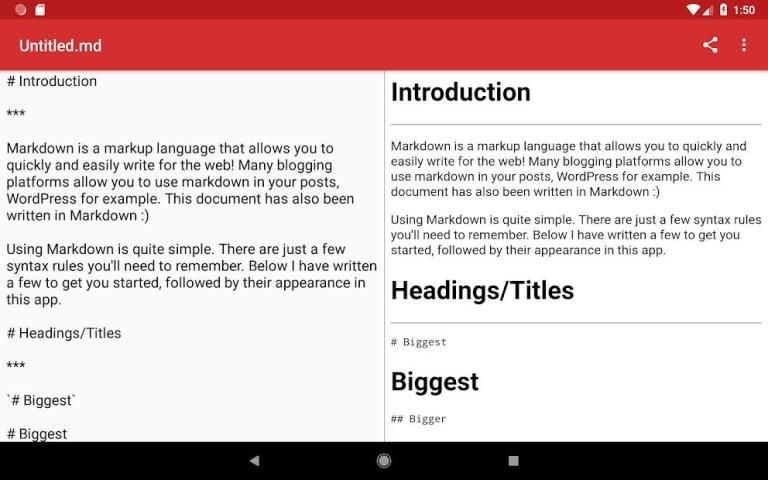
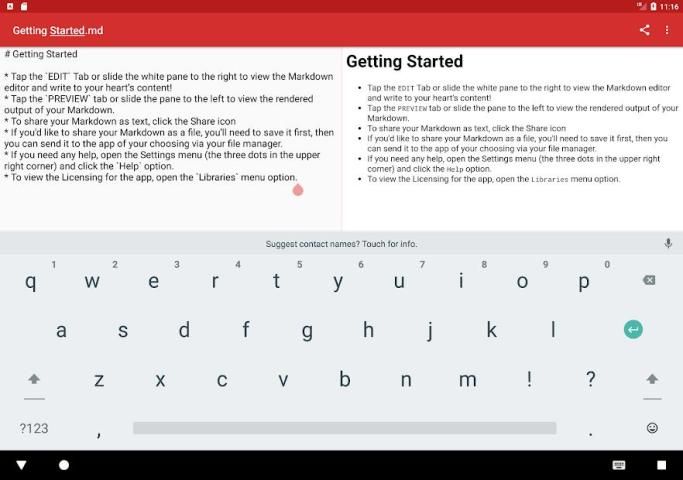
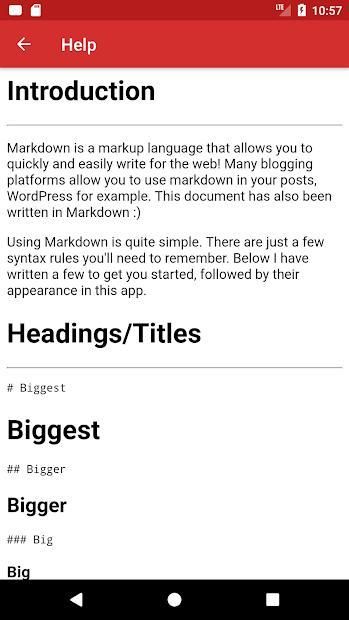
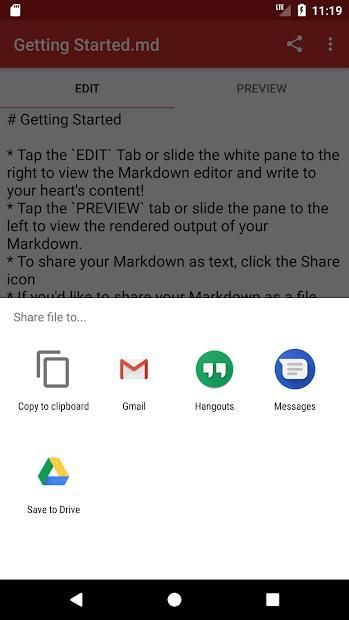
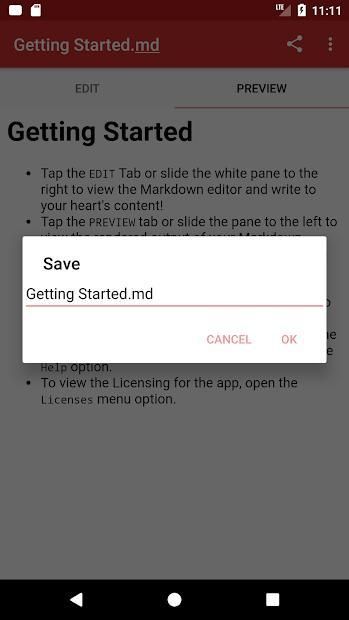
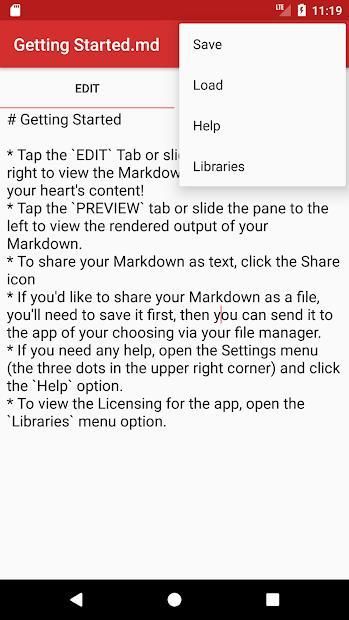
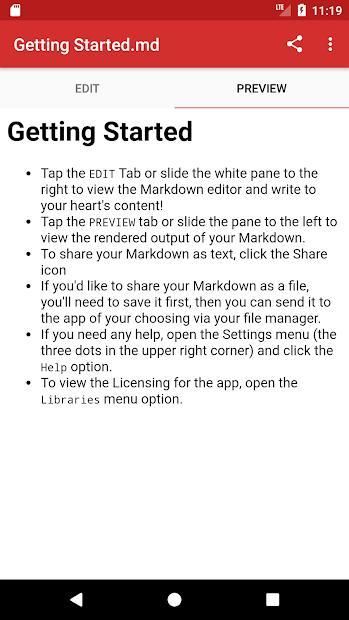
Simple Markdown is an open source markdown editor that (surprise) allows you to quickly and easily edit markdown files, and then share them as you please.
If you find any bugs, you can submit them here:
https://github.com/wbrawner/SimpleMarkdown/issues
If you'd like to contribute to the code, you can find it here:
https://github.com/wbrawner/SimpleMarkdown
Also feel free to contact me directly if you have any questions or concerns :)

What's New with Simple Markdown 0.5.0

Several bug fixes and a new privacy policy! This build enables automated error reports by default. You can take a look at what those contain in the privacy policy, and disable them if you're uncomfortable with them from the settings.


Information

  • Category:
    Productivity
  • Latest Version:
    0.5.0
  • Updated:
    2020-10-14
  • File size:
    1.8MB
  • Requirements:
    Android 4.4 or later
  • Developer:
    William Brawner
  • ID:
    com.wbrawner.simplemarkdown
  • Available on:
Reviews
  • avatar
    Perfect for my use case. A small note: add a loading indicator when navigating/loading google drive folders. It makes sure the user knows you're querying data. Otherwise, solid stuff.
    2020-10-10 08:15
  • avatar
    This has a two pane editor that is simple and gets the job done. I need to see real time (for now) what the markup does when I type it. When I minimise it, the window shrinks down to a phone screen size and only shows the text feild. This is great if I am looking at a webpage and want to type some notes. I lost a file I spent hours working on because there is no close file command and autosave saved my new file text on the old file. My fault but software should idiot proof this. Unistalling
    2020-10-09 02:21
  • avatar
    Simple and neat experience. However it doesn't support checkboxes. Any plan to implement it?
    2020-08-19 01:59
  • avatar
    Clean UI and Markdown preview looks good. Dropbox support would be great.. 🙂 .. and one thing I noticed, that could be fixed: if I edit my document for example in Google Drive and open the app again, the old content is displayed. A check to see if the document on the server is newer would be great.. otherwise you can easily overwrite your changes.. and I do not like so much, that the document that is currently opened in the app is filtered from the list of available document on Google Drive when I click Open..
    2020-08-09 12:43
  • avatar
    This app is awesome, it's exactly what I need, but cannot open/save to my Dropbox, so it's useless for me personally.
    2020-08-03 05:30
  • avatar
    Perfect for what it needs to do. It deserves a trading of 5
    2020-07-04 07:36