

Setting App,Tool Control
Gives you everything you need most of a phone.
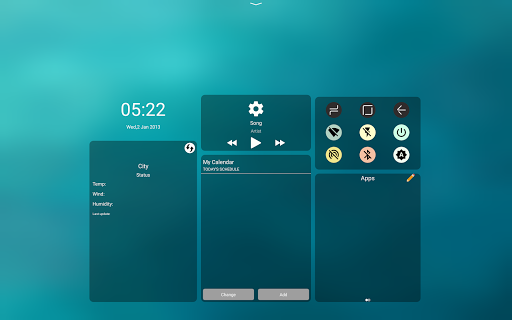
One floating button on screen will control all feature of your phone.
*
Usage:
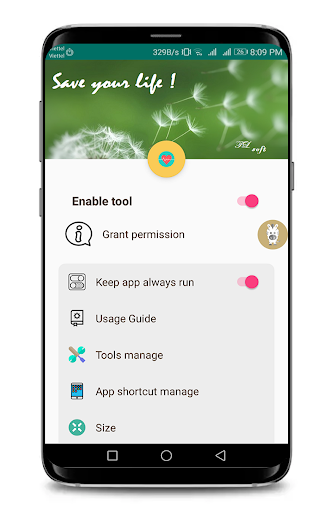
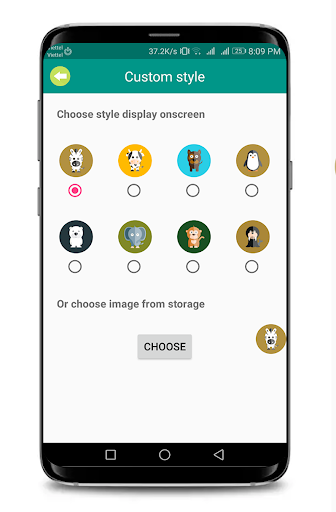
1. Enable tool. you have floating button with other size and style. You can custom it on setting.
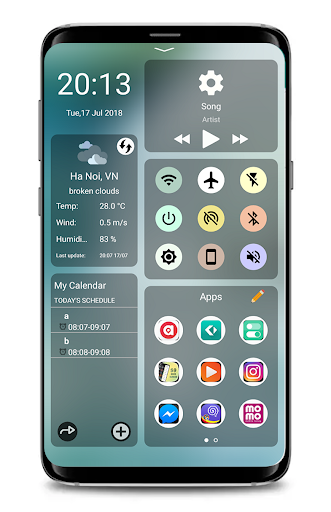
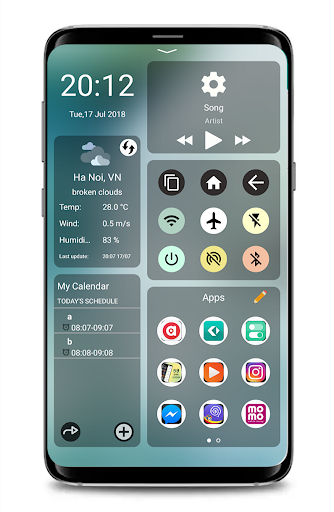
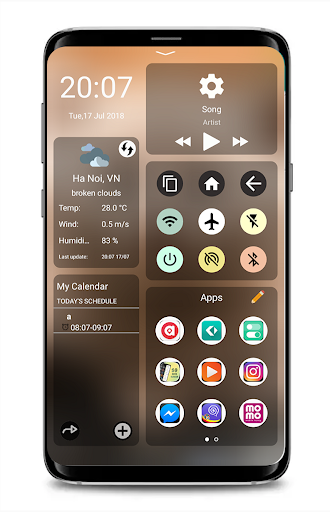
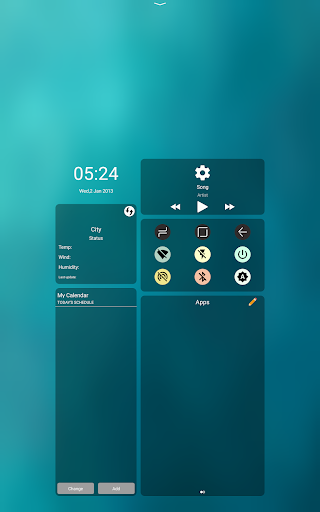
2. Click on floating button -> Open window with all you need -> time, event, weather, music, tools, favorite app, recent app...
3. Swipe from top to bottom to close the window easily.
4.
Because benefit of you.Tool ask some permission on fist time use. please grant it.
*
Floating Button
App,Tool Control has the following functions.
- Update weather information at the user's location
- Manage individual events and plans that take place during the day
- Fast music player management shortcut.
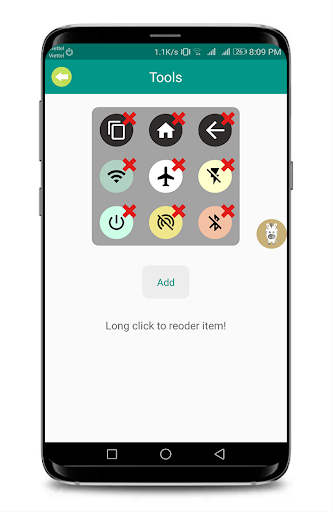
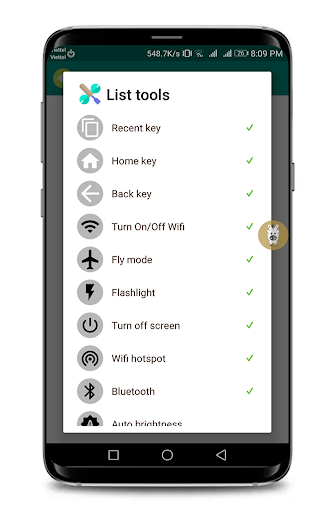
- Phone speed control tools keys (turn on, wifi off, flash, bluetooth, wifi hostpot, turn off screen, rotate screen, ringing tone....)
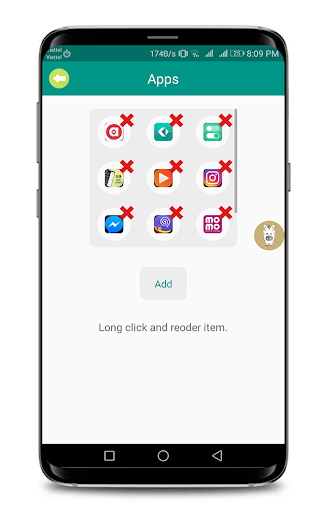
- Manage your favorite apps and tool
- Show recently used applications
- Users can easily edit the size and style of the tool.
- So home screen can not need any thing except Toolbar. Very beautiful and convenient. Suitable for people who like to use little icon outside the screen.
* Swipe Setting App,Tool Control ask permission to active tools.
Permision:
Camera, Fine Location, Write setting system, Notification, Accessibility, Read storage, Write storage, Calendar, Admin device....
All permission help tool can use with all function. You will save many time when use this tool.
This app uses the Device Administrator permission
*BIND_DEVICE_ADMIN :
We need this permisson to enable Tool "Turn On/ Off your screen".
So please accept this permission to use this tool.
* SYSTEM_ALERT_WINDOW : it's for floating bar is over the top with other app, so you can access it during using other app
* ACCESS_WIFI_STATE && CHANGE_WIFI_STATE : you can turn on/off wifi in floating bar by click to wifi icon, no need go to settings
* WRITE_SETTINGS : it's for change rotation function
* FLASHLIGHT : it's for function flashlight applied with android M above
* RECEIVE_BOOT_COMPLETED : if befor you restart your phone, turn on my application, after restart it will automatically turn on
* BLUETOOTH & BLUETOOTH_ADMIN: to turn on /off bluetooth
*
If you have any question or problem. please feel free and contact to me by email: trongluan.bkhn@gmail.com
Hope you have free time when use my app. Thank you!
First release. Add new feature










9Apps 4.9















