


Updated! Easy to use with Clipboard now!
*
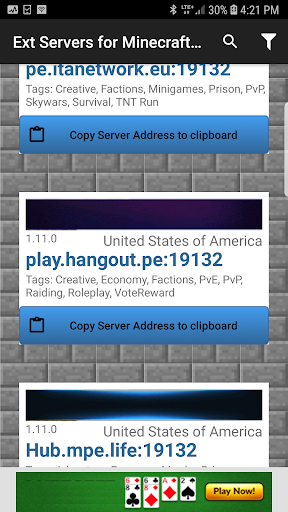
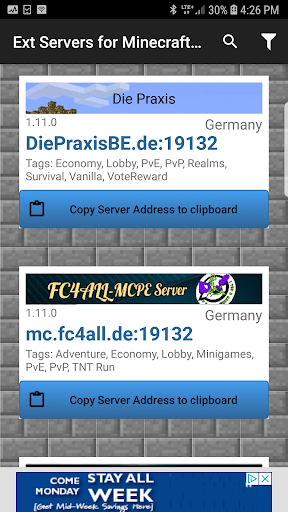
Just find the server you like and click to copy to Clipboard.
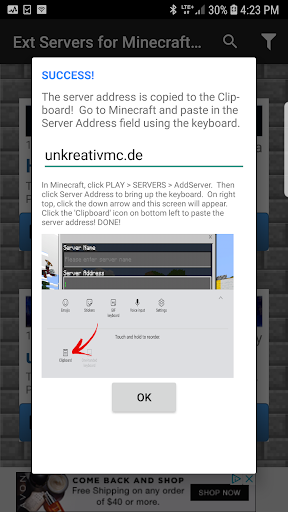
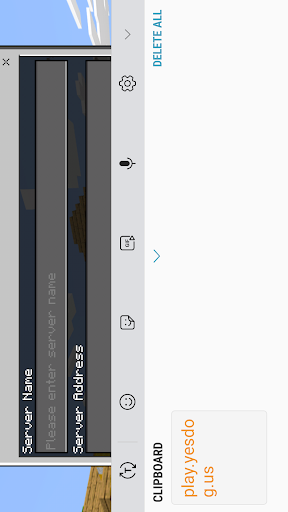
* Then go to Minecraft Pocket and paste ipaddress to Server Address.
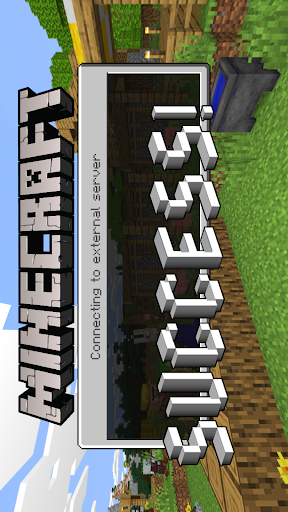
* and connect! Add server name same way if you like.
External Servers For Minecraft PE provides a list of servers for Minecraft Pocket Edition.
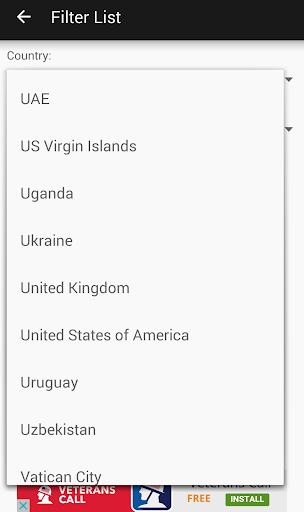
You can select the server by country and/or by game version. This app provide servers from almost every country in the world, making it convenient for you to select a server close to you with the game features desired.
STEPS!
The app shows you how to do it - you see the Server information then tap button to copy Server Address to your phone Clipboard, go to MCPE and paste to Servers form.
The Server Address will connect and you can begin playing!
The app is small in download size, loads quickly and accurately straight to server list, and requires only a few seconds to learn and use.
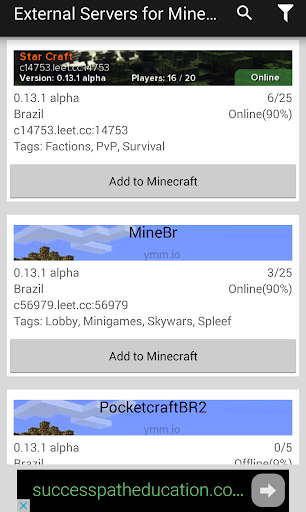
Server list shows server name and network info, players and uptime.
Search by typing in potential server names.
Press the funnel button in top right corner to filter by country and by version.
Notes
This is an unofficial application for Minecraft Pocket Edition. This application is not affiliated in any way with Mojang AB. The Minecraft Name, the Minecraft Brand and the Minecraft Assets are all property of Mojang AB or their respectful owner. All rights reserved. In accordance with http://account.mojang.com/documents/brand_guidelines.
Servers for MCPE Versions
1.11.1
1.11.0
1.10.0
1.9.0
1.8.0
1.7.0
1.6.2
1.6.1
1.6.0
... many more and yes 1.0 and 1.1
fabd20ebfa



9Apps 4.9














