

Sentio File Explorer
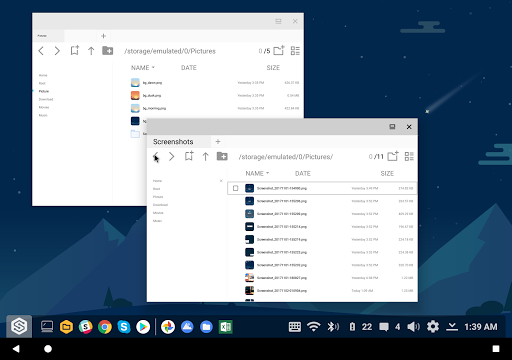
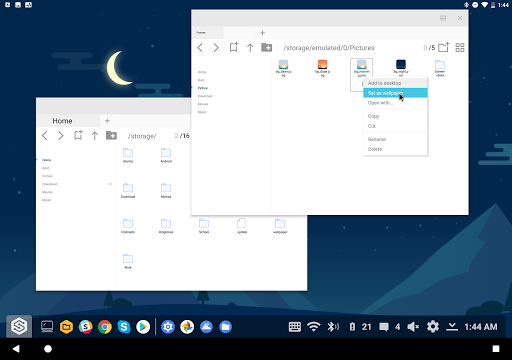
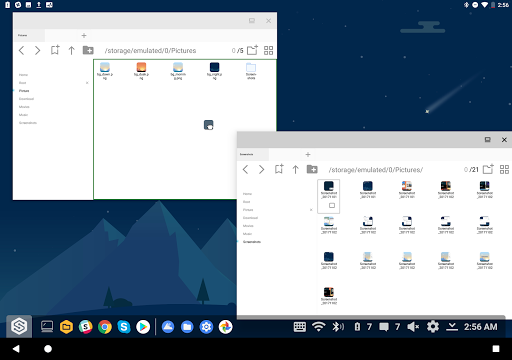
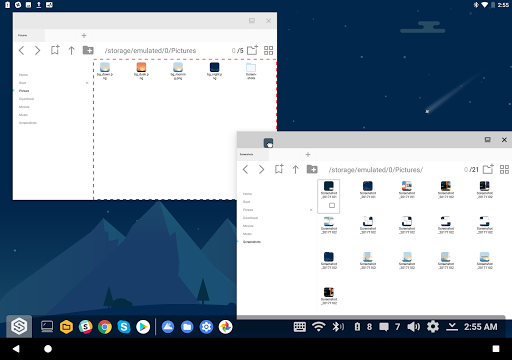
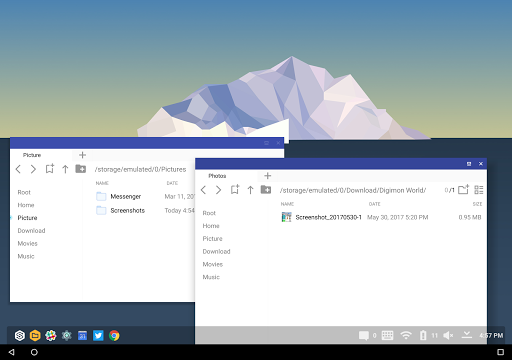
Sentio File Explorer is a file manager for android, unlike any other. It is the first file manager that is designed for tablets and large screen experience. We have redesigned the file manager from scratch to be what you would expect for a premium desktop app you see on a desktop interface. As such, we have both traditional file manager features as well as desktop features.
Features Include:
• Copy
• Cut
• Paste
• Delete
• Rename
• Open Files
• New Folder
• Favorite Directories
• Search
• Tabs
• External Storage
• Folder Structure Navigation
Desktop Features:
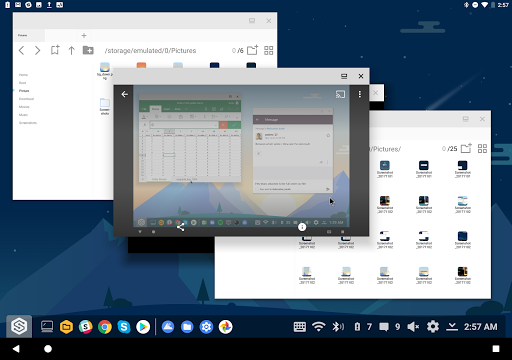
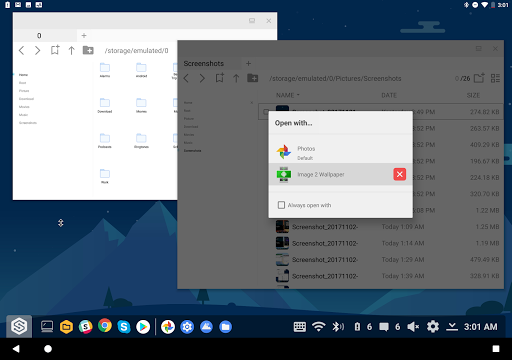
• Multi Window
• Drag and Drop files
• Mouse Hover
• Desktop UI/UX
• Resizable
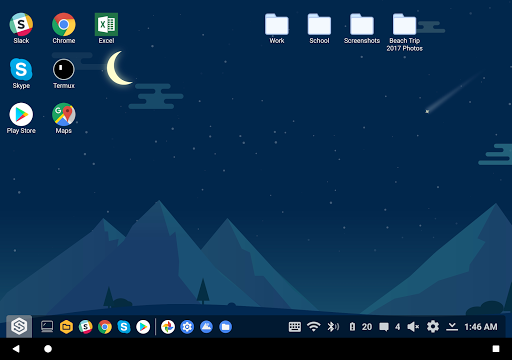
To get the full experience with Sentio File Explorer, we highly recommend downloading our Sentio Desktop N app. Sentio Desktop brings you all the desktop features you know and love coupled with mobile twists that turns your android device into a computer!
Download today:
Sentio Desktop
For tutorials and guides, visit
Superbook Medium Blog
For more information, visit
www.sentio.com
For the android O setup guide, visit
Sentio Oreo Guide
If you want to change your screen resolution, visit
Sentio DPI Change Guide
Join our
Slack group
to become part of the great Sentio Community
p.s All the screenshots were taken with Sentio File Explorer Sentio Desktop N
- Fixed infinite wallpaper loop crash
- Improve search speed
- Improve preview
- Load special character folders
- Fixed formatting
- Improved app chooser
- Improved stablity
- Fixed bugs










9Apps 4.9














