Sena Camera icon

Sena Camera

v1.8.6 for Android
3.0 | 10,000+ Installs | Reviews

Sena Technologies, Inc.

Description of Sena Camera

SENA CAMERA APP FOR SENA CAMERA DEVICES
SEE AND SHARE YOUR RIDE INSTANTLY WITH THE CONVENIENCE OF THE SENA CAMERA APP
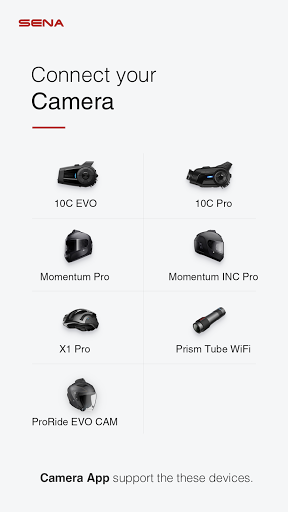
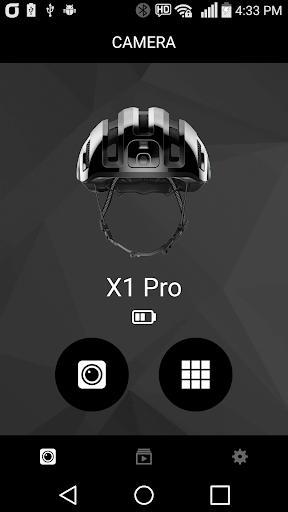
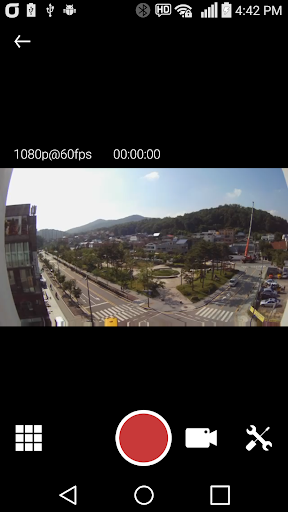
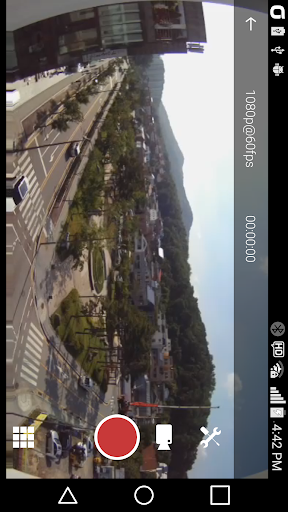
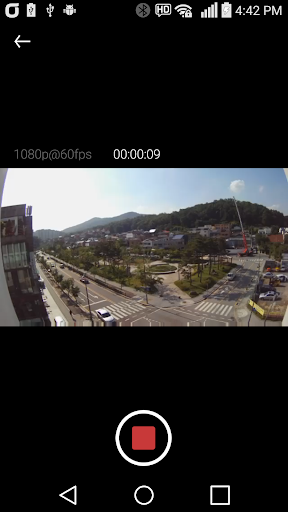
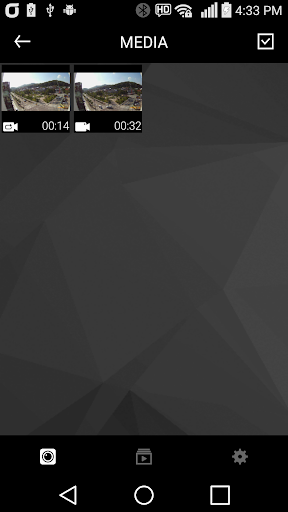
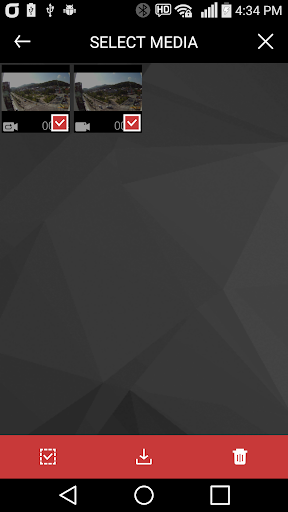
Take control of your Sena camera device straight from the palm of your hand with the convenient Sena Camera App. While connected to WiFi, riders will have the ability to preview the footage being shot on their Sena camera device. No longer will riders have to guess the position of their camera, simply check the viewpoint on your smartphone with the Sena Camera App. In addition to conveniently previewing the video from your Sena camera device, riders may also instantly download the content to their smartphone. Sharing your adventures with friends has never been easier, the Sena Camera App offers a new level of connectivity.
GETTING THE PERFECT SHOT HAS NEVER BEEN THIS EASY
MAKE ADJUSTMENTS ON THE FLY WITH ACCESS TO YOUR CAMERA’S SETTINGS
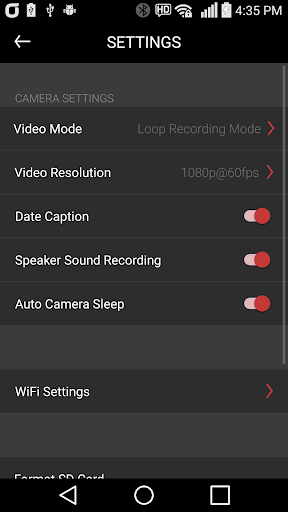
The Sena Camera App allows riders to adjust many of their camera’s settings instantly, within the app. The settings that are accessible within the Camera App include changing the video mode, between video and loop recording mode, changing the video resolution settings (1080p/30fps, 1080p/60fps, 1440p/30fps), and changing the level of the speaker sound recording. Riders may also easily adjust the WiFi settings, format their SD card, put the camera in sleep mode, or adjust the date caption all within the App.

Information

  • Category:
    Tools
  • Latest Version:
    v1.8.6
  • Updated:
    2021-12-16
  • File size:
    21.1MB
  • Requirements:
    Android 4.1 or later
  • Developer:
    Sena Technologies, Inc.
  • ID:
    com.sena.senacamera
  • Available on:
Reviews
  • avatar
    Fuxking garbage, will not connect to wifi, gives you a password to use sena0000 but states wrong password enter.
    2020-10-12 04:54
  • avatar
    I would give ZERO stars if I can. Horrible interface! Ridiculous amount of loss of connectivity occurences!
    2020-10-02 10:09
  • avatar
    UPDATE!! If you see this review before using the 10c Evo camera app, beware. * Do Not follow the directions in the camera app! Do Not open the camera app and be sure it's not running in the background. Follow these steps - 1) power on the 10c Evo 2) activate the camera 3) open the WiFi settings on your phone and select the 10c Evo wifi, wait for it to complete connection 4) then and only then, open the sena camera app. It should work this way. *Thanks to a previous reviewer.
    2020-09-13 12:52
  • avatar
    10c evo isn't connecting to phone via wifi and therefore I can't adjust any settings for my camera. The SENA apps leave a lot to be desired. While the camera and audio quality are great the actual ease of use isn't great. If only the app actually worked would be a great start. I'm obviously not the only one having this issue. Tell us more questions (optional) below review dont give you an option to answer YES. Q. Do you spend more time in this app than expected? I answer is YES but no option.
    2020-08-28 12:30
  • avatar
    The app sends you to wifi settings and lets you connect to the camera just long enough for the app to recognize the connection then tells you to go back to the wifi settings and connect to the camera. Turning off and on the camera buys you an extra 10 seconds.
    2020-08-11 03:31
  • avatar
    Totally useless application. It worked fine for my prism tube wifi but now I cannot change the resolution. Maybe it changes the settings but doesn't update the ui. In other words, the user has no idea which mode has set. You have to disable mobile data to get IP from the camera. This might be restriction from android but at least they have to inform you about that. I have no idea how they messed up but I don't think I'll buy sena products again...
    2020-07-31 09:07