
Sculpt  icon

Sculpt

2023.11.1 for Android
3.5 | 1,000,000+ Installs | Reviews

Endvoid

Description of Sculpt

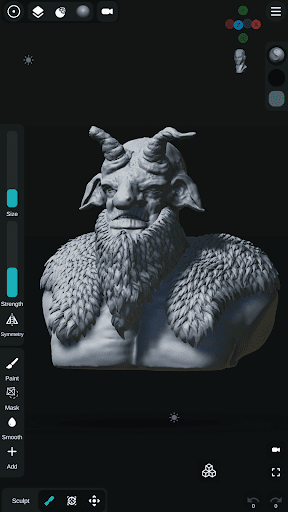
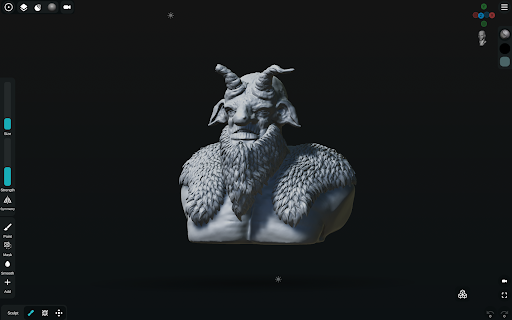
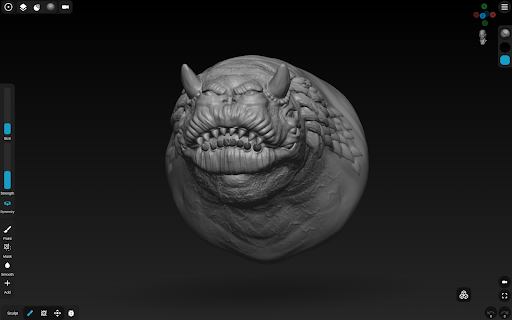
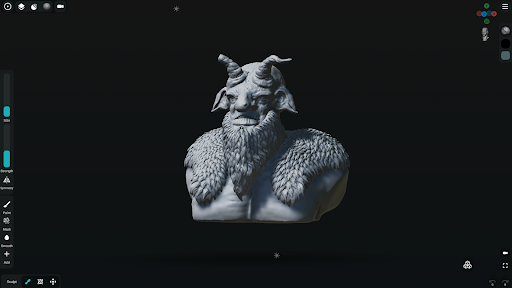
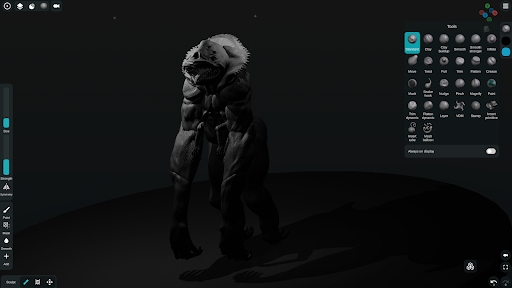
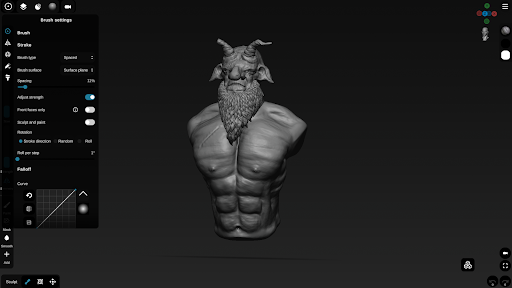
Sculpt is a digital sculpting and painting app, designed to bring the sculpting experience to your smartphone or tablet.
**FEATURES**
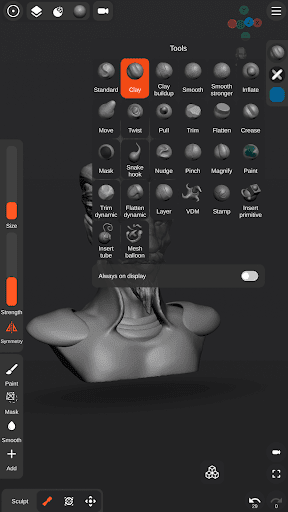
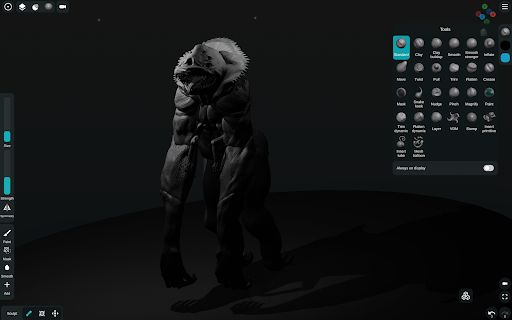
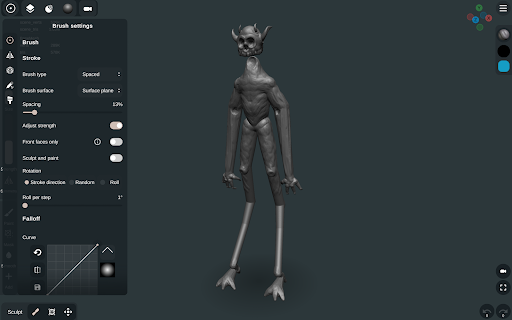
- Sculpting brushes: Standard, Clay, Clay buildup, Smooth, Mask, Inflate, Move, Trim, Flatten, Pull, Pinch, Crease, Trim dynamic, Flatten dynamic, Stamp and more.
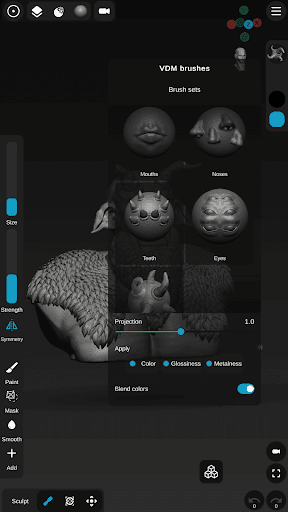
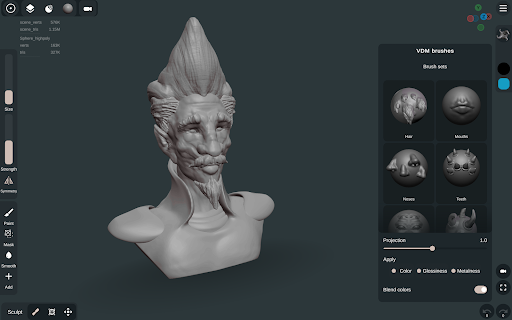
- VDM brushes - Create custom VDM brushes.
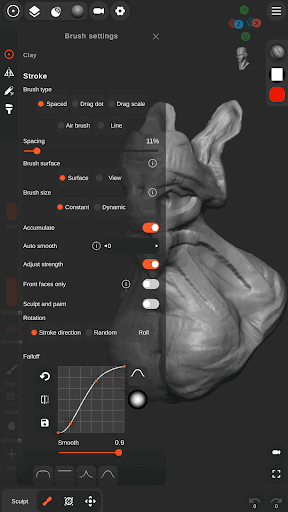
- Stroke customization - Falloff, Alpha and more.
- Vertex Painting - Color, Glossiness, Metalness.
- Multiple primitives - Sphere, Cube, Plane, Cone, Cylinder, Torus, ...
- Ready to sculpt meshes - Base head.
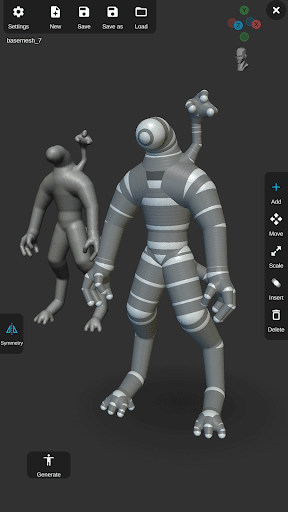
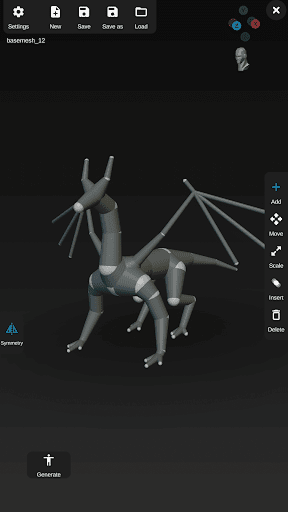
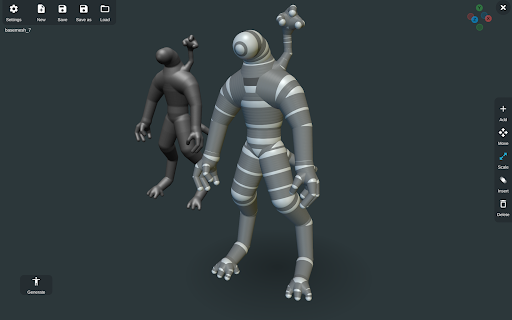
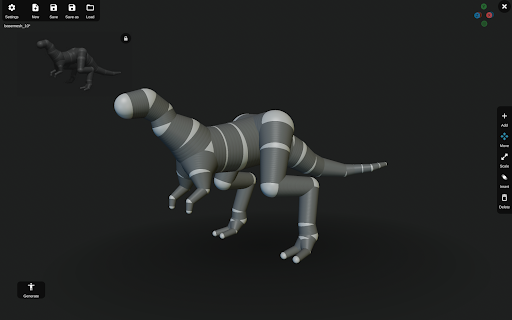
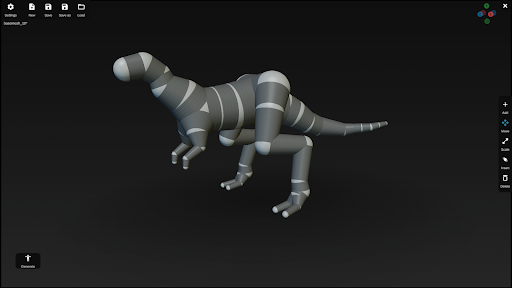
- Base mesh builder inspired by ZSpheres- Quickly and easily sketch out 3D models then transform it into meshes for sculpting.
- Mesh Subdivision and Remeshing.
- Voxel Boolean - Union, Subtraction, Intersection.
- Voxel remeshing.
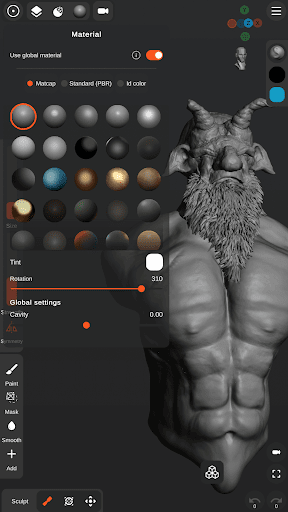
- PBR rendering.
- Lights - Directional, Spot and Point lights.
- Import OBJ files.
- Import custom Matcap and Alpha textures.
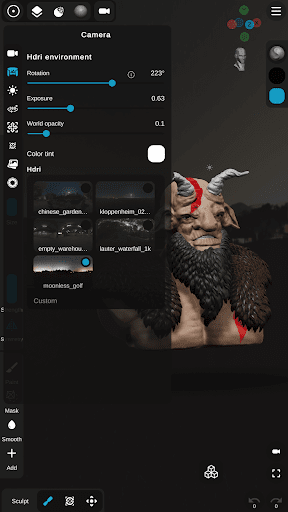
- Import custom HDRI textures for PBR rendering.
- User friendly interface designed for smartphones and tablets - Customizable theme colors and layout.
- UI reference images - Import multiple image references.
- Stylus support - pressure sensitivity and more settings.
- Continuous AutoSave - never lose work again.
Share your creations:
- Export as OBJ, STL or as GLB.
- Export rendered images as .PNG with transparency.
- Export turntable gifs - 360 render.

What's New with Sculpt 2023.11.1

Added VDM Plane - You can now create your own custom VDM brushes.
Open legacy projects.
Removed Ads - no more ads.
Bug fixes & Improvements.

Information

  • Category:
    Art & Design
  • Latest Version:
    2023.11.1
  • Updated:
    2023-10-31
  • File size:
    131.5MB
  • Requirements:
    Android 5.1 or later
  • Developer:
    Endvoid
  • ID:
    com.Endvoid.SculptPlus
  • Available on:
Reviews
  • avatar
    I would give it 5 stars if I was able to merge layers. With big projects, there ends up being a lot of layers and it just looks really unorganized and unsightly. Please add a merge layers in an update! Other than that my boyfriend and Iove this app
    2020-10-25 01:52
  • avatar
    I think it was too heavy for my storage to handle. My phone froze several times and the buffering when displaying the previous project was too long. Still, I had an amazing experience. Good set of tools and every setting was easy to undestand. Though I mostly use only 1 or 2 set of tools (cuz I have not mastered other tools yet), the user friendly setup made it very flexible to use. (I mean the + and -, and the smooth tool) I quite like using the app.
    2020-10-22 10:33
  • avatar
    It's easy to use but i would love to have custom lights for my project or adjustable lights for God's sake.
    2020-10-09 11:38
  • avatar
    Im a game developer so i needed this app. It didnt have much like blender and all but its easy to use and relaxing too.
    2020-10-06 04:18
  • avatar
    I hate this app. its hard to work and sculpt with, and has very few selection on where to color and how to move the clay. Been trying to figure it out for a while. Don't waste your time and energy.
    2020-10-05 10:43
  • avatar
    Love the app. The only features I would like to see added would be Better Keyboard and Mouse support. I have a bluetooth Keyboard and mouse that can switch between my work computer and my phone, and I really like to switch them over to bluetooth every hour or so and kinda take a little sculpting break to ease off the mental tension from work. I'd just like to have scroll-wheel zooming, Ctrl-Z undo and Numpad support to toggle between views using the Numpad on a keybaord.
    2020-09-29 04:19