

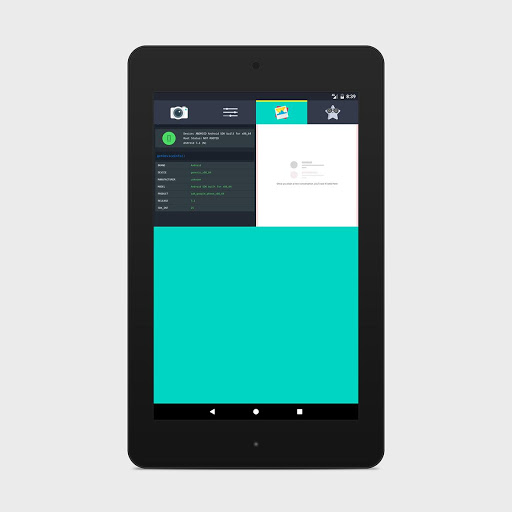
Forget the hardware buttons to take screenshots, Introducing one of the best screenshot application on PlayStore, Screenshot Lite.
How it works:
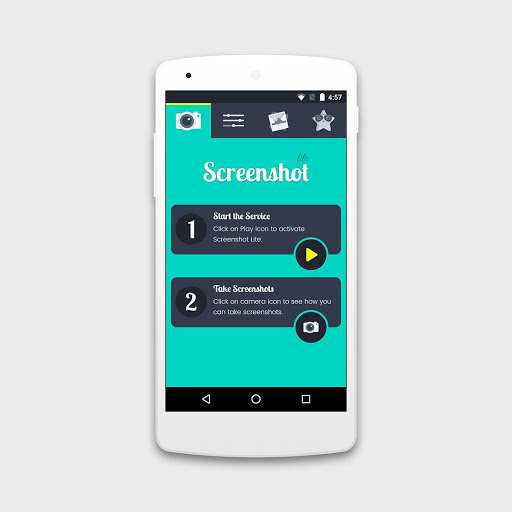
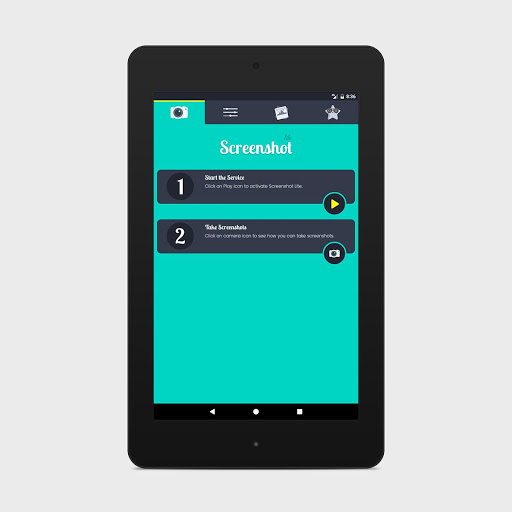
1. Allow Screenshot lite to access photos and draw over other apps.
2. Activate the service.
3. Tap & Hold (Long Press) on either side of the screen to capture screenshot.
Features:
- Just press & hold on the edge of the screen to take screenshot.
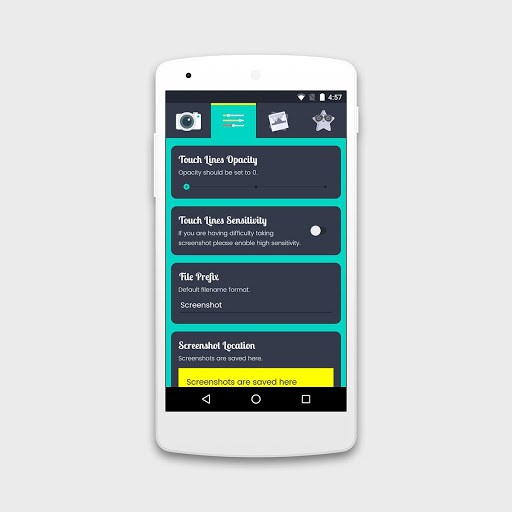
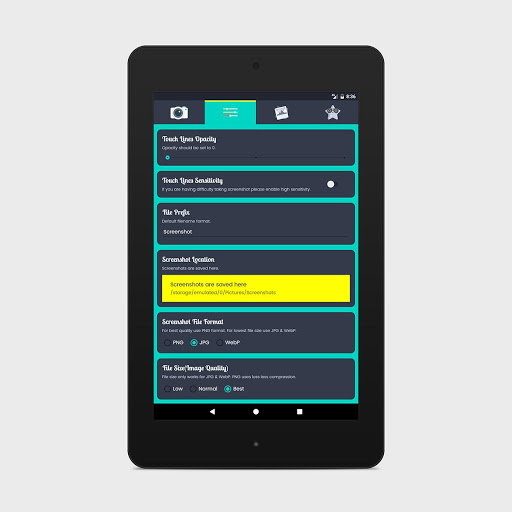
- Adjust touch sensitivity
- Option to choose Filename Prefix
- Option to choose custom location to save screenshots
- Supported file formats PNG, JPG, WebP with Image optimization options
- Various Notification options
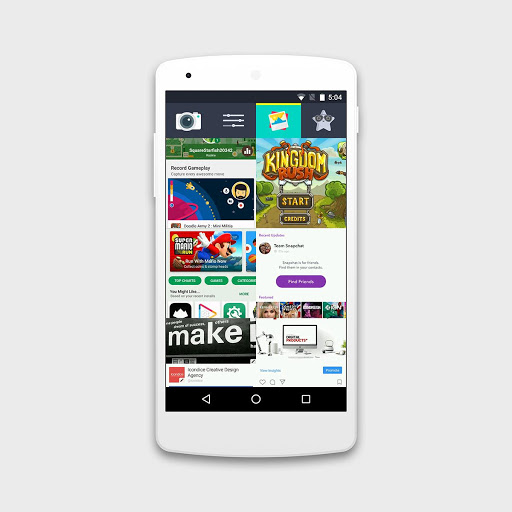
- Gallery
- No need to press default hardware buttons
- No overlay icons or buttons to take screenshot.
Support:
-- If you have any query or suggestions you can write us on info@icondice.com. We will reply you back in 48 hours.
Like us on Facebook for more updates & free apps:
https://www.facebook.com/ScreenshotApp/
Performance Improvements



9Apps 4.9














