

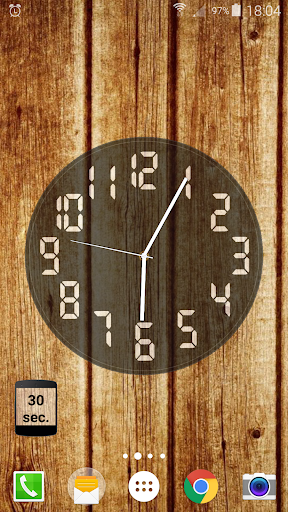
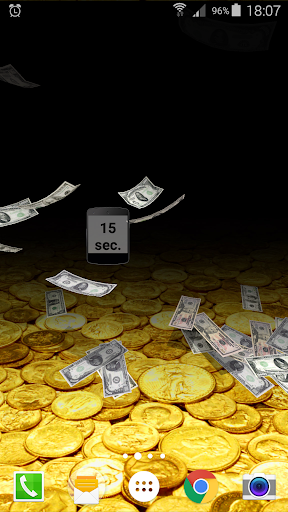
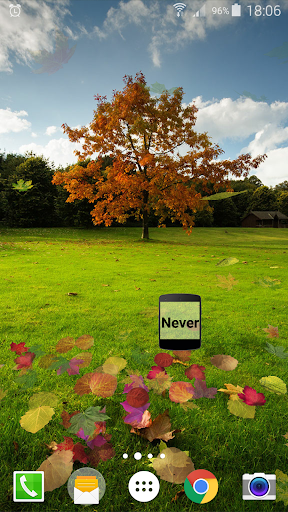
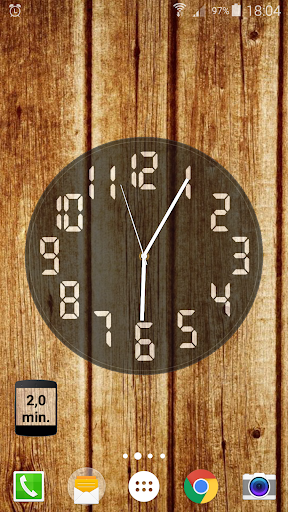
Lightweight and useful widget for switching timeout of the screen. For every added screen timeout widget you can select one or any of this sequentially switchable interval values:
- 1 second
- 5 seconds
- 15 seconds
- 30 seconds
- 60 seconds
- 2 minutes
- 5 minutes
- 10 minutes
- 30 minutes
- Never switched off
It is a WIDGET! (For the homescreen and notifications panel. For Android 7 added also quick settings tile. The currently active widget is synchronized with the widget in notifications and quick settings).
To add it to your home screen you (usually):
- long press your home screen
- select widget from the menu that pops up
- select "Screen Timeout Widget".
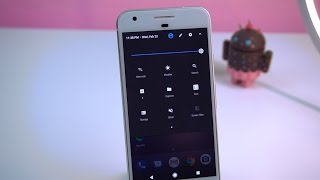
To add to quick settings (Android 7 ):
- swipe down the status bar twice
- press 3 dots in the top right corner
- press "Button order" and move the Screen timeout widget tile to the desired place.
Please email me if you have any problems. In the theme of the email write "Screen Timeout Widget":
maxlab.code@gmail.com
● Version 4.3
* Fixed: QS tile forgot about current widget
* Awareness about granted permission. Now asks even if it was not initially granted
* Migrated to AndroidX
● Version 4.2
* Changed icons to more big text
● Version 4.1
* Added icons with timeouts for qs tile
* Fixed widget text size
* Fixed tile without widget crash
● Version 4.0
* Added quick settings tile for convenience (Android 7 ). It could work even without widgets
* Fixed some errors











9Apps 4.9














