
Are you tired of
accidentally touching your phone's touch screen
? Do you deal with pausing videos by accidentally touching your phone's screen?
This application is your solution. Forget about accidental clicks on your phone or tablet screen with
Screen Touch Block
.
How does it work?
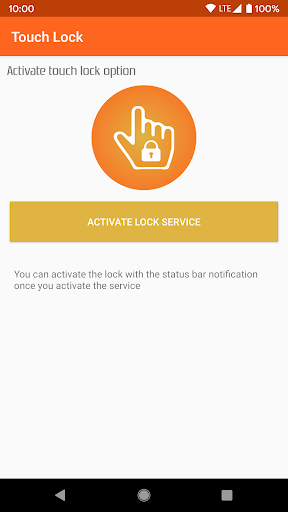
1.- Access the app and activate the locking function.
2.- Enter the app that you will be using, for example, a video player.
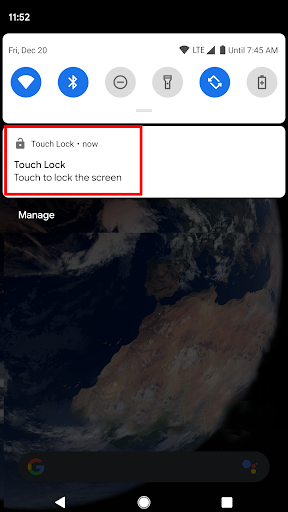
3.- When you want to lock the touch screen, access the notification bar and press on the screen lock notification.
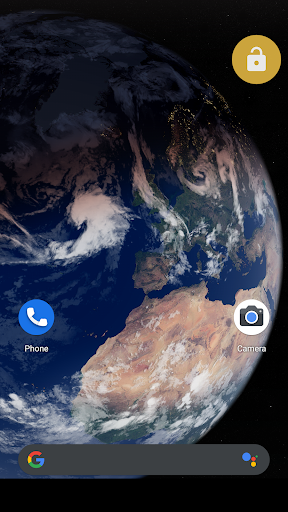
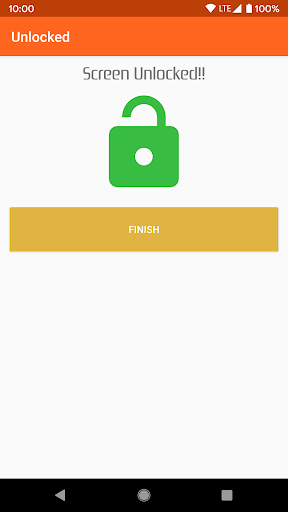
4.- Done! You already have the screen locked. To unlock it, just press twice on the orange unlock button that you will see in the upper right.
Some ideas of the benefits and uses for this Touch Blocker app:
- Carry your mobile phone in your pocket while it's on, playing content without worrying about accidentally touching the screen
- View videos without interruptions or concerns about touching the screen
- Avoid making accidental calls by locking the screen.
- Total lock of the buttons and keys on the screen
- Secure video calls: Your call will not be interrupted by an accidental click
- Avoid toddler clicks on your phone.











9Apps 4.9















