

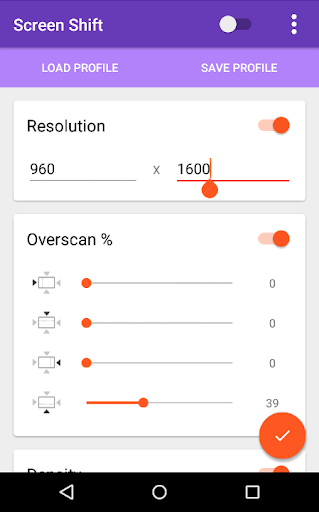
Change your screen resolution, overscan and density using this app. Requires root in Android 4.3 and above.
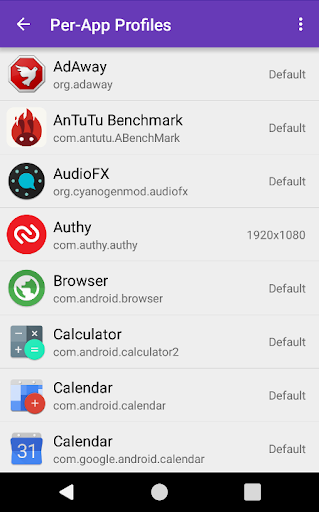
You can also set display properties to change automatically based on the current app.
This can be useful for:
* Testing your apps in a variety of screen resolutions using a single device
* Improving gaming performance by playing at lower resolutions.
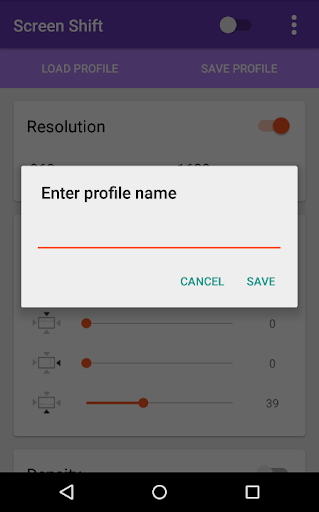
You can also save profiles, and profiles of some popular devices are included by default. Profiles are also used to manage switching resolution, density etc based on current app.
Important Information:
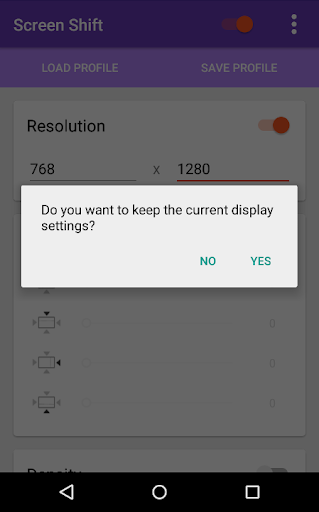
If your screen becomes unusable after setting a resolution, wait for ~15 seconds. It should revert to your default resolution.
If that does not work, reboot -> wait for 2 min (for the service to start) -> reboot again -> wait for service to start.
In spite of all the warning and fallback mechanisms, there's a small risk of display being unusable when you change the resolution. Please keep USB debugging on, and take a backup (for example using Ti backup) before using this app.
Note: All features of the app are available for free, without ads. If you wish to donate, you can do that via an in-app purchase. This does NOT unlock any new feature. Thank you for your support.
Disclaimer: Use this app at your own risk. This app uses wm command (am before JB 4.3) in the backend. If those commands don't work (or malfunction), so will this app. Again, a backup is highly recommended. That said, feel free to contact me for support.
Source code can be found under Apache v2 licence at https://github.com/aravindsagar/ScreenShift
More information can be found at http://forum.xda-developers.com/android/apps-games/app-screen-shift-change-screen-t3138718/
Please note that you might have to allow root permissions again, after installing an update.
v2.1 beta:
Fixed some bugs with per-app profiles in certain devices with Android 5.1.
v2.0:
Added per-app profiles - You can now set automatic resolution switching based on which app you're using at the moment. Find it under 'Per-app Profiles' in the menu.
Please note that you might have to grant root permissions again after the update.







9Apps 4.9













