
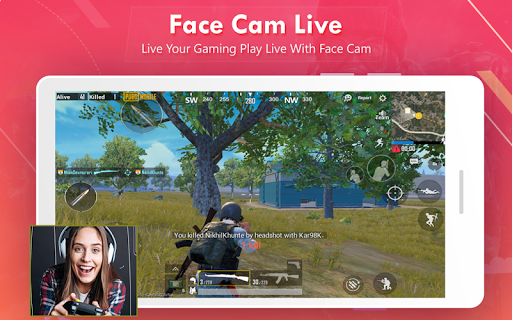
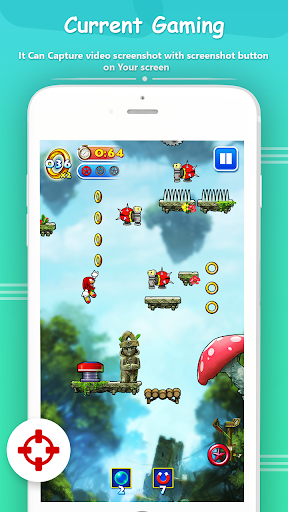
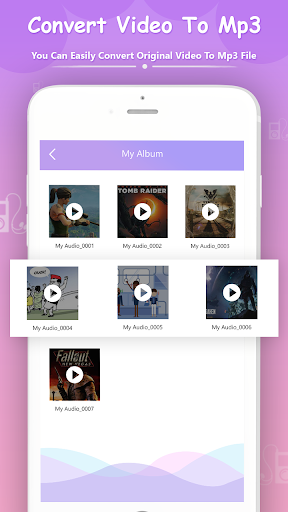
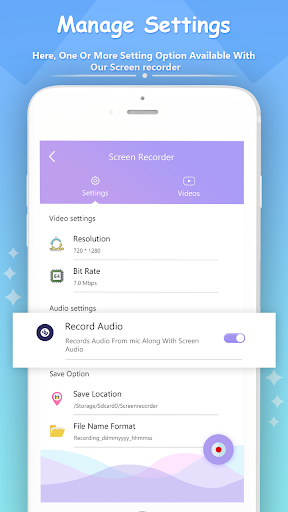
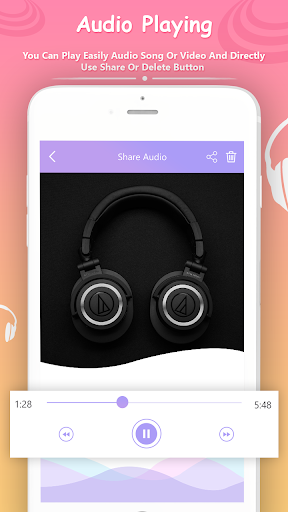
Video Show Recorder Allows You to Record Game While Playing, Capture Screen With One Touch And Edit Video With Filters, Effects, Music.
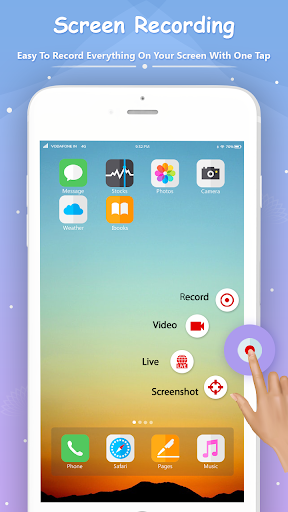
Screen Recording Features Like Video Recording And Editing, Screen Captures Do Not Need ROOT. Screen Recorder Allows For Easy Video Recording Such As Video Games, Video Calls, Live Performances, Music Videos.
Screen Recorder is a free, stable, high-quality screen recorder for Android that helps you record smooth and clear screen videos.
This Screen Recording App Will Let you make beautiful screenshot videos by providing every feature that you need in a simple and elegant user experience design.
* Full HD Screen Recording
- Highest Quality Supplied: 1080P, 12Mbps, 60FPS
- Many Resolutions, Frame Rates, And Bit Rates Available.
- Pause / Resume Screen Recording Through Floating Window or Notification Bar.
- Highest video resolution compared to other video capture applications.
- Record long time videos with SD card.
- Simple interface, super easy to record games while playing, record video calls or live shows, capture screenshots, rec screen and edit images.
- Support portrait, landscape and auto screen record mode.
- Show touches: display click operations in the screen recording.
- GIF maker: A GIF recorder helps you record screen as GIF.
- Shake the device to stop recording screen.
Include In This Application Photo To Video Maker :
* Photo Video Maker, You Can Create Amazing Videos, as Birthday/Wedding Surprises Or For Other Special Occasions, Celebrations, And Festivals.
* Photo Video Maker App to Transforms Them Into Amazing Videos.You Can Now Easily Change Your Moments With its Latest Tools. You Can add Background Music From Music Library Or Use Your Own Music Track, Making your videos/slideshows more personal, special and also professional.
* Key Features:
1. Easy user interface for creating video in a minute.
2. Slideshows With Music.
3. Use Local Songs to Make a Video.
4. Add music for your local videos.
5. All editing operations can be instant previewed in WYSIWYG way!
6. Funny dubs help you create an interesting video.
7. Powerful music search engine.
8. Edit Videos With Creative Filters.
9. Share Videos Directly to Facebook, Instagram, Message, Youtube and other social media networks.
10. Send video games, group video or TV shows, live concerts, game shows
* Photo to GIF Include Module in this application :
Photo GIF Maker is an Application That Helps You to Create Animated GIF From Selected Photos With Small File Size.
* Key Features :
1. Fast and stable while creating GIF.
2. Easy to edit any GIF file.
3. Reduce file size of GIF with multiple quality options to share smaller GIF.
4. View/Edit/delete all GIF images in your device.
5. You Can Extract And Save Any Image From Any GIF File.
6. Share Your Desired GIF Through Social Media Apps With High Quality.
7. GIF Maker & Editor.
-small bug fixed.









9Apps 4.9














