
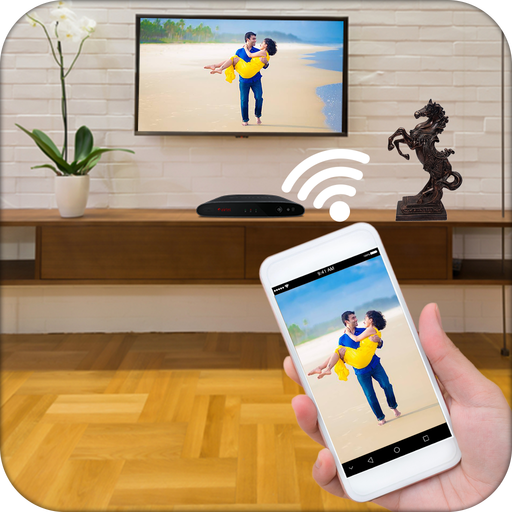
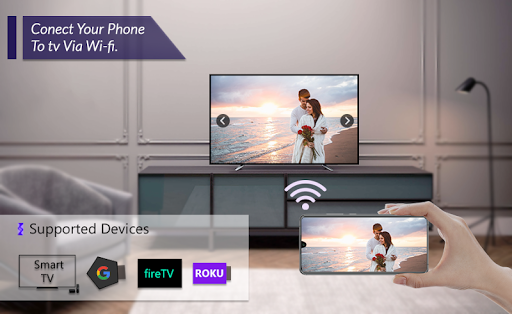
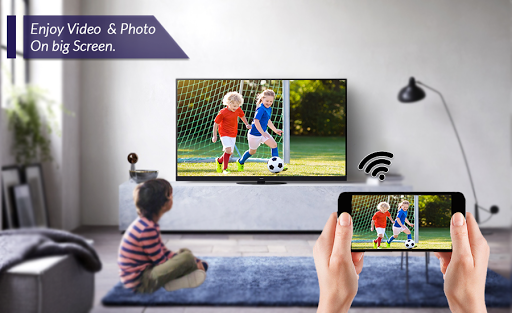
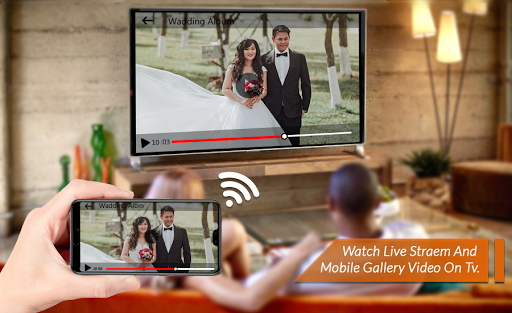
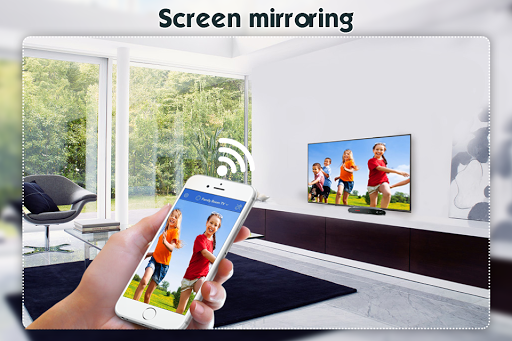
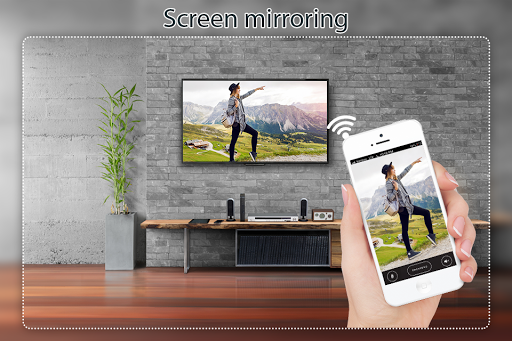
If your eyes are drained from looking at your small cellular phone screen, you will get a great big screen phone experience by connecting your phone to a TV screen via This Screen Mirroring with TV app!
Screen Mirroring Display Phone Screen On will assist you to scan and mirror your android phone or tab's screen on smart TV/Display (mira cast enabled ) or Wireless dongles or adapters.
Watching videos on your TV or tablet is great, Streaming those movies on your big TV screen? Better yet. This’s the best Screen Stream to TV app to view your phone on your TV. If you are searching for How to Connect Phone to TV Without Hdmi then this is the best app, you will find!
You can share your screen "live" just like a dual screen to any device or pc on the same network through media player, web browser, Chromecast, and UPnP / DLNA devices (Smart TV or other compatible devices).
Click the “Start”, the Mobile hotspot will be operating automatically. and After hotspot will be operating, connect to AP from other devices.
Able to play videos, music, photos, etc in my smartphone with any devices (smartphone, smartTV, laptop, tablet, etc) at anywhere. This Wifi Screen Stream Mirroring app was developed for presentations of android apps in mind, featuring low latency, high frame rate streaming of your Android device.
Screen Mirroring App can only play contents but send screen as is such as HDMI, MHL, Miracast and Chromecast. It has been tested and found works on most of android mobiles.
Please follow below steps to mirror your mobile screen to smart TV.
1) Your TV should support Wireless Display or any sort of Display Dongles.
2) The TV must be connected to wifi network same as your phone.
3) The Phone version must be android 4.2 and above.
4) Download and run Screen Mirroring Display Phone Screen On TV.
5) Happy Mirroring
========= Disclaimer ================
• root access required to change resolution/DPI, disable backlight/vibration, enable desktop-only mode in Chrome
• "connect and disconnect from Wi-Fi", "view Wi-Fi connections" - required for profiles to enable Wi-Fi
• "access Bluetooth settings", "pair with Bluetooth devices" - required for profiles to enable Bluetooth
• "run at startup" - required to show SecondScreen profile notification after a (soft/hard) reboot
• required to refresh the user interface after a resolution/DPI change.



![How to Control Android Phone from a PC or Laptop [USB & WiFi] | Share / Mirror Android Screen to PC screenshot 5](https://i.ytimg.com/vi/9ox76po9S0g/mqdefault.jpg)



9Apps 4.9














