
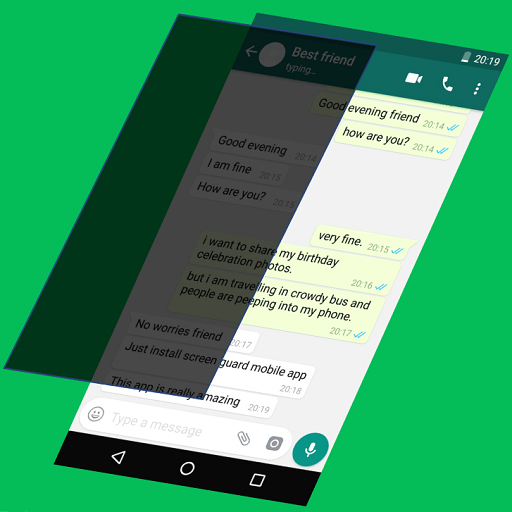
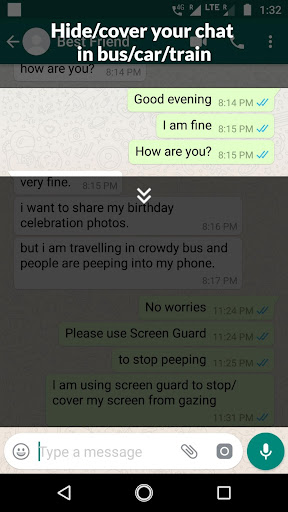
Block people from gazing into your private chats in car, ,bus,train,office,park or school by using screen guard
Screen Guard Features:
Respond privately/secretly to chats because your friends/ colleague sees only a black screen layer like screen guard.
Hide personal images/chats from your neighbors.
Hide and obscure half,full ,quarter of your screen to block sensitive content, messages or chats.
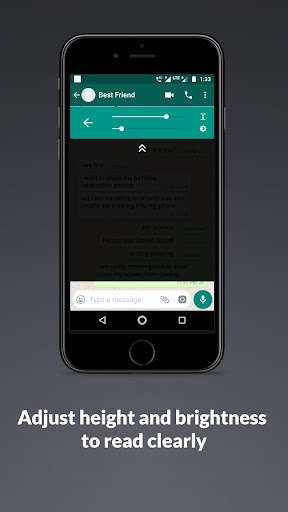
Adjust screen height as per your choice.
Adjust screen guard brightness/transparency as per your choice.
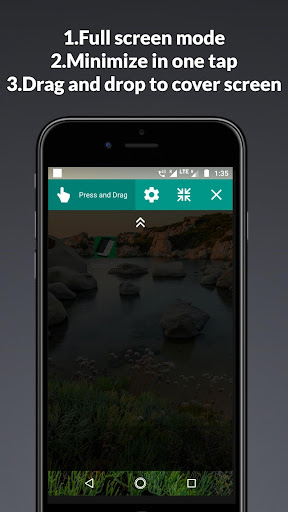
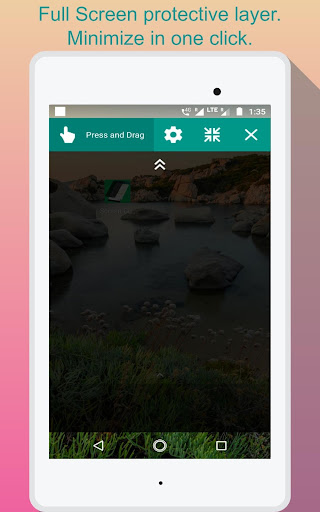
Drag the screen guard window to control visible areas and cover rest of screen.
Adjust transparency for night time reading and screen guard as an eye protector.
1.User can control other apps (such as Touch,Tap ,Scroll and Chatting) behind the Screen Guard layer.
2.Added drop down arrow image on Screen Guard layer to open up below setting option :
a.Drag and Drop the screen layer.
b.Height control (increase or decrease height of Screen Guard screen as per your convenience)
c.Minimize.
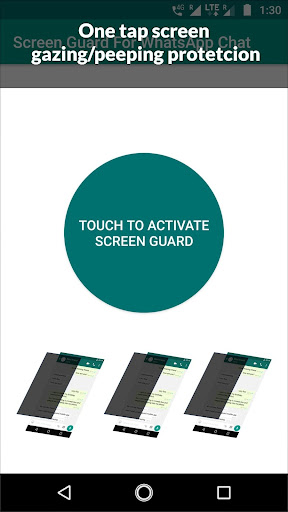
3.Added tutorial to learn the screen guard for WhatsApp chat.









9Apps 4.9













