

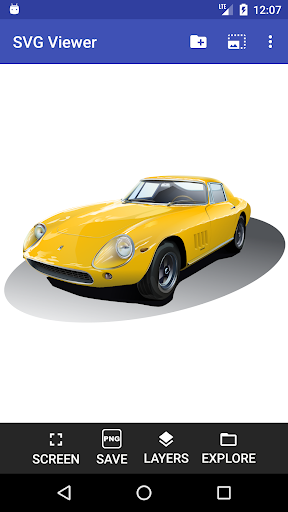
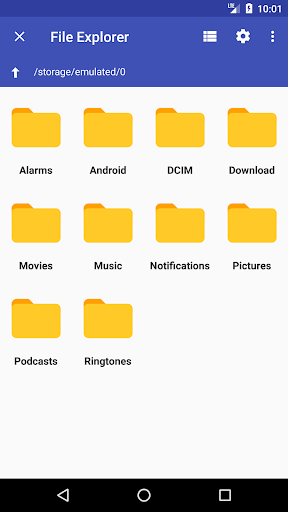
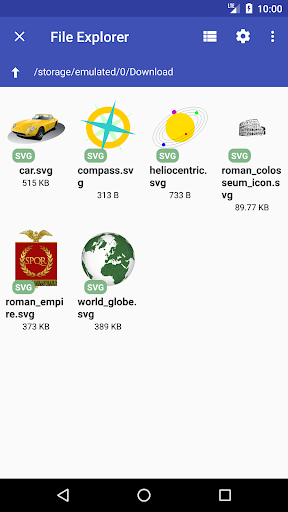
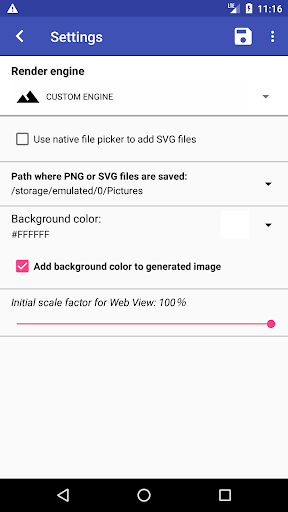
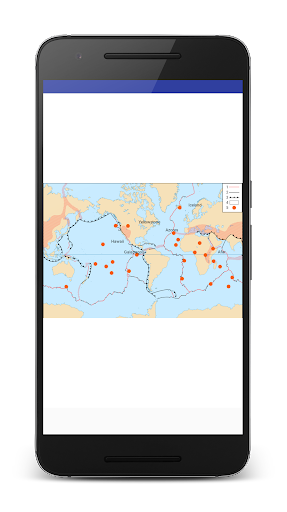
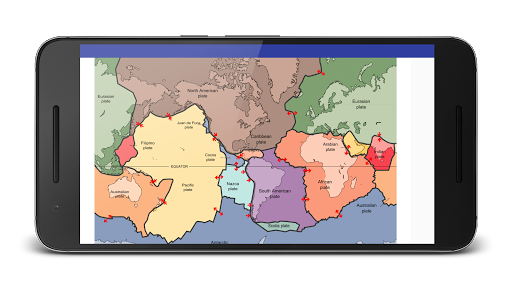
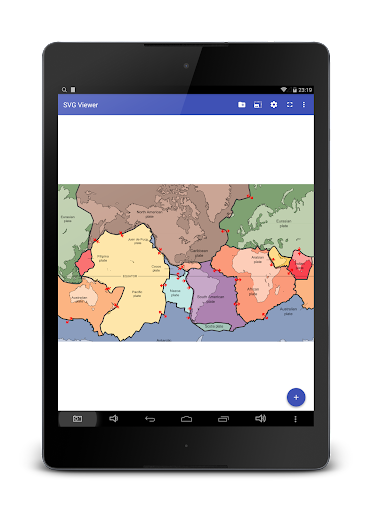
Ideal application for users who want to visualise SVG (Scalable Vector Graphics) files stored on their smartphone.
Key features of this app:
• Can open SVG files form file explorer applications;
• Full screen mode;
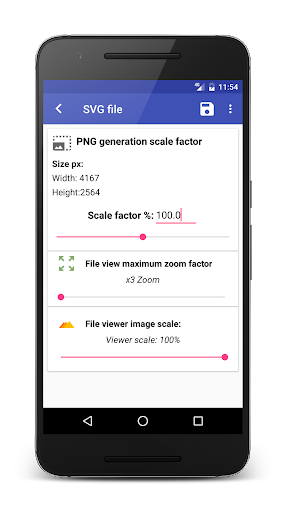
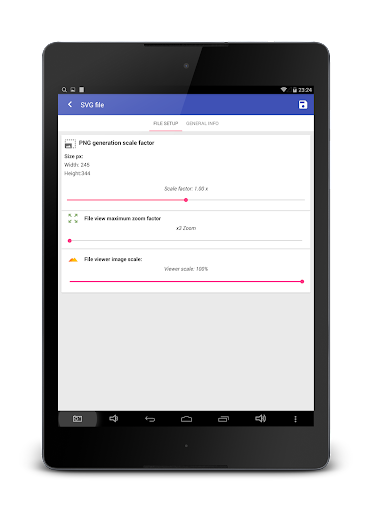
• Converts opened file to PNG, it is a paid feature but you can still make screenshots in full screen mode with moderate quality;
• Simple to use, doesn't have ads;
• Can open Gmail attachments using Google Drive app;
• Works offline;
• Works perfectly with Inkscape generated files;
• User can choose files from Dropbox, OneDrive and Google Drive;
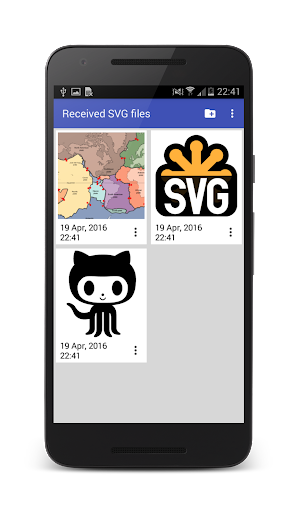
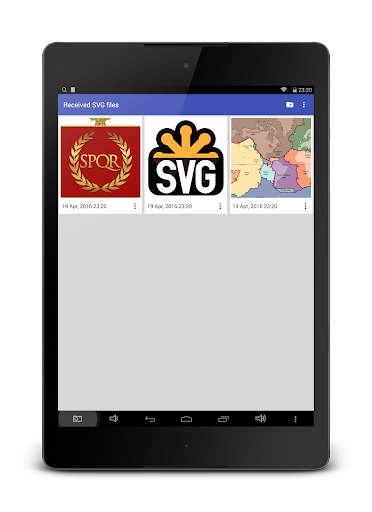
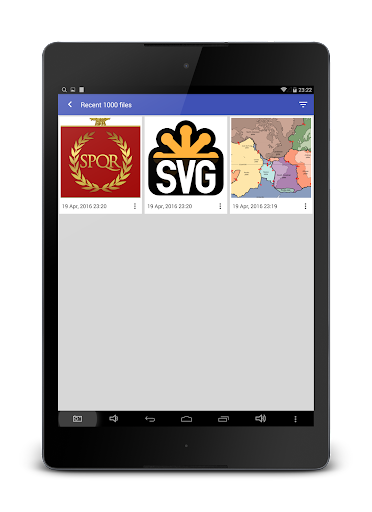
• Shows the recent selected files;
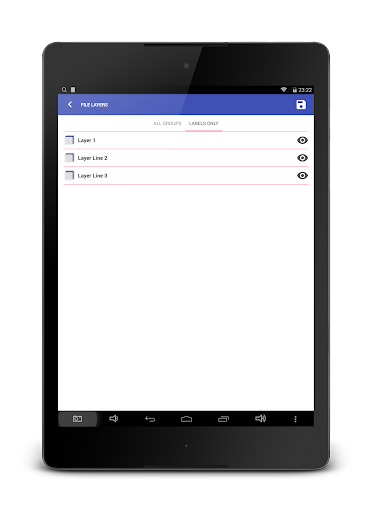
• Possibility to show/hide layers;
• Uses native code implementation with less battery consumption;
• Supports SVGZ file format;
• Works on latest Android versions without any bugs.
In-app purchases versions:
• Silver - unblocks PNG image generation;
• Gold - all features are unlocked.
Why you should use this app for SVG file visualisation
- Visualizing SVG files using your smartphone's web browser is very hard and problematic, especially when the file is on the SD Card or their size exceeds view area and you cannot zoom out. Therefore this app helps you to view even large SVG files without exceeding your screen size;
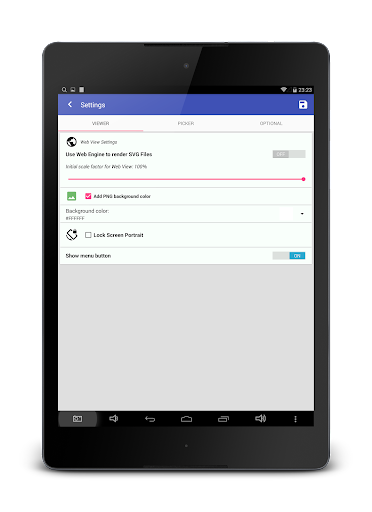
- There are two possibilities to view your files: using a native library implementation or web view engine, these options can be set in the settings view;
- Some users commented that there is no need for this app and they can use the web browser to view SVG files by typing the file path. Of course you can do that but my application offers more advanced features like recent viewed files, multiple documents selection, editing the file layers, saving in png format, fullscreen view, etc. Therefore my application is a much better and faster solution to view SVG files.
- This app can be useful for designers and developers to view how the created icons will look on multiple Android devices.
Opening SVG files from Gmail attachments instructions:
1) Download the attachments into Google Drive, there is an application icon at the top of file;
2) Open Google Drive app and long press on the one of downloaded file, select the files you needed;
3) Press Send file option and then select this app
Important notes:
- Some SVG files with custom fonts will not be rendered, therefore the best strategy is to use an editor which can export text as independent line curves.
Fixed the bug related to file deletion;







9Apps 4.9















