

You must have an Enterprise File Fabric Account to use this app. Register for an account at StorageMadeEasy.com.
The Enterprise File Fabric is a multi-cloud solution that unites on-cloud and on-premises content into a single interface for enhanced productivity and data compliance / security.
For business/enterprise users pre-set governance policies will be honoured by the App and all interactions audited and available from the Web Compliance Dashboard.
**Note Please don't leave bad comments if a Cloud Provider changed their implementation. We cannot control this and update as soon as we can.**
Supports:
- Amazon S3 (inc. GovCloud)
- Amazon Cloud Drive
- Microsoft OneDrive (free and business)
- Google Drive
- Google Storage ( Nearline)
- Google Sites
- Box
- Egnyte
- OwnCloud (via WebDav connector)
- FTP /FTPS / SFTP Clouds
- WebDav compatible storage
- Azure Cloud Storage
- Zimbra Briefcase
- DropBox
- CloudMe
- SafeSync (via webdav)
- SharePoint
- Office365
- BaseCamp
- RackSpace Storage
- OpenStack Swift
- SwiftStack
- SoftLayer
- SalesForce
- SugarSync
- EMC Atmos (inc. Telus)
- IBM Connection Files
- Scality
- HostingSolutions.it
- Evernote
- Memset
- Cloudian
- Amplidata (ActiveScale)
- Huddle
- Jive
- Ceph
- Aquari Object Storage
- Igneous Object Storage
- OpenIO Object Storage
- Weka.io Object Storage
- CMIS
- HPSS
- IBM COS Cloud Object Storage
- IBM BlueMix
- Minio (via Open S3 connector)
- Wasabi (via Open S3 connector)
Support for other S3 compatible Clouds such as Nifty Cloud, Connectria, Constant Cloud, Tiscali Cloud, GreenQloud, SeeWeb Cloud, Riak CS, LunaCloud, HostEurope, Dunkel Storage, Caringo Swarm etc
Support for other OpenStack Clouds such as CloudVPS
Features include:
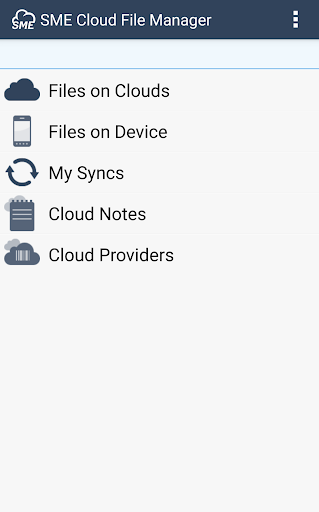
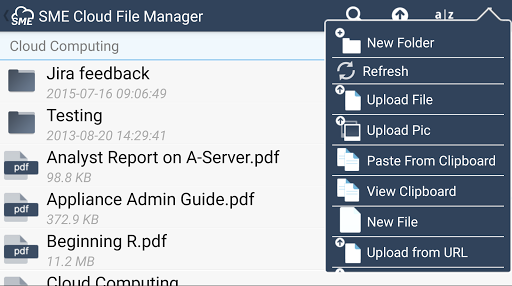
- Manage disparately stored content from a single view ( multi-cloud )
- Folder Sync between Device & Clouds. This can be scheduled & includes Cloud Folders from more than one cloud (if your device appears not to be supported, please contact us)
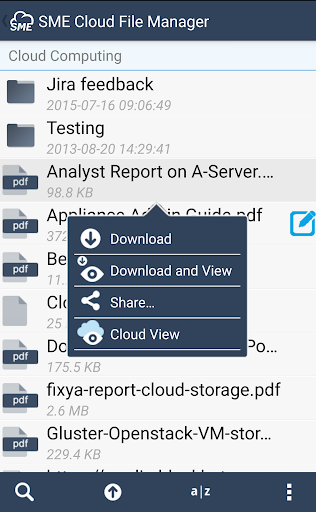
- Copy/Paste files from one Cloud to another using the Cloud Clipboard
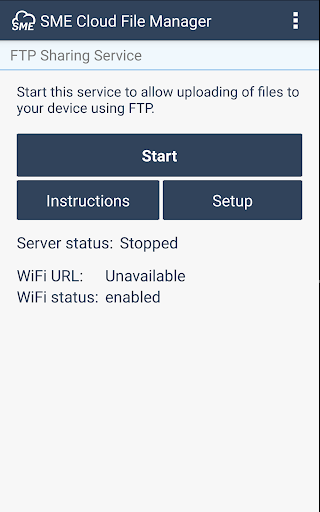
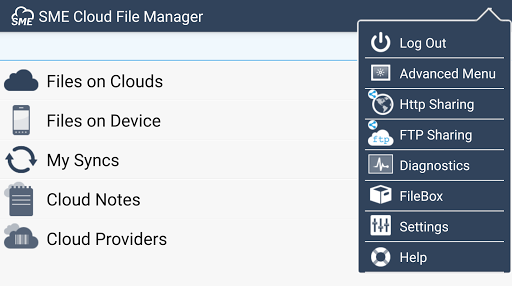
- Upload files directly to a phone/tablet device by turning the App into a HTTP / FTP Server that you can connect to from any browser or FTP client
- File Upload: Upload file, photos, videos etc directly from your Android device
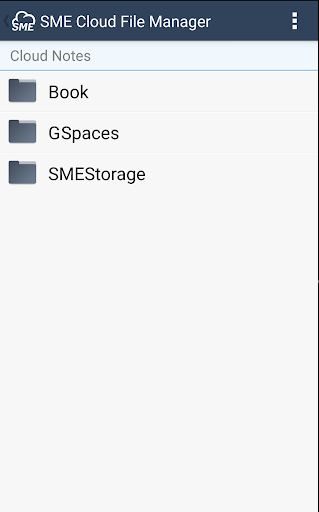
- Create Text Notes directly in the App & Sync to any cloud. Create Folder categories & note hierarchies
- Local Files: Downloaded files are available on the device until deleted. Cut, Paste and email local device files.
- Open Cloud stored files into other Apps ie. Office / Picture editors etc.
- 'Cloud View' feature enables viewing of documents directly in web browser without downloading using Google Viewer. See http://bit.ly/RB9Kup for supported file types.
- Securely share files easily via Email, set a password protected URL with optional link expiry.
- Share Multiple links: Share multiple file links over email from multiple different storage clouds by adding them to the Cloud Clipboard.
- Collaboration. Create Sharing Groups directly from the device & easily share files with invited group users.
- Search for files across multiple storage solutions that are mapped to an account.
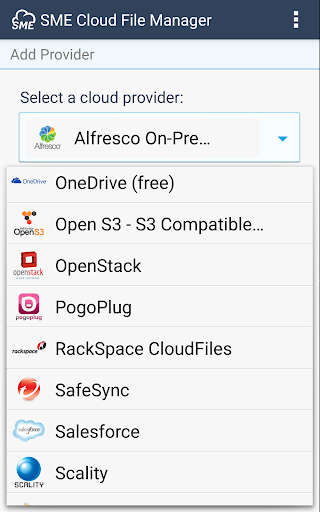
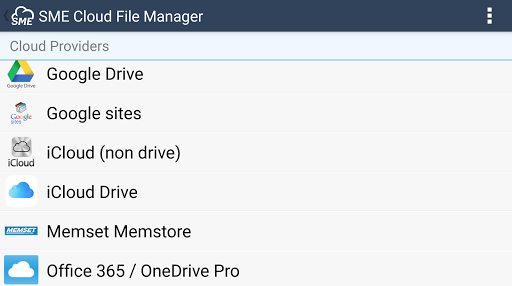
- Cloud Providers: Add/Delete/Manage cloud storage providers in real time. Where Cloud providers support OAuth delegated security, we use it.
See the documentation for a full overview: http://storagemadeeasy.com/wiki/android/
If you have an issue or don't understand something please don't just submit a negative comment on the marketplace. We are very responsive and will respond to any issues you raise with us using the Support AT StorageMadeEasy Dot Com email address.
Fixed an issue with Text Files being created but not saved.







9Apps 4.9















