

SDelete (Secure Delete) is an advanced file shredder which securely deletes your personal data and makes it totally unrecoverable by any advanced recovery tools.
✔ Why SDelete?
★ Highly advanced secure deletion tool which leaves no trace of your personal data
★ Supports secure file deletion in internal storage and also in SD card
★ Securely shreds your photos, videos, audio, documents and files of any type
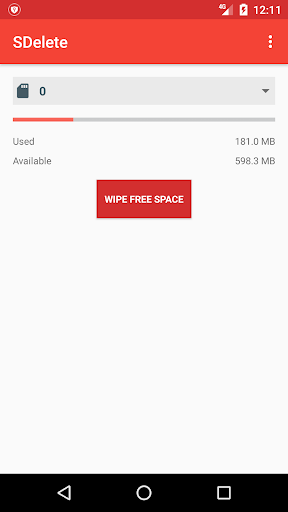
★ Supports faster and secure wiping of free space to make your deleted files unrecoverable
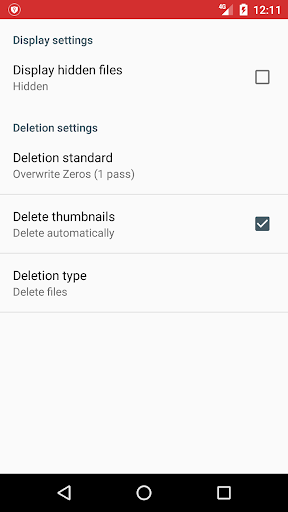
★ Supports automatic deletion of thumbnails for images and videos
★ Supports international deletion standards (US DoD 5220.22-M & NIST 800–88)
★ Supports latest Android OS versions
✔ Features
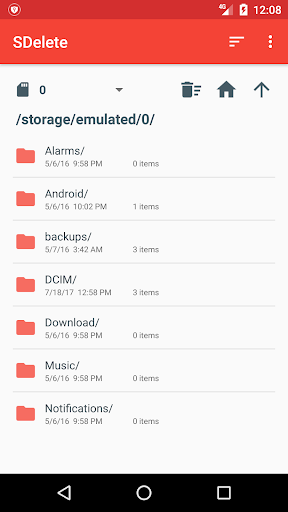
★ Simple and smooth file browser with faster navigation and easy deletion
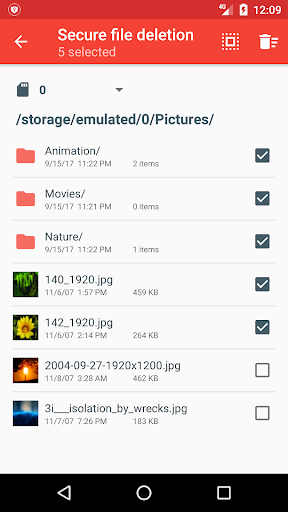
★ Delete multiple files and folders at same time
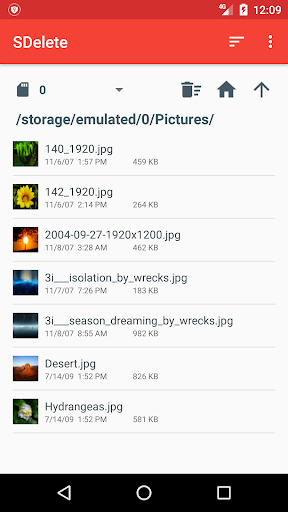
★ Thumbnail preview for images and videos in file browser
★ Delete files in SDelete by selecting files from other file managers and Gallery apps
★ Securely delete hidden files also
★ Supports custom shredding patterns
★ Scrap the file contents only leaving the file undeleted
✔ SDelete Pro Features
★ No Ads in app
★ Password lock for app
★ Priority Support
★ Lot more unique features exclusively for pro version
★ Link for SDelete Pro
https://play.google.com/store/apps/details?id=com.vb2labs.android.sdelete.pro
✔ FAQ
● What happens when I delete a file normally in my device?
When you delete your photos, videos, audio, documents, .. it is not physically erased from your device. When you sell your device or when it is lost, anyone can easily recover your deleted data.
● Unknowingly I deleted a file using SDelete app. How to recover it?
Files once deleted using SDelete are deleted for ever and it cannot be recovered.
More features are coming in future updates!
For any support or suggestions please contact support@vb2labs.com
Increased wiping speed for free space
Display of deletion progress in notification bar
Improved app stability
Minor UI improvements













9Apps 4.9














