
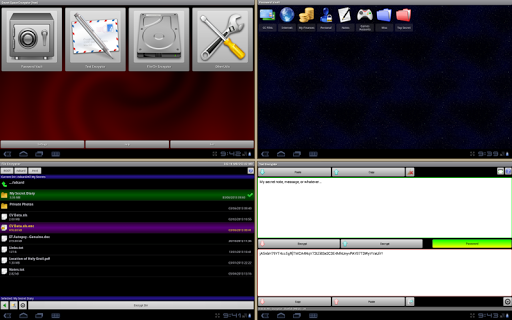
Secret Space Encryptor (S.S.E.)
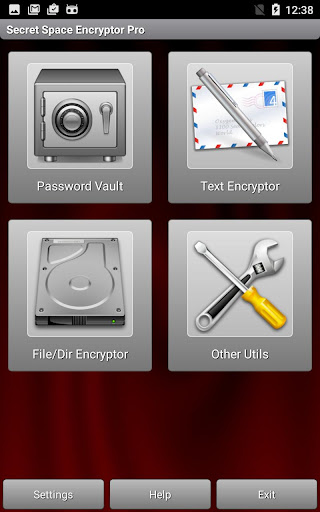
File Encryption, Text Encryption and Password Manager applications integrated into the all-in-one solution.
Important Introductory Note:
This application provides many options and is intended for experienced users. All data are really encrypted (mathematically altered) using keys derived from your password. If you forget the password, your data is lost no matter how many vulgar insults you send to our e-mail. The correct password is the only way. Also, if you prefer when someone / something manages your life and makes all the decisions for you, then this application is not for you.
Frequently Asked Questions:
https://paranoiaworks.mobi/sse/faq
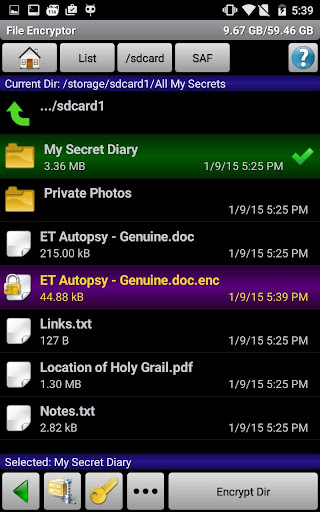
➤ File Encryptor: Securely encrypt your private and confidential files or whole folders.
🎥
~ basic file encryption video tutorial:
https://youtu.be/asLRhjkfImw
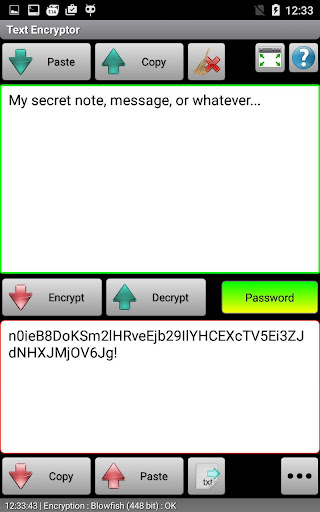
➤ Text Encryptor: Keep your messages, notes, cryptocurrency keys (seeds, mnemonics), and other text information safe from unwanted readers. Use the internal database or just copy/paste to/from your favorite applications. A password is set for the current encryption/decryption session, and you may have an unlimited number of passwords for any purpose (notes, emails, social networking, communication with persons A, B, C, …).
🎥
~ text encryption video tutorial:
https://youtu.be/IK9Sxqr0uJU
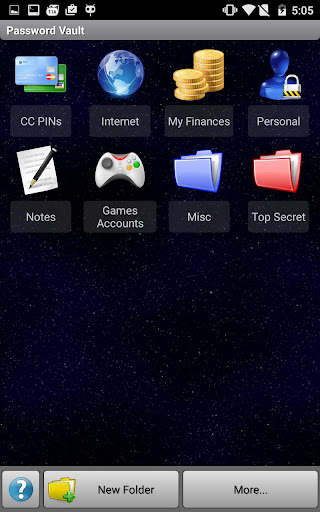
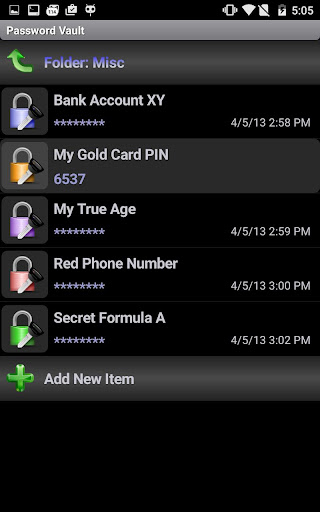
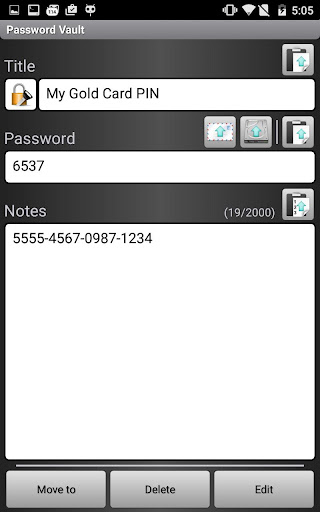
➤ Password Vault: Store and manage all passwords, PINs, and notes in one secure place protected by one master password. Import/Export function is available (compressed, fully encrypted .pwv file format or unencrypted, editable .xml file format).
⬥ Algorithms: Everything is encrypted using strong encryption algorithms: AES (Rijndael) 256bit, RC6 256bit, Serpent 256bit, Blowfish 448bit, Twofish 256bit, GOST 256bit Threefish 1024bit, SHACAL-2 512bit and Paranoia C4 2048bit (for S.S.E. Pro Version) ciphers are available.
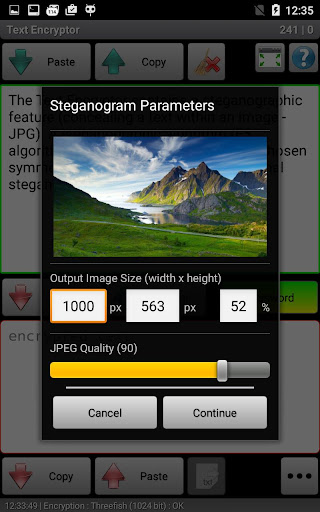
⬥ Steganography: Text Encryptor contains a steganographic feature (concealing a text within an image - JPG). A steganographic algorithm (F5 algorithm) is used in combination with chosen symmetric cipher algorithm to make a final steganogram (JPEG image).
⬥ Other Utils: Password Generator, Clipboard Cleaner, Algorithm Benchmark, …
⬥ Minimal permissions. No ads.
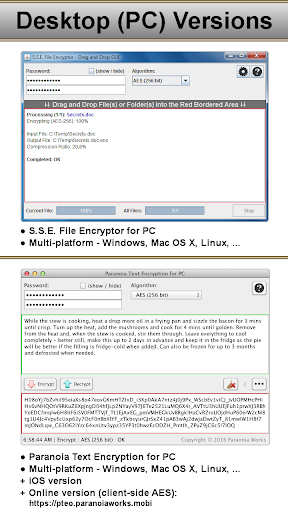
⬥ Cross-platform desktop versions (Windows, Linux, Mac OS X, …) of Text Encryptor and File Encryptor are available on: https://paranoiaworks.mobi
⬥ Paranoia Text Encryption for iOS (iPhone/iPad/iPod) is available.
⬥ An online (web-based) version of Text Encryptor (AES, client-side JavaScript) is available on: https://pteo.paranoiaworks.mobi
This software is Open Source – we have nothing to hide, so you can have securely hidden everything you need.
Source codes: https://paranoiaworks.mobi/download
Formats specifications: https://paranoiaworks.mobi/sse/formats_specifications.html
More: https://paranoiaworks.mobi/sse
If you notice any problems with this application, you are welcome to contact us via email. Comments do not allow us to communicate to you properly.
★★★ FREQUENTLY ASKED QUESTIONS ★★★
Issue:
File Encryptor - My file(s) are still visible after an encryption.
Answer:
SSE File Encryptor works as an archiver (a new
.enc
file is created). You can delete/wipe the original file(s) after the encryption process is completed or it can be done automatically: Settings: File Encryptor → Wipe Source After Encryption
⬇⬇ MORE FAQ ⬇⬇
https://paranoiaworks.mobi/sse/faq








9Apps 4.9