

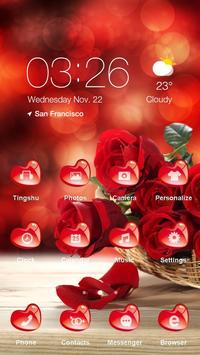
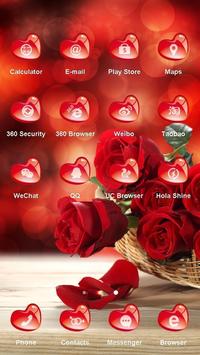
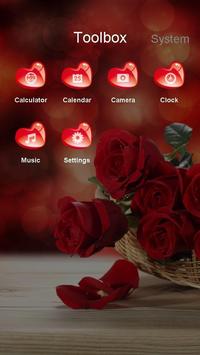
Use this beautiful Rose and Red theme to make your Android phone unique.
This Theme offers unique customized red heart-shaped icons and wallpaper with red roses.
You can personalize your phone with the Rose and Red Theme now!
This Theme includes wallpaper with red roses, heart-shaped icons and folders, bringing your phone a new look!
This theme is lovely and romantic. Love is just like a blossom of rose. By using it you will enjoy the feeling of love and show your lover,” I will love you still with all my heart”.
Don’t wait and download Rose and Red Theme to make your phone full of love!
★
How to apply the Theme:
★
1. Download and install this theme
2. Install Hola Launcher (if you haven’t yet)
3. Tap on the home button and enable Hola Launcher as the default phone launcher by selecting [Use as default] or [Always]
4. Find the Rose and Red theme in the Themes folder, then choose the theme and apply.
You can find and download more of our well-designed themes by following the below steps:
Tap the link and visit the
Theme Store
at
http://h5.holalauncher.com/theme/list.html?e=gp
Сhoose the themes you like and download via Google Play Store!






9Apps 4.9















