Robot36 - SSTV Image Decoder icon

Robot36 - SSTV Image Decoder

1.48 for Android
4.3 | 100,000+ Installs | Reviews

Ahmet Inan

Description of Robot36 - SSTV Image Decoder

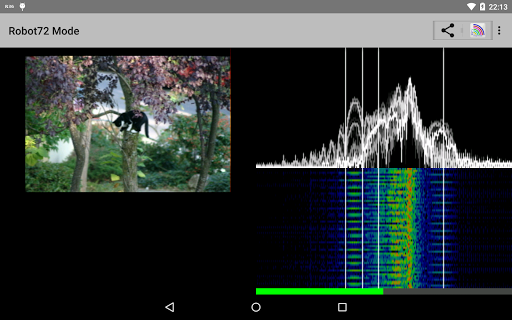
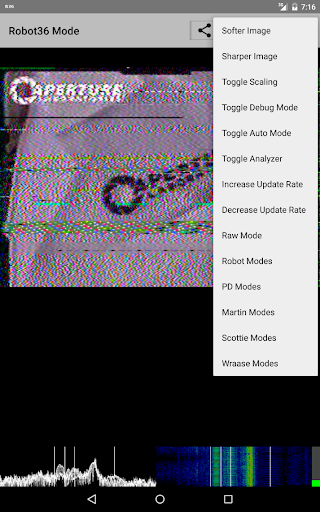
Following modes are supported:
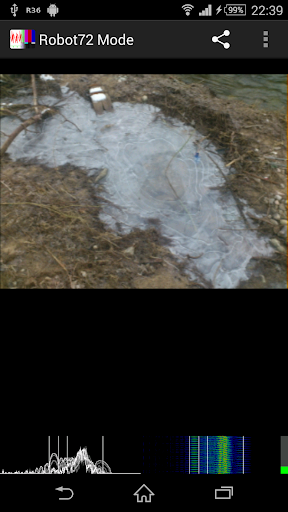
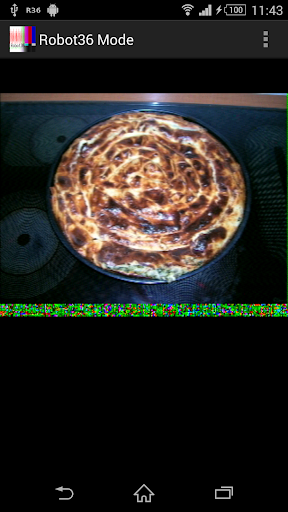
Robot Modes: 36 & 72
PD Modes: 50, 90, 120, 160, 180, 240 & 290
Martin Modes: 1 & 2
Scottie Modes: 1, 2 & DX
Wraase Mode: SC2 180
Old B/W or unsupported modes can be viewed in "Raw Mode".
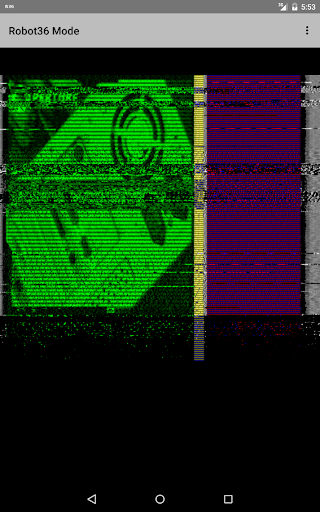
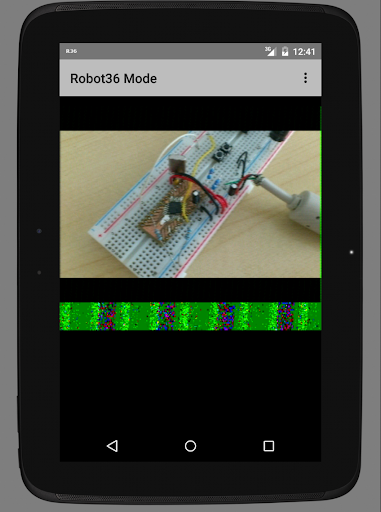
If an calibration header gets detected, the resulting image will be saved in the "Pictures" directory and can be immediately seen in the Image gallery.
Switching away to another application will not stop the decoder and it will continue to run in background.
To stop the decoder, you can either press pause or exit via the "back" button of Android.
Here you can find my wife's free open source SSTV Encoder:
https://play.google.com/store/apps/details?id=om.sstvencoder

What's New with Robot36 - SSTV Image Decoder 1.48

- updated libraries and tools
- fixed zero file size bug when storing picture
- fixed permission problems on Android 13

Information

  • Category:
    Communication
  • Latest Version:
    1.48
  • Updated:
    2023-07-12
  • File size:
    4.3MB
  • Requirements:
    Android 5.0 or later
  • Developer:
    Ahmet Inan
  • ID:
    xdsopl.robot36
  • Available on:
Reviews
  • avatar
    Works great with almost no image distortion
    2020-10-11 06:47
  • avatar
    Very impressed by this, it works very well. Love it Add Morse code and RTTY decoding and this would be the ultimate must have app for anyone that listens to radio. Not a complaint just thinking if it grew to decode what ever is coming over, so people never have to change apps that would be brilliant.
    2020-08-17 04:53
  • avatar
    Best app to try if you're just starting with SSTV like me.
    2020-07-15 02:50
  • avatar
    Opened the app and all options were greyed out. I gave the app storage permissions but I have no means to select any files.
    2020-06-25 09:38
  • avatar
    Uninstalled and the app icon is stuck on my screen, nothing removes it. Avoid this buggy mess.
    2020-06-19 02:06
  • avatar
    Had to uninstall and reinstall the first go around at it. The app was malfunctioning on the first download. After a second download, I was able to get it working. I was able to set it to auto mode and received some cool pics from my local radio club using my baofeng uv5r.
    2020-06-01 02:56