
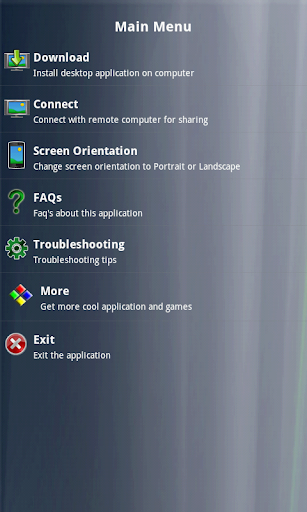
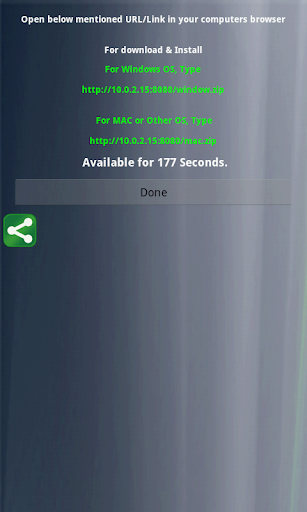
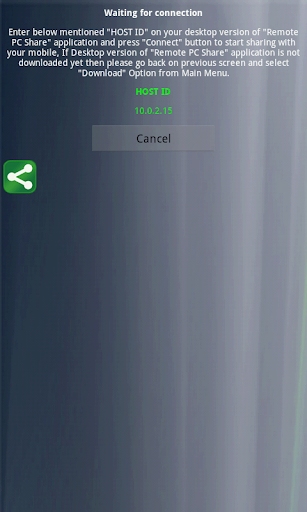
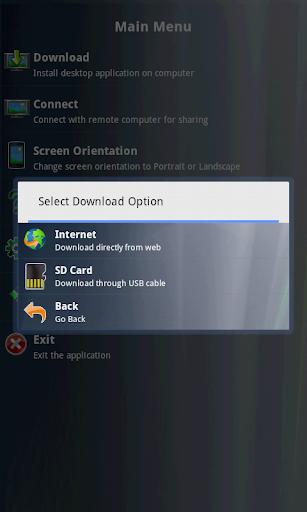
Note: Please read its FAQ’s & troubleshooting guide before using this app. Java jdk 1.6 or higher need to be installed on computer.
Using “Remote PC Share”
1.
Connect with computer located on remote place from any part of the planet, do not requires login/password.
2.
Connect with any GUI based Operating system, No OS limitation.
3.
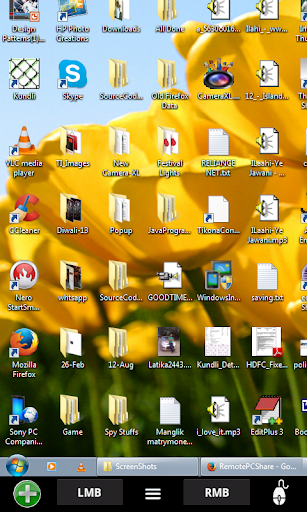
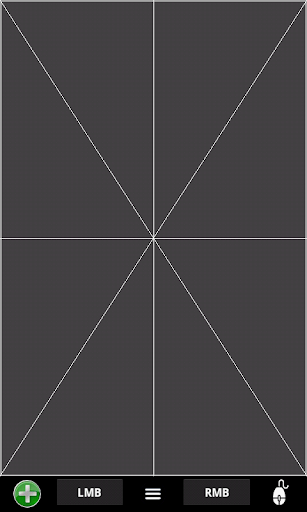
Navigate computers mouse remotely.
4.
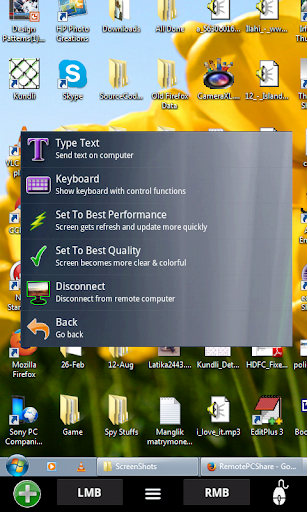
Type Text on remote computer.
5.
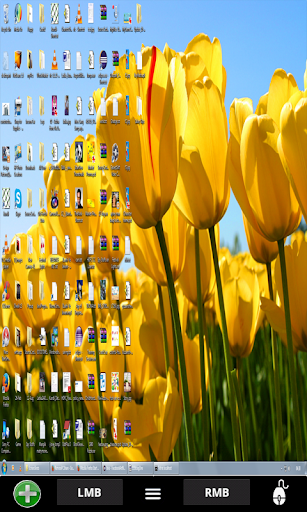
Set Zoom levels of computer screen on mobile.
6.
Set network performance & Screen quality using mobile during navigation.
7. Good for giving presentations to people, use this app as a remote control to navigate presentation slides on computer, many more features.
8. For Support call support@mightylandapps.com
If wants to go for Ad free version then please download "Remote PC Share Pro".
Instruction manual or working of this app is available at
http://remorepcshare.blogspot.in/
or you can download manual from
https://drive.google.com/file/d/0Byr68DctfSHyZEhkRENWcUdhMjg/view?usp=sharing








9Apps 4.9













