
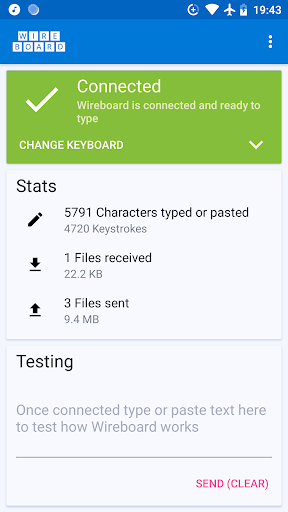
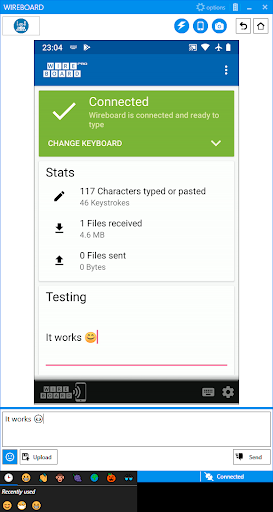
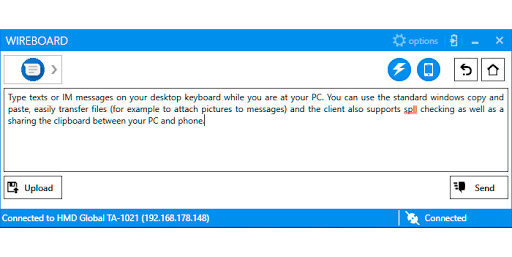
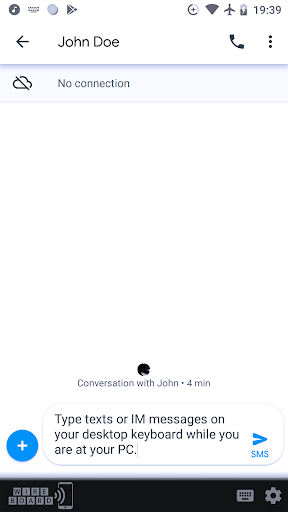
Wireboard lets you use your PC as remote keyboard to type on your phone or tablet via WiFi. It is for everyone who prefers to type on a computer keyboard rather than the small touchscreen of your phone, for example while texting and chatting with friends or when trying to copy a long URL from/to your phone.
Features:
* Easy to use and comfortable typing on your Windows PC, including all the standard features like copy and paste, spell checking, etc
* Sharing files between your phone and PC over WiFi, for example to attach an image to a chat
* Shared clipboard functionality
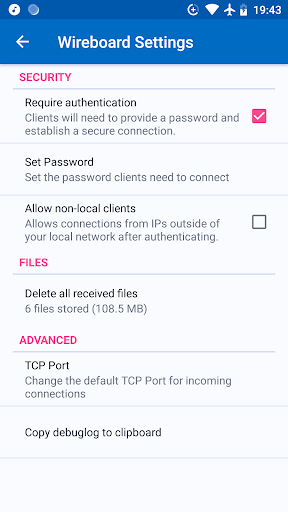
* Encrypted connections - so it's safe to use in a public WiFi
* No cloud, third party server, etc involved. All your data stays in your local network
* Mirror your phone's screen to your PC and make typing text even more comfortable (Pro version)
Requirements:
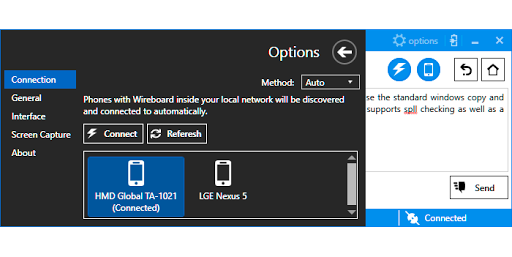
- Besides this app you will have to install the Windows client (for Windows 7 and higher with .Net 4.7 or Windows 10). It's free, open-source and contains no advertisement. You can get it on https://www.wireboard.net.
- Your phone and PC need to be in the same local network (usually via WiFi)
- Wireboard offers now an upgrade to a "Pro" version, which let's you mirror your phone's screen directly onto your PC over Wi-Fi, without any need for additonal configuration. Note: No features of the free version have been removed or restricted.
- The CTRL ( Enter) now toggles if a new line is created or if the send action is executed
- Fixed a crash in the preference screen on orientation change
It is recommended to also update the windows client of Wireboard to use all new features.




9Apps 4.9














