Raspberry Pi Tutorial icon

Raspberry Pi Tutorial

1.5 for Android
3.8 | 10,000+ Installs | Reviews

CoderBro

Description of Raspberry Pi Tutorial

Learn Raspberry Pi. Program your Pi board and make Cool Projects!
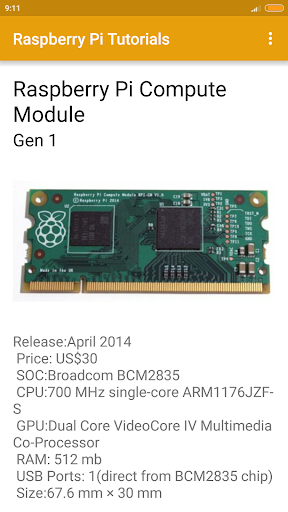
Make your way into the world of electronics and learn to make cool raspberry projects with the Raspberry Pi Model A, B, Zero and Compute Modules, using this tutorial,
Raspberry Pi apps.
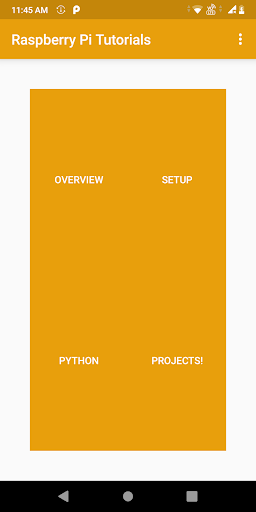
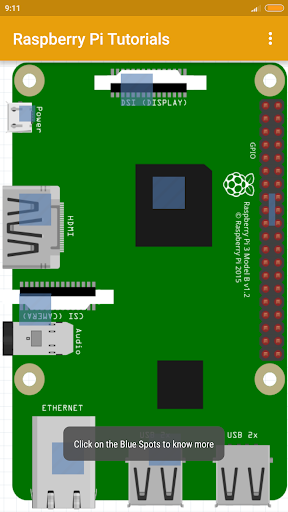
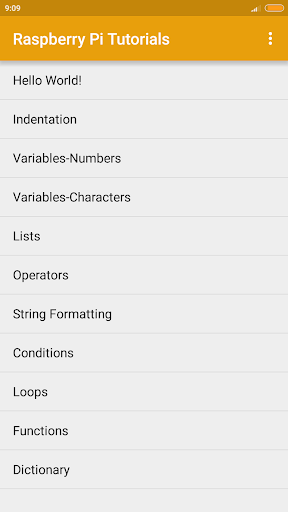
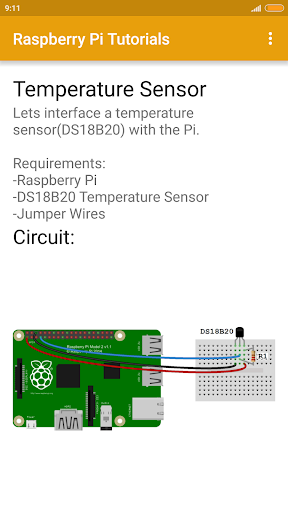
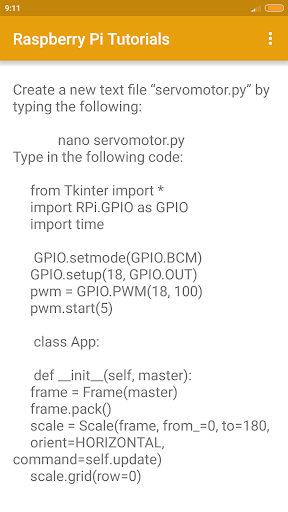
Use this raspberry pi apps tutorial, to learn how to implement devices with the raspberry pi, like the mouse, keyboard and monitor, and make a fully functional Raspberry Pi PC. In this raspberry pi app, learn to implement devices and modules like temperature sensors, ultrasonic sensors, Buzzers, IRs, DC Motors, Servo Motors, and many more with the raspberry pi, and make cool raspberry pi projects with these. The app will be regularly updated with new and awesome raspberry pi projects. Also included in this app is a handy raspberry pi raspbian list of oft-used commands for quick reference for programming in linux your raspberry pi.
Learn to make circuit emulators and remote controls using this raspberry pi app.
Enjoy!

What's New with Raspberry Pi Tutorial 1.5

UI facelift and bug fixes

Information

  • Category:
    Education
  • Latest Version:
    1.5
  • Updated:
    2020-03-22
  • File size:
    9.4MB
  • Requirements:
    Android 4.0.3 or later
  • Developer:
    CoderBro
  • ID:
    com.tutorials.raspberrypi.raspberrypitutorials2
  • Available on:
Reviews
  • avatar
    good relevant app. one thing I noticed is that on some pages the advertisement covers some tutorial text and you cannot scroll past to view some text. but yeah great app! question, will you be adding the pi4 into the app soon?
    2019-07-06 11:18
  • avatar
    ok
    2019-03-26 01:04
  • avatar
    the ads cover the content 😕
    2019-01-27 02:23
  • avatar
    The content produced on this app is relevant . The information what is needed to attain knowledge about raspberry pi is here . This app even has good details to have a hands-on experience on raspberry pi module .
    2019-01-18 05:04
  • avatar
    Makes me fly until I knew it used Python 2 instead of 3.
    2018-11-22 07:25
  • avatar
    Very informative
    2018-11-10 10:53