
Simple and free alarm app, internet clock radio and radio player
IMPORTANT INFO about Energy Settings:
-SAMSUNG
-HUAWEI
-XIAOMI
-OPPO
- ...
PLEASE check this website:
https://android-co.de/energy-settings/en
and follow the tips in order to PREVENT THE ALARM FROM FAILING!!
Thank you.
Dear user,
this app is 100% ad-free! Sometimes I receive negative ratings due to radio stations playing advertisements. There is nothing I could do against that. The app itself is ad-free.
Advice: Use 1-2 minutes of increasing volume for your alarms. You won't hear the first commercial then.
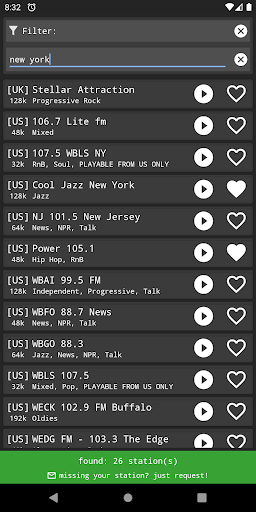
*Currently ~3600 radio stations from all over the world!*
*More than 70 local BBC Radio stations*
Each station is individually added by hand upon user-request to ensure YOU get the stations YOU like!
You will be prompted to accept the TERMS OF USE before you can use the app:
https://android-co.de/clockradio-terms-of-use/en
Description / Functions
permissions:
read phone status and identity is needed for muting alarms when calls are detected
read/write external storage is needed for importing/exporting favourites
This is an online clock radio / radio alarm app.
An internet connection is required in order to play an online stream.
In case there is no internet connection available, an integrated audio file will be played instead to make sure the user will get woken up anyway.
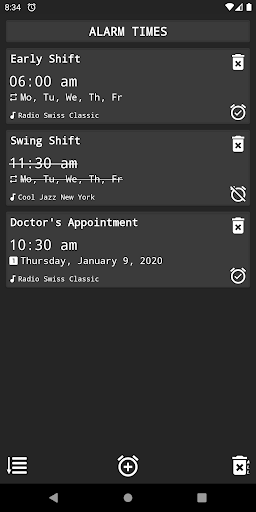
You can set multiple repeating (weekly) or one time alarms per day.
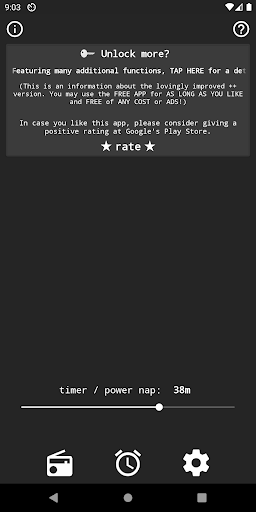
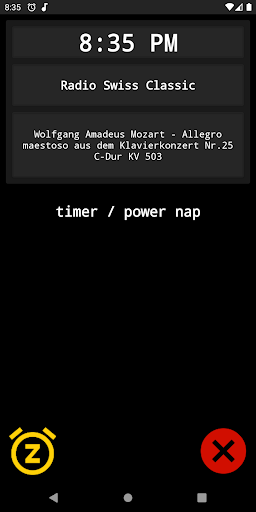
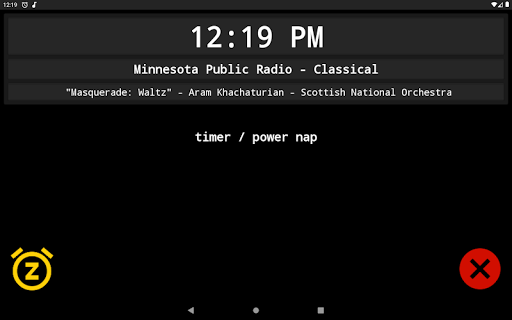
On the main page you can find a power napping timer for short naps (1-120 min).
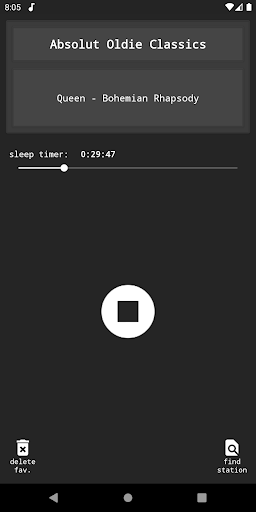
You can add stations to your favourites and play them in the radio player.
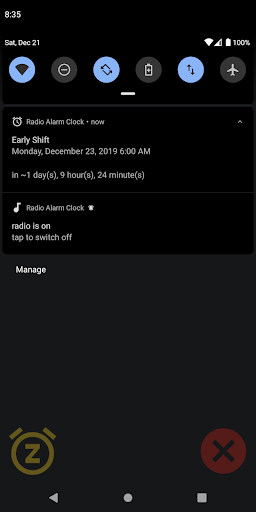
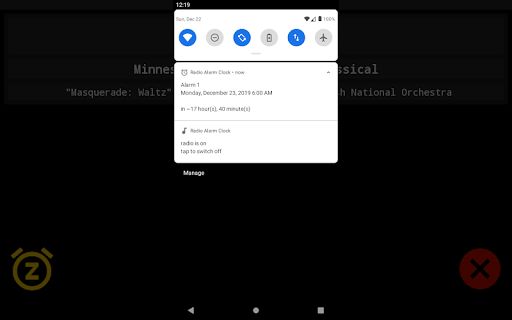
A notification in the notification bar indicates the next alarm time; tapping the notification will open the app.
Settings:
•alarm volume
•snooze duration: 1-30 min
•alarm auto off: 0, 30, 60, 90, 120 min
•safety dialog when disabling an alarm: on/off
•increasing volume (standard alarm): 0-60 min
•increasing volume (power nap): 0-5 min
•vibration (standard alarm): on/off
•vibration (power nap): on/off
•notification type for next alarm: fixed / deletable / off
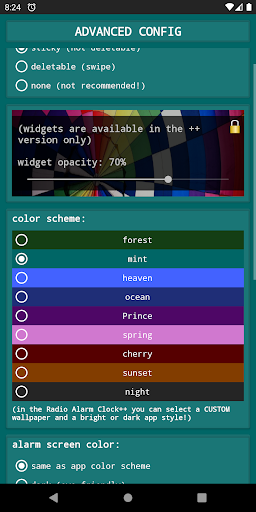
•different color schemes
•add a custom stream to favourites
When the alarm time is reached, you may:
•stop the alarm (X)
•snooze the alarm for the set snooze duration (Z)
•control the volume (if you want to continue listening), this switches off the vibration and the increase in volume stops, if switched on
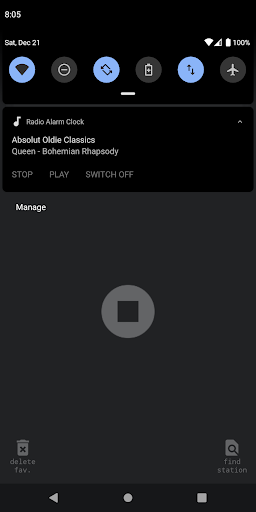
-a notification in the notification bar indicates that the radio is on and a tap leads back to the "wake-up" screen
The alarm will mute on any call and stop the vibration.
After a call, the wake-up volume will be restored.
If you like the app, I would be truly grateful if you gave it a positive rating :-)
For problems, questions, suggestions or critique feel free to contact me: support@android-co.de
There may be bugs and errors which may prevent the clock radio from waking you up as intended!
Please consider using a 'normal' alarm clock in addition to this app.
Support for Android 12, 13, 14 has been added
Added better permission handling (see settings!)
Lots of fixes and improvements have been made






9Apps 4.9














