
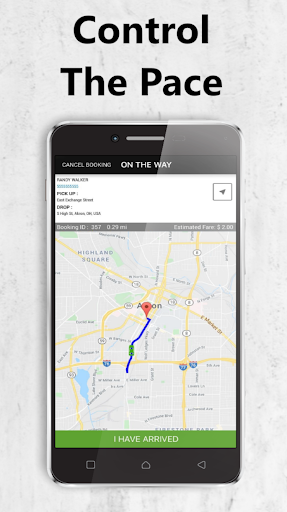
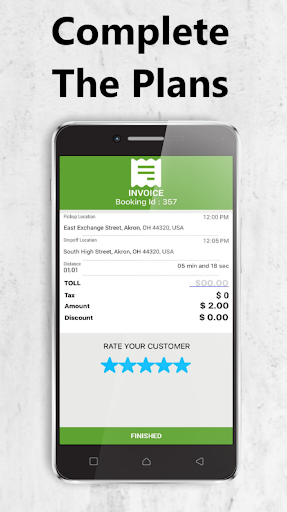
Here is how each service gets performed:
- Tap the Quruz Driver App.
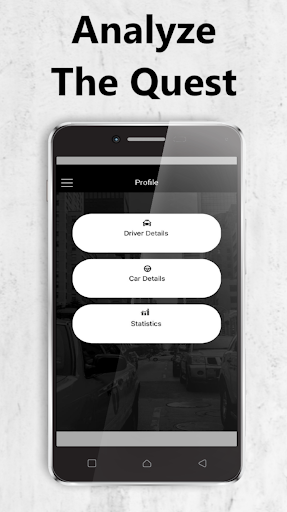
- Log in/sign up.
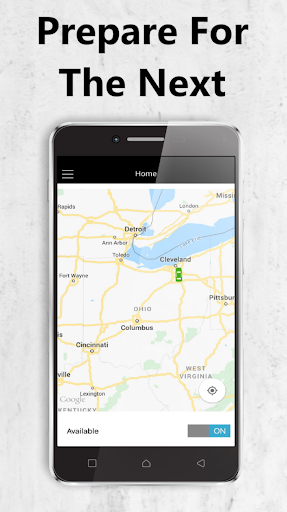
- Make sure the available button indicates “On”.
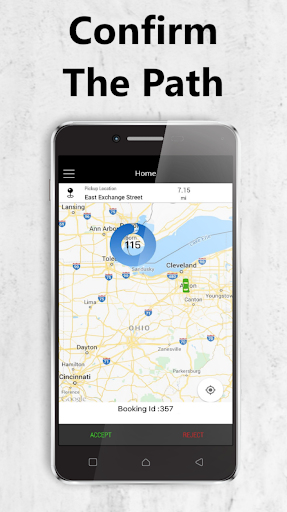
- A request by a passenger using the app will come in displaying the type of service, and transportation fare.
- You have the option to approve or deny the request.
- Passengers can make cashless payments via credit/debit card before you comply to their request.
- After you approve a request, and the passenger has entered your vehicle, follow the necessary steps and GPS route to their locations until the service is complete.
- Be sure to give feedback and rate your journey. A receipt with the service details will be sent to your email and History Page.
New opportunities for you:
You will have guaranteed earnings after you are a representative so there is no need to worry.
The tips and waiting fees given are 100% yours.
Whether you’re employed, or a boss, we’re presenting leaders.
Thank you for your interest to become a participant of our organization.
Let’s help the world go around.
*Don’t forget to turn off your availability when you are done accepting passengers for the moment. The app operating in the background would reduce your phone’s battery life.


9Apps 4.9















