

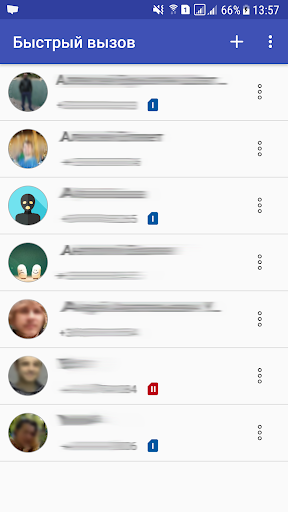
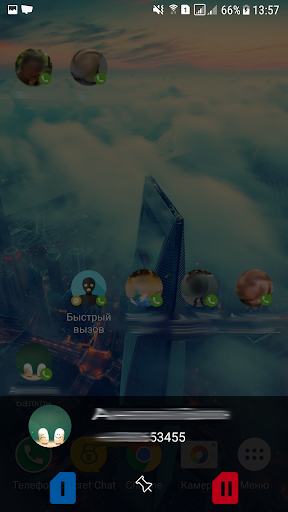


The shortcut for contacts allows you to place the most needed contacts on the main screen to make quick calls in one click. This shortcut is especially useful for owners of phones with 2 SIM-cards, you can select the desired SIM-card for each contact.
And by creating a contact icon, you can place the contact in any convenient place on the desktop. Also you can merge the contacts' icons into folders. The type of icons and folders depends on the phone's launcher.
Contact shortcut features:
- Add a contact to the home screen
- Setting the display of the shortcut (name display, SIM card binding)
- Select SIM-card (for phones with 2 SIM-cards)
- Editing shortcuts
- Create contacts icons, merge icons into folders
Editing a shortcut allows you to quickly make changes to an existing contact shortcut.
To create a shortcut, go to the list of phone widgets, find the shortcut "Quick Contact". Add it to your desktop in the right place.










9Apps 4.9














