
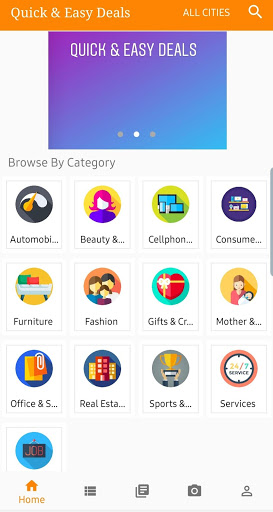
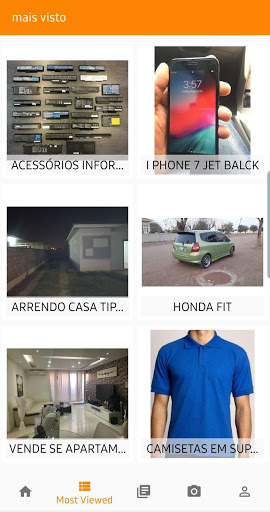
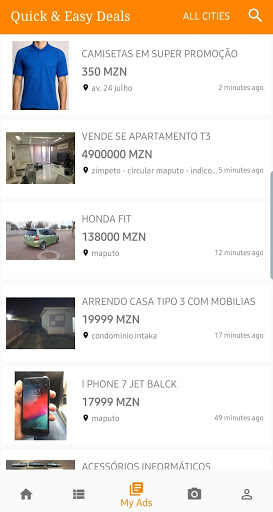

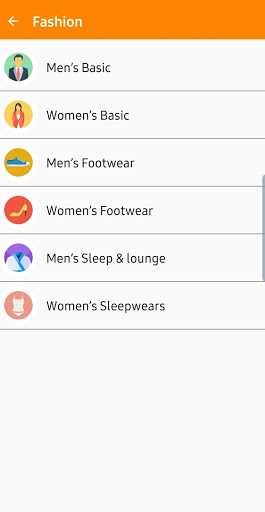
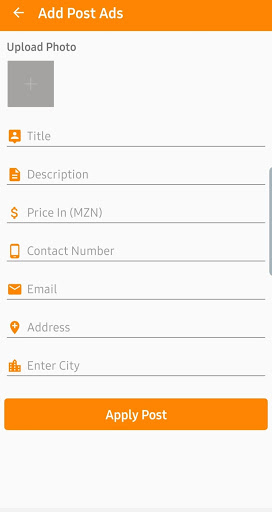
We offer classified post to the consumer for “BUY, SELL, FIX, RENT” such kind categories as: Automobiles, Beauty & Health, Cellphones & Computer, Consumer Electronics, Furniture, Fashion, Gifts & Craft, Mother & Kids, Office & School, Real Estate & Land, Sports & Entertainments, Services, Employments.
How To Sell On Quick & Easy Deals?
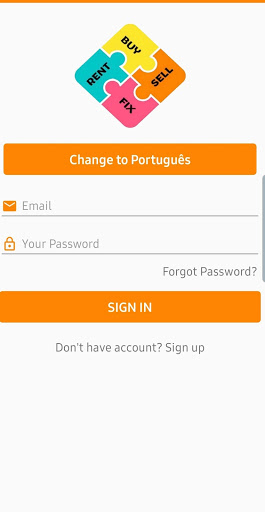
1. Choose your preferred language.
2. Then press on “sign in or sign up to create account”.
3. Fill the personal detail e.g.: name, password, phone number and email such easy as that.
4. Click sign in and there it goes.
5. Now select the category where you want to sell your product with zero cost of transaction.
6. Reply to your costumer by texting or by calling.
How To Buy On Quick & Easy Deals?
1. Search for the product on the category
2. Contact the product seller
3. Pay the product and ask for delivery
4. Give us a feedback about the seller and the transaction.
User Security(Term & Condition)
1. General
We are giving our more focus on solving user’s issue in short time period. That why we ask for feedback at any transaction done. If any issue while buying from a seller, please inform us the team of quick & easy deals to contact with him and solve the issue as soon as possible.
2. Personal Security Tips
Never pay for product in advance
Verify the product before buying
Make transaction on a safe and public place








9Apps 4.9














