Control your PC or Laptop with your smartphone or tablet!
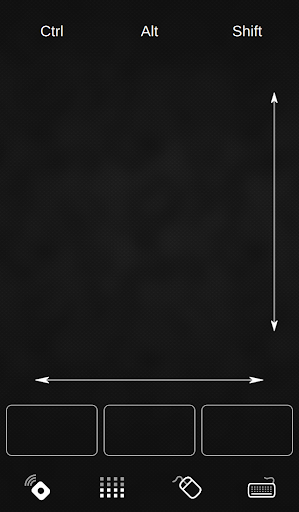
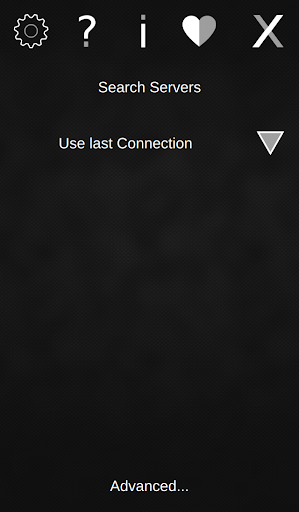
With QRemoteControl installed on your smartphone or tablet you can easily control your computer via WiFi. For example by using the touchpad of your phone you can open the internet browser and navigate to the pages you want to visit. Furthermore it gives you the opportunity to use the music player or your media center without being next to your pc or laptop. Many of our users also make use of it while giving a presentation.
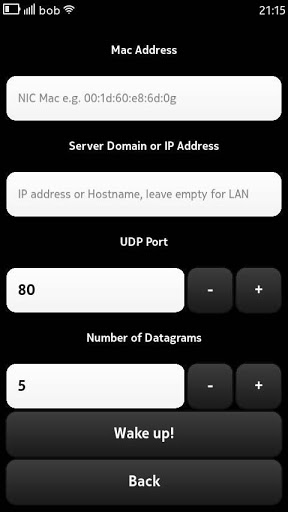
Summarizing QRemoteControl allows you to do almost everything you would be able to do with a mouse and a keyboard but also from a greater distance. Even powering on the computer via WLAN is supported by this app.
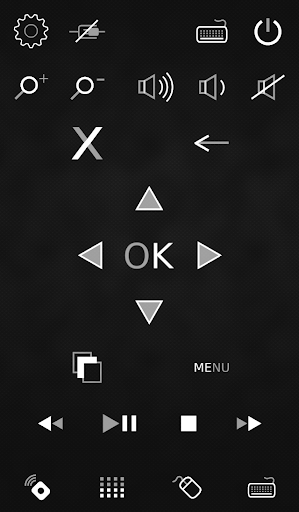
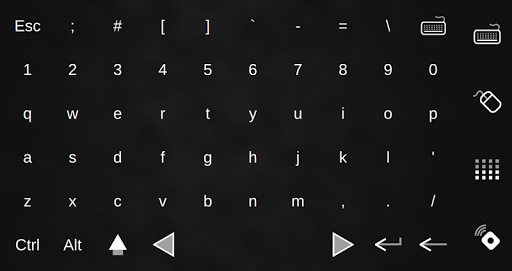
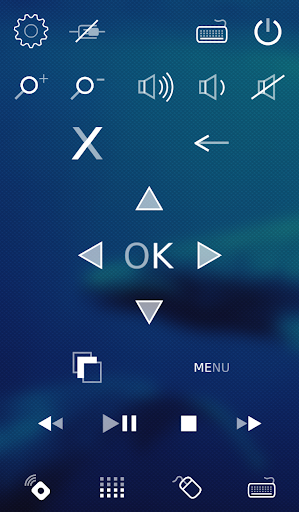
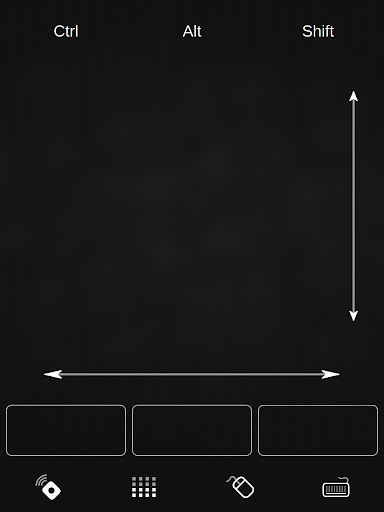
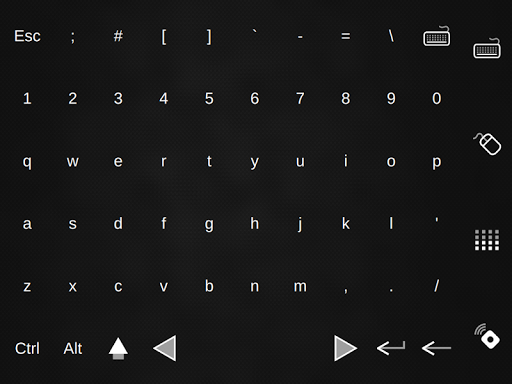
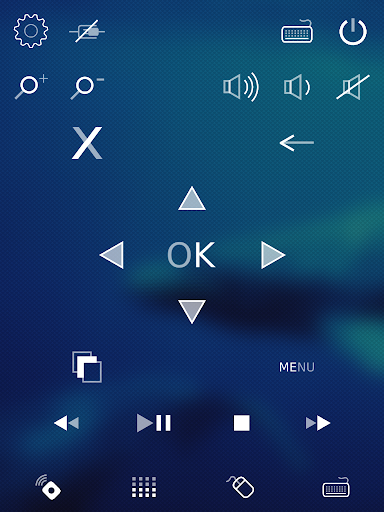
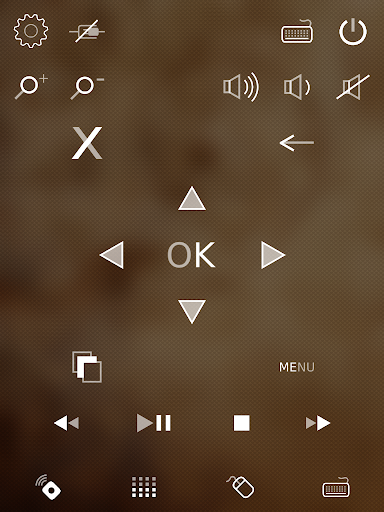
To make these replacements possible QRemoteControl offers you a touch-pad, a keyboard, multimedia keys and buttons for starting applications.
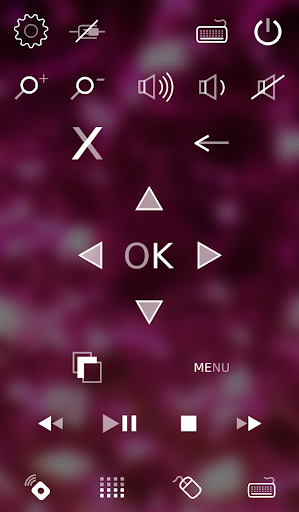
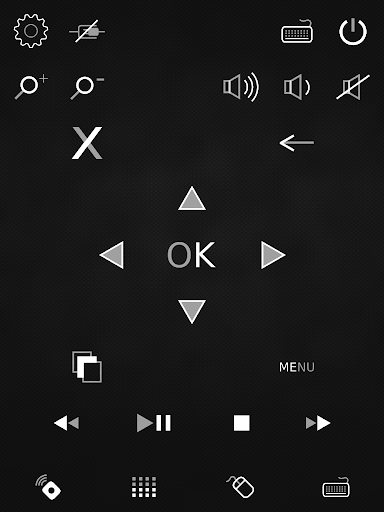
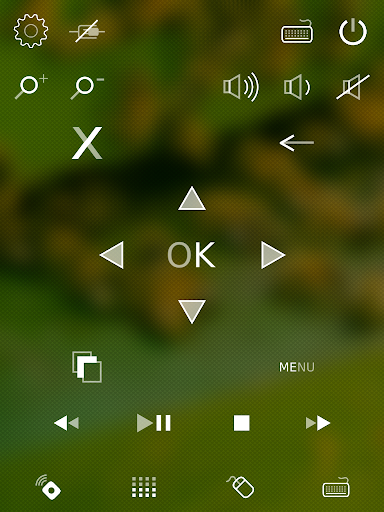
The fresh design makes QRemoteControl an eye-catcher. Moreover several color designs for the user interface are available to adapt it to your individual flavor. Automatically switching from portrait to landscape mode is another feature making it perfectly fitting for the user in every situation.
For using the app you need to
- download, install and open the app on your phone or tablet and
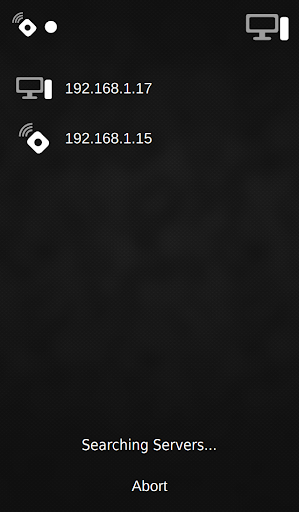
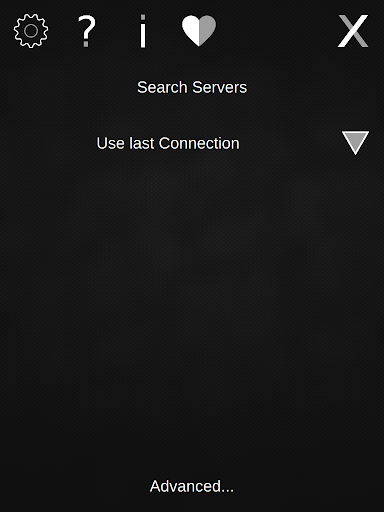
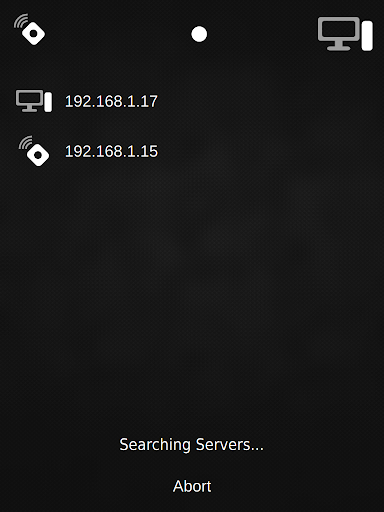
- download, install and open the QRemoteControl-Server you can easily get on http://qremote.org on the item (computer, raspberry pi) you like to control!
(By now the QRemote-Server application is available for Windows, Linux and Mac.)
For more information or support please visit our website http://qremote.org !
Publishing for Android







9Apps 4.9