
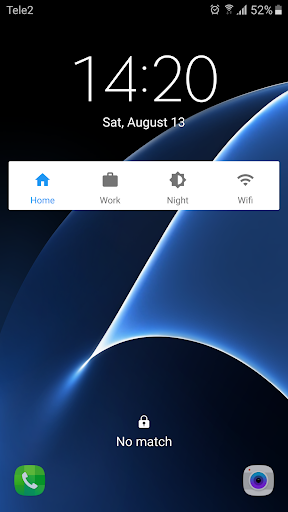
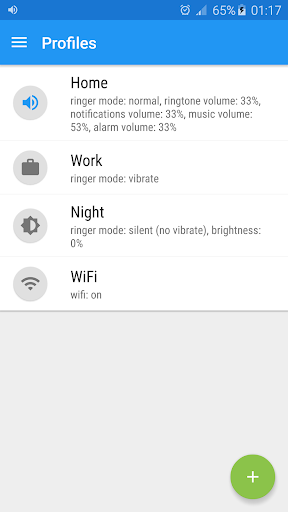
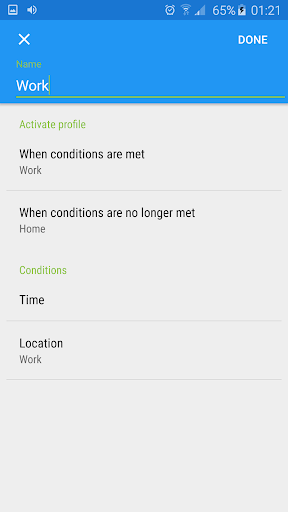
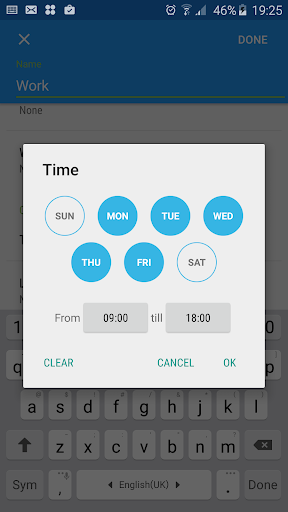
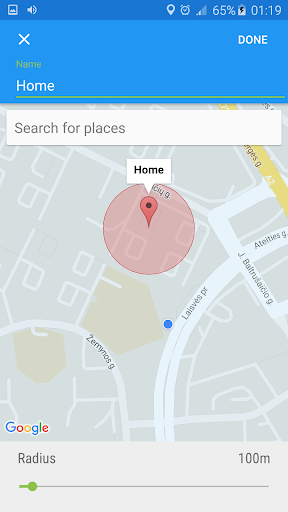
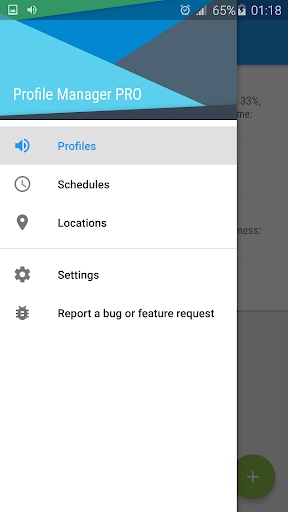
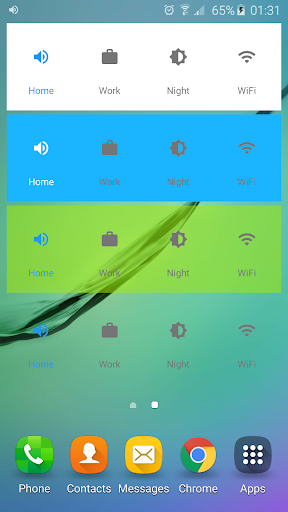
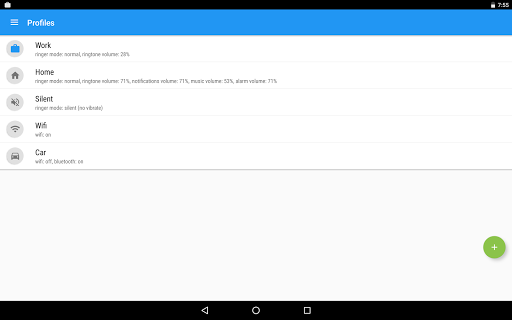
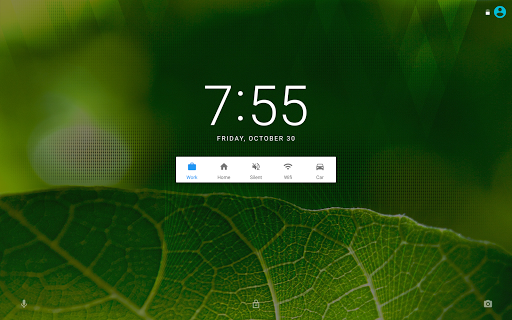
Profile Manager unlike many others is light, easy to use and battery friendly app for managing profiles. It lets you switch profiles right from notification drawer, lock screen, widget or app. You can customize each profile with volume, display, wireless, ringtone and other settings. Timed profiles allow you to activate a profile for desired duration e.g. when you are in a meeting you could activate silent profile for 1 hour. If this is not enough you can also create automatic rules and Profile Manager will automatically activate profile at your desired time or location or based on other conditions! What is also great is that you don't have to worry about switching to a new device and recreating all the settings because it is done automatically (Android 6.0 and higher)!
To activate a timed profile, simply swipe left and select desired duration
To rearrange profiles, long click on the profile and drag it to your desired position.
To delete a profile, simply swipe right from the profile list.
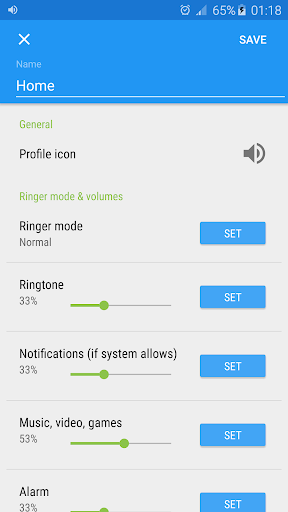
Each profile is customized by combination of these settings:
★ Ringtone & notifications volume
★ Music, video and games volume
★ Alarm volume
★ Voice volume
★ Phone ringtone
★ Default notification sound
★ Vibrate when ringing
★ Brightness
★ Screen timeout
★ Auto rotate
★ Wi-Fi
★ Mobile data
★ Bluetooth
★ Auto sync
★ Launch app
★ Disable lock screen
Issue Tracker: https://bitbucket.org/Ogix/profile-manager/issues?status=new&status=open
If you miss some features or something does not work on your device, please use issue tracker instead of writing bad review. I try to make quality apps but I cannot test on every device. Thank you for your understanding and good luck using this app!
v2.6.0
Fixes for Android 7
Fixed performance issues
Local backup & restore
Better root detection












9Apps 4.9














