Power Watch Face icon

Power Watch Face

1.3.2 for Android
3.5 | 50,000+ Installs | Reviews

RichFace

Description of Power Watch Face

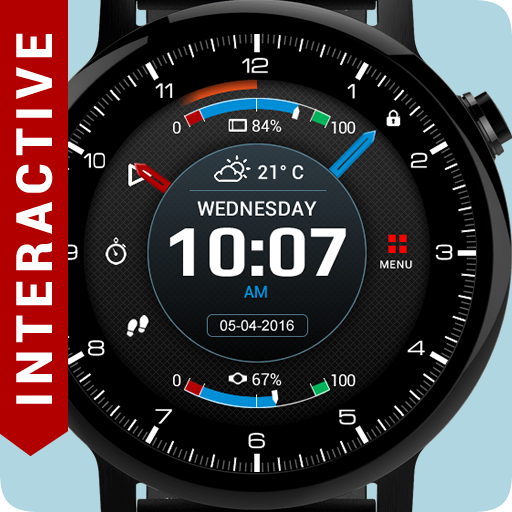
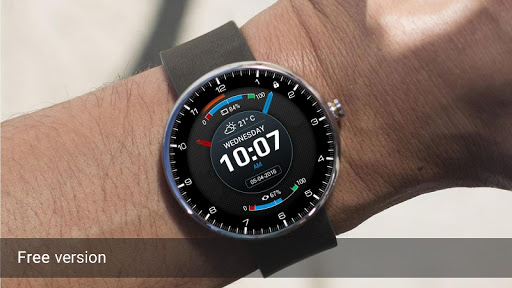
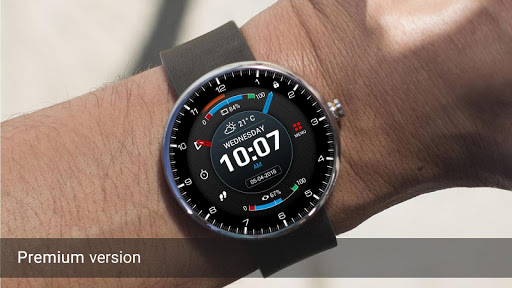
★★★ Interactive Watch Face for Android Wear 5. ★★★
★★★ ⭐ NEW! Google FIT data: ★★★
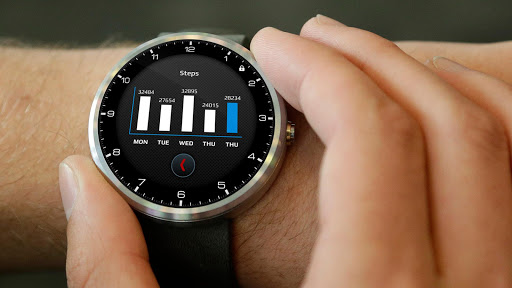
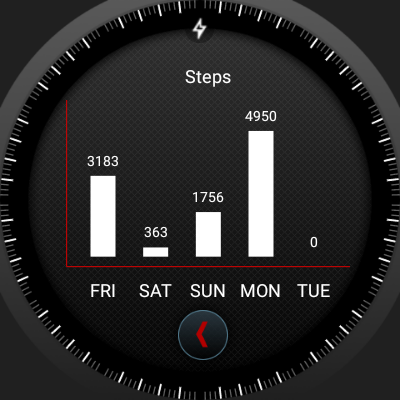
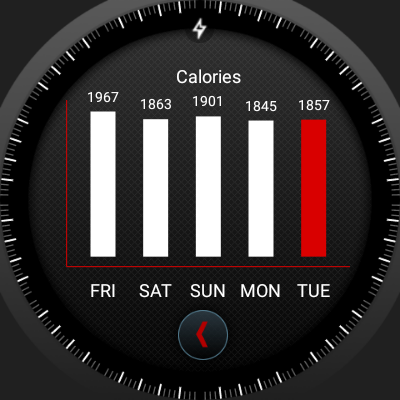
✔ Daily steps with graph (click in a center to switch between graphs)
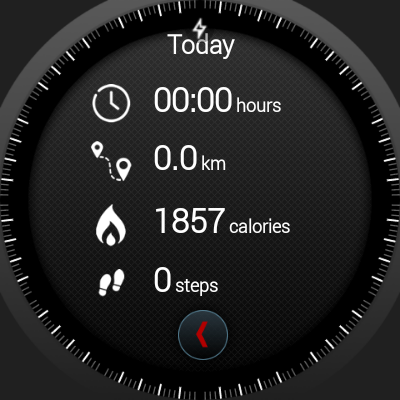
✔ Total data (Today, Week, Month)
✔ Active running time
✔ Active walking time
✔ Active biking time
✔ Burned calories
★★★ Other data: ★★★
✔ ⭐ NEW! Weather forecast with graph (3 weather providers)
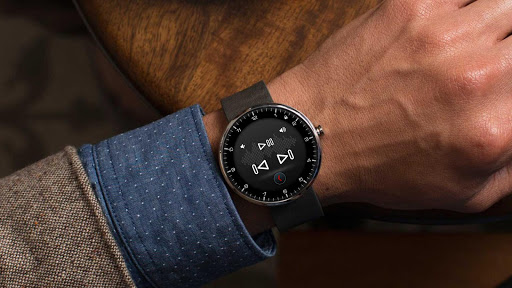
✔ ⭐ NEW! Music player
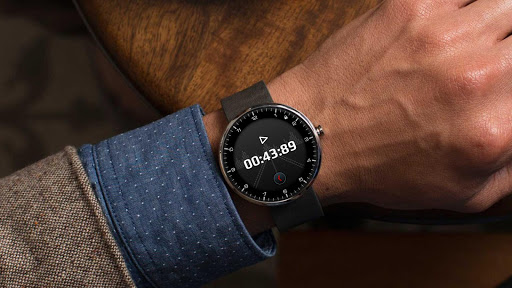
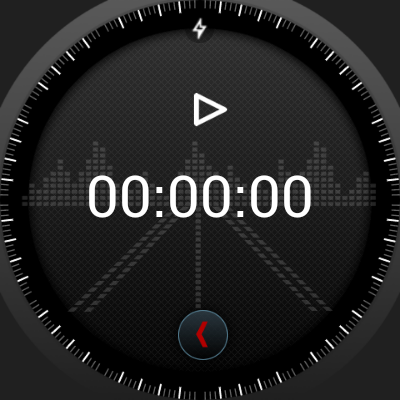
✔ ⭐ NEW! Stopwatch
✔ Watch and phone battery
✔ Date with date format settings
✔ 24 hour format
✔ Screen time
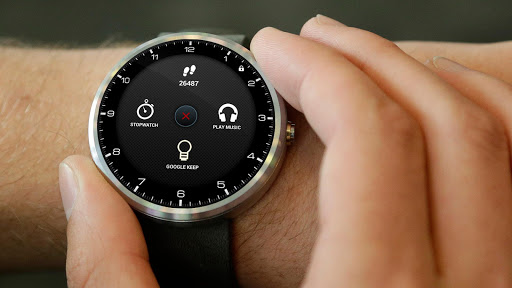
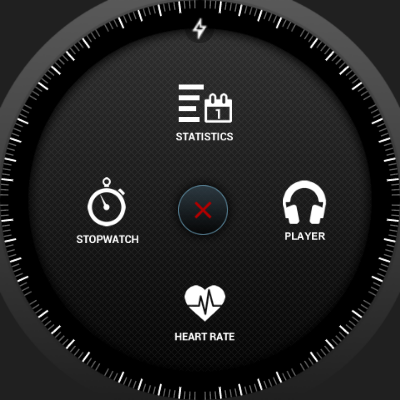
✔ Interactive menu with app shortcuts
✔ ⭐ NEW! Automatic or manual weather location
✔ Current location
✔ ⭐ NEW! Shortcuts for Hangouts, Google Keep, Google Maps, Alarm clock, Stopwatch, Music, Translate, Flashlight, Timer, Google Fit, Agenda, Find my phone, Google Messages
✔ ⭐ NEW! Full ambient mode
✔ Smooth seconds
✔ Small peek card option
✔ Translucent peek card
✔ System indicator positions
★★★ Configuration in companion app
★★★
✔ ⭐ NEW! Google FIT sync time
✔ ⭐ NEW! Automatic or custom added weather location
✔ Smooth seconds or tick seconds
✔ Screen time settings
✔ ⭐ NEW! Weather update time
✔ ⭐ NEW! Simple and full ambient mode
✔ Peek card configuration (transparent, small or big)
To install:
1. After install run 'Resync app' on Android Wear App.
2. Long press your android wear watch and choose Power Watch Face as your watch face

What's New with Power Watch Face 1.3.2

Android Wear 2.0 support(semi-standalone)
Fixed minor bugs

Information

  • Category:
    Personalization
  • Latest Version:
    1.3.2
  • Updated:
    2017-02-15
  • File size:
    10.2MB
  • Requirements:
    Android 4.3 or later
  • Developer:
    RichFace
  • ID:
    com.watch.richface.power
  • Available on:
Reviews
  • avatar
    paid for premium. next day none of the shortcuts buttons work
    2019-12-11 01:08
  • avatar
    Great watch face easy to use app
    2019-09-23 10:59
  • avatar
    Not okay with getting a premium version and it not working at all. Refund please.
    2018-11-07 06:00
  • avatar
    I just reset my watch and it is not giving the option to download to watch. Can you help?
    2018-09-26 06:53
  • avatar
    The screen freeze for a long period of time and you can not use the shortcuts
    2018-07-27 03:51
  • avatar
    Love all the apps from this developer. Especially this one. My only complaint is how they implement the weather info system in their faces. It's very simplistic. It requires location to be on all the time to get the info and the location selection option doesn't work AT ALL. It doesn't detect what state is put in, just the city. There's more than on of my cities in the US. I have a few other watch faces that use a method that doesn't require location to be on indefinitely to be able to get weather stats. It allows you to pick a location from a map and it refreshes every so often. You don't need to have location on. It would be greatly appreciated if the developer could either overhaul the system these other faces use or at least fix the location selection option so it actually works.
    2018-01-21 01:36