
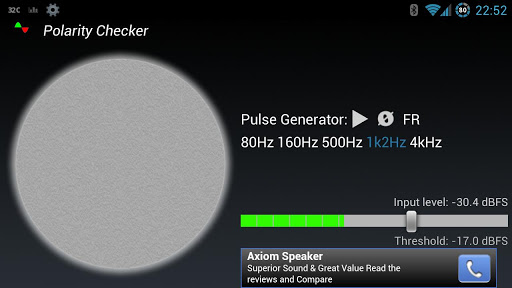
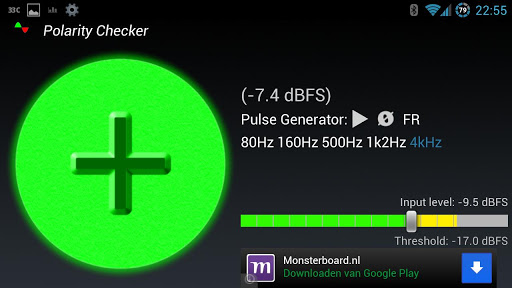
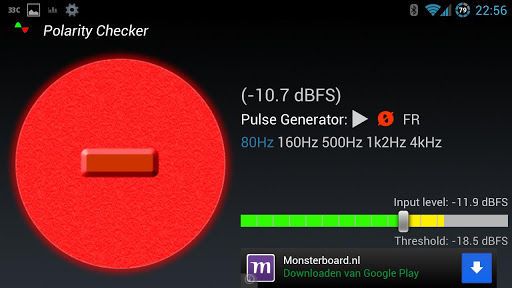
For a good working Sound System it is essential that all loudspeakers are wired correctly.
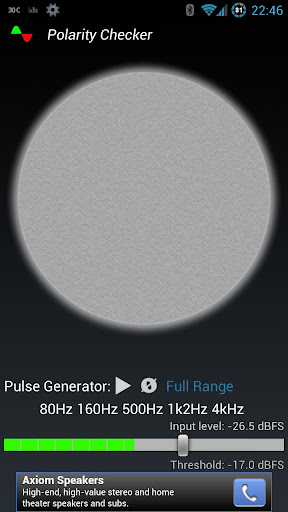
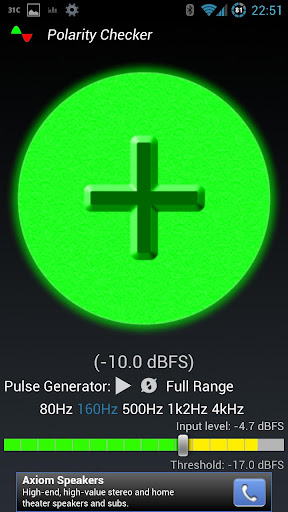
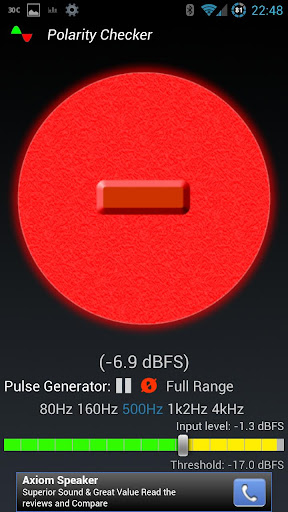
With this app you can turn your android device into a "polarity popper" and check the "polarity" of a speaker, whether it first moves forwards or backwards (often mistakenly named "phase", which is also time and frequency related).
A loudspeaker should have the same polarity as it's "friend on the other side" when measured at the same position/distance. This also counts for multiple speakers which should be doing the same (a cluster of multiple subwoofers for instance).
Important notes:
- Red is NOT bad!! A lot of filter-designs that drive loudspeakers have out of polarity components (so for instance the high frequency speaker CAN be opposite polarity to the low frequency speaker).
- Try to measure as close to the speaker as possible (and away from bass-ports).
- dBFS means "Decibels relative to full scale". So 0dBFS is the maximum soundpressure your device is capable of handling without distorting (clipping).
- Using a different pulse signal CAN give opposite readings, due to loudspeaker filter designs. Use the same pulse when comparing!
Polarity Checker can be useful for testing almost all sound sources. Like large scale concert PA systems, home theater systems, studio monitors, car audio en even headphones..
Usage:
For playing the pulse signal you have 3 options:
- Use a wire to connect your phone/tablet to the Sound System.
- Use 2 phones/tablets (one wired for pulse generation and one without wires for measuring).
- Copy the pulse files (which can be found in sd-card/PolarityChecker) to a playback medium (cd/iPod) that is able to repeat single tracks.
- When the polarity-reverse button "Ø" is pressed (red), the pulse generator plays a negative pulse. So the measurement should give opposite readings! (equal to playing an INVERTED_pulseXXXX.mp3 file)
Measuring:
- Avoid CLIPPING the microphone, this could corrupt the measurement.
- Adjust the threshold, so the checker doesn't get triggered by background noise.
- Try to measure one speaker at a time. If possible mute all other sound sources.
When measuring "passive filtered" speaker cabinets (for instance when you've got one amplifier driving your low and high speaker at the same time), it can be useful to select a frequency dependent pulse to isolate the speaker you want to measure.
If you like this app, please comment and rate. If you've got any questions, bugs or feature requests, please visit the facebook page: http://www.facebook.com/PolarityChecker
PERMISSIONS USED:
- RECORD_AUDIO: To use the mic input of the device
- STORAGE: Needed to copy the pulse files to the sdcard
- FULL INTERNET ACCESS: Needed for Ads (not used when donation key is purchased)
- VIEW NETWORK STATE: Needed for Ads (not used when donation key is purchased)
- Added: Move to SD support








9Apps 4.9



![How to find a polarity inversion using Smaart® [GSwSST32] screenshot 5](https://i.ytimg.com/vi/a9aqg27IZoE/mqdefault.jpg)














