

You must already have an account with Planning Center Services to use this app. To sign up for an account subscription, have your organization's administrator go to https://planningcenter.com
===== Planning Center Music Stand: ======
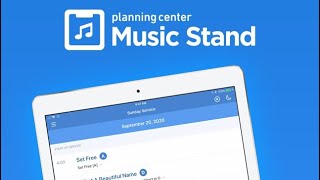
Planning Center Music Stand is a digital music reader that connects to your Planning Center Services account to let you flip through pages with your finger or a wireless foot pedal. Features include:
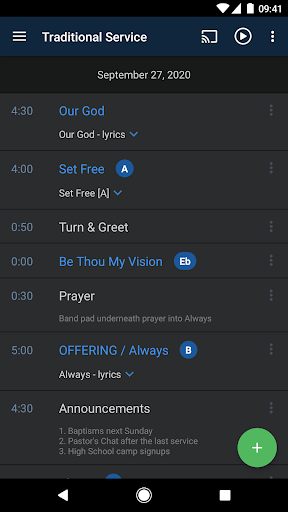
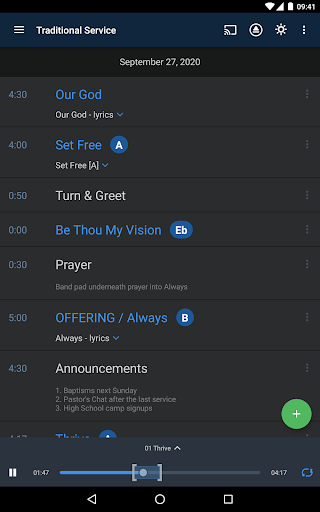
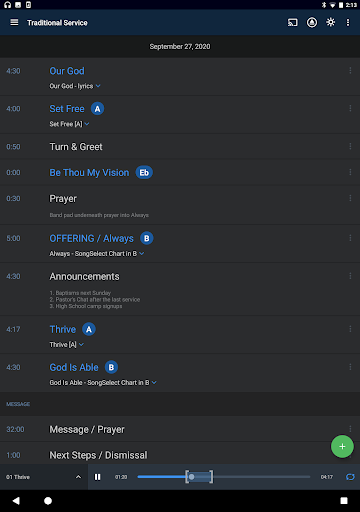
1.) Login to your Planning Center account and view any plans
2.) Choose which PDF to display for each item
3.) Hands free page turns using any Bluetooth foot pedal
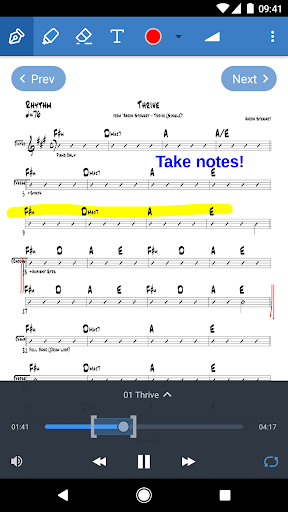
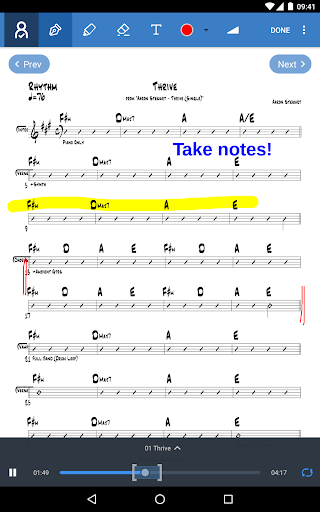
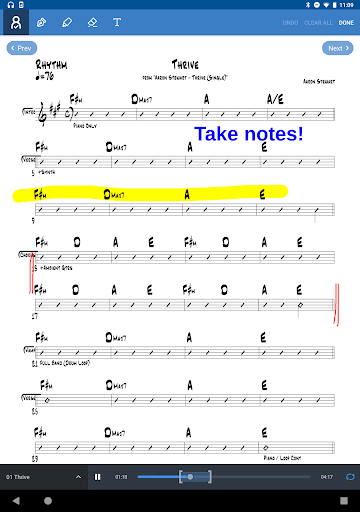
4.) Use annotation tools (highlighter, pen, text) to take notes which are stored online
5.) View other people's annotations or merge them with your own
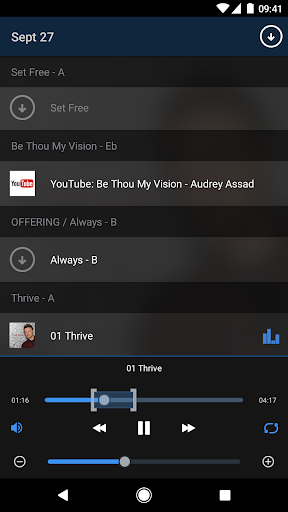
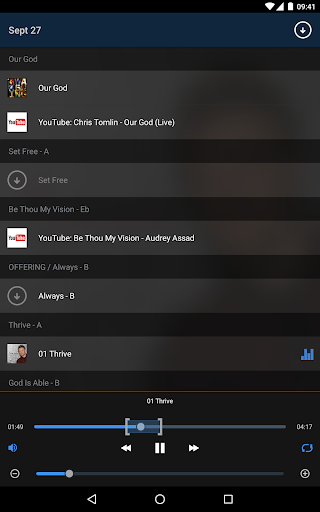
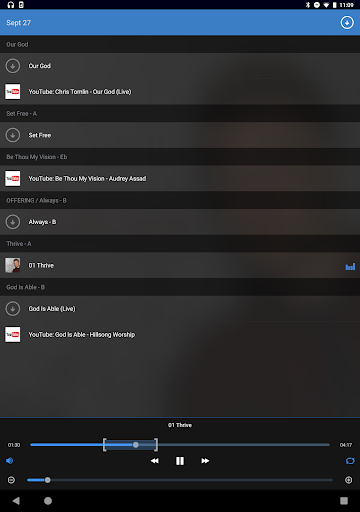
6.) Listen to audio files attached to any song in the selected plan
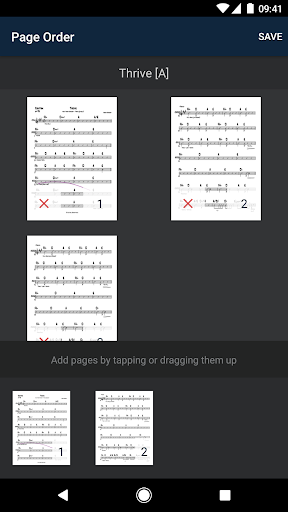
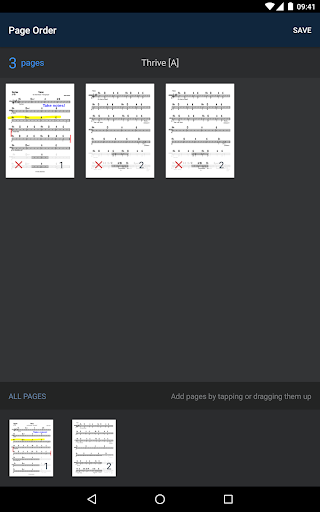
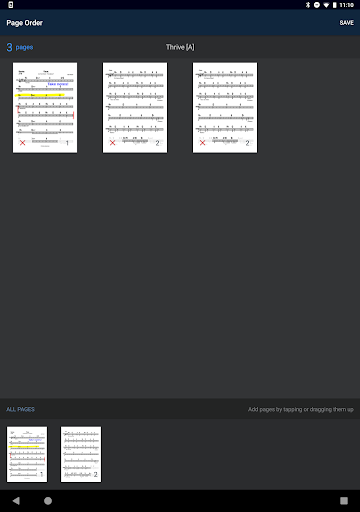
7.) Rearrange the pages for any PDF
8.) Zoom to Crop all pages in a PDF
9.) View 2 pages side-by-side in landscape
10.) Join sessions to have your page turns synced with another device
11.) Your last 10 plans are available even when you are offline
NOTE: This application is an add-on to Services, which must be enabled in the subscription settings.
- General performance improvements
Like the app? We'd love a review! See any bugs or issues? Please write in to us at android@planning.center with details.




9Apps 4.9












