
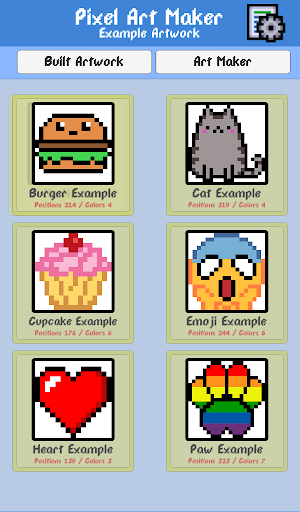
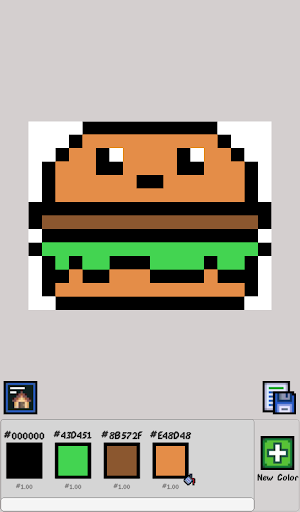
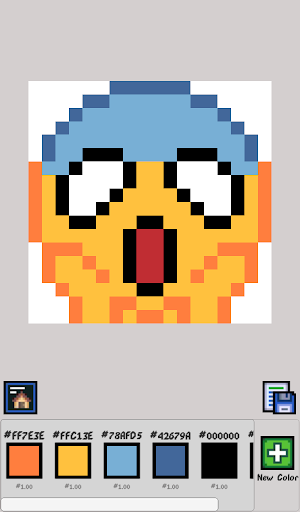
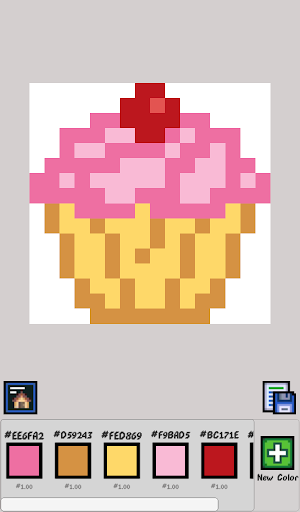
“Pixel Art Maker” is a unique drawing app that anyone can easily pickup and be away drawing pixel art in no time. “Pixel Art Maker” is a pixel art editor sticking to ease of use. Made by a noobie coder so will guarantee its simple to use. Any ideas / features you would like to see My Email is located at the bottom of the playstore listing.
[Recommended for people that are into the following]
* Retro game fan
* Pixel art fan
I created all of my sprites for my one of my Unity games from this app!!!
[Canvas]
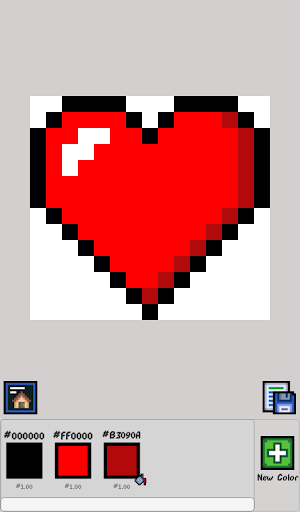
Choose between various different sizes. You can change the transparency or opaque of the canvas. Works created with a transparent canvas, when exporting images, the parts that do not paint will become transparent.
[Gallery]
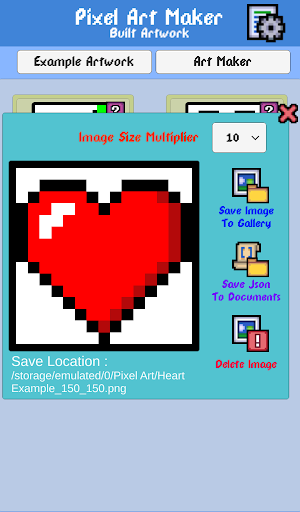
Save Unlimited amount's of art to the gallery.
[Color Palette]
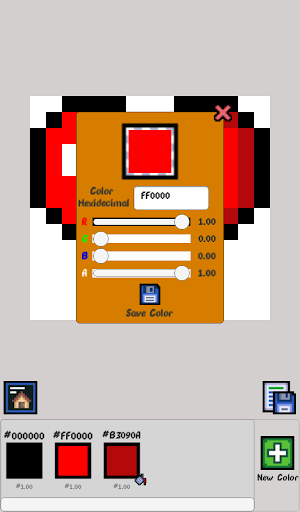
Save up to 100 colors in the "Color Palette” Color's can be selected with Hexadecimal codes or the R,G,B,A sliders witch you select a number between zero and one.
Example hex codes
{
Hexadecimal= #RRGGBBAA
Red = #FF0000FF
Green =#00FF00FF
Blue =#0000FFFF
Black = #000000FF
White =#FFFFFFFF
}
[Share & Export]
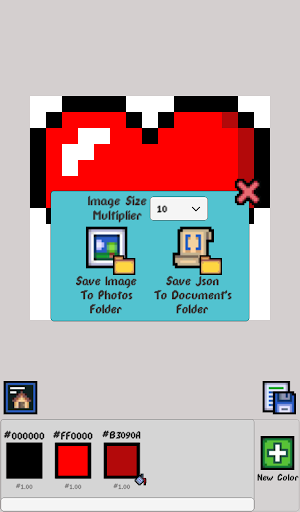
Export image size is the image size on the canvas you created by default and then i have added a multiplier you so can increase the size up to 50 times. The saved image is PNG file format.
[The Saving of the Art]
All the art work can be either saved as a Json File or a .PNG file. So you can use this data how ever you like. To Read the Json i use UnityEngine.JsonUtility.FromJson . Some Json readers will not read the json file this maybe due to the way unity handles the information. The C# class i used is below.
public class ColorSaveData
{
public string levelName;
public int width = 0;
public int height = 0;
public List colorData = new List();
public List positionData = new List();
public List positionCounts
= new List();
}
[Controls]
Tap & Hold - Paints the Selected Color
Double tap
- pans Camera
Pinch - Zoom in and Out
[App permissions]
storage read/write permissions for saving / loading , Palette & Art Work.
Check out my Color by number pixel art game where i used this app to make all the art
A few tweaks to handle input and improve performance.


9Apps 4.9













