

What does this app do?
App gives options to users to publish content on public website http://pion.truegeometry.com/.
Content can be a photo, meme, small video, pdf etc.
The content size is restricted to 10 MB.
But user can publish content as many times as they need.
It is advised to not publish private content that you do not need to be public.
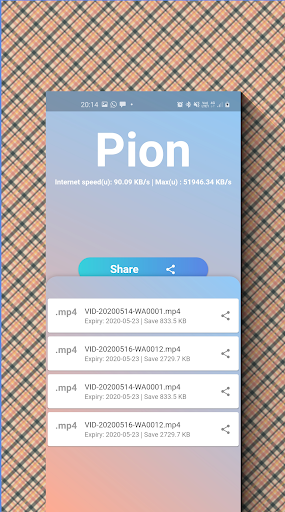
Internet upload speed
How does it work?
Install the app from Play Store
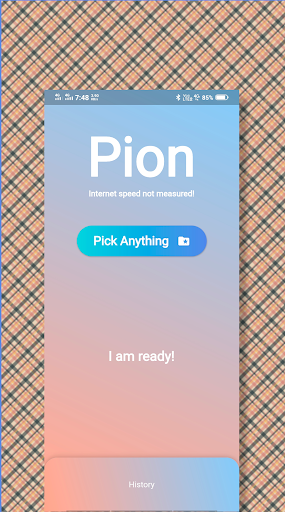
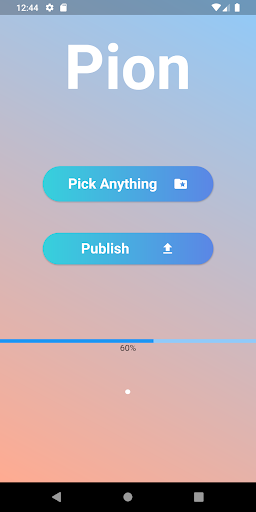
Open the app and click on the "Pick Anything" button
If it's your first time then allow permission to access your storage
Select a file from your storage
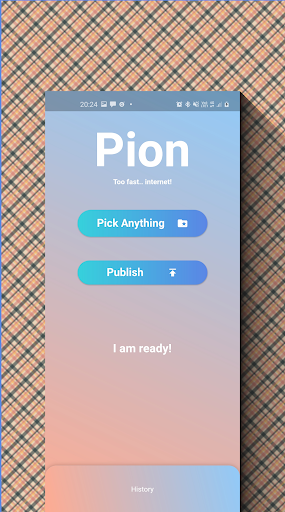
You will see that "Publish" button has appeared in the pion app screen, click on it.
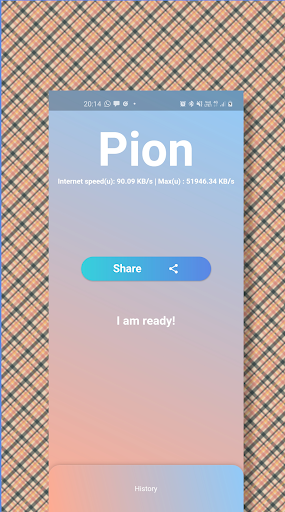
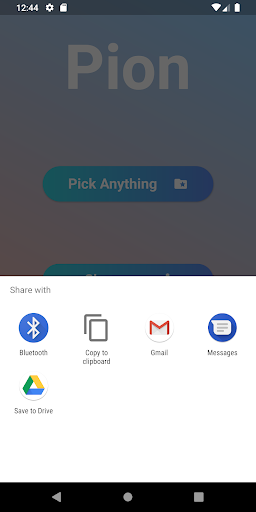
Now "Share" button will appear in the screen, click on it and share your file with your friends.
- Bug fixes
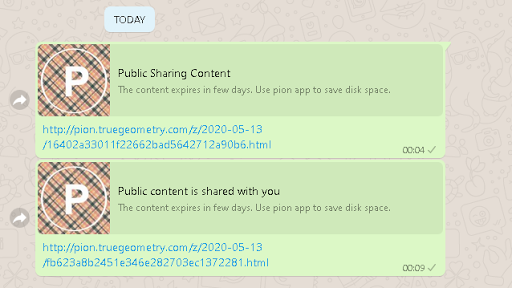
Image preview on link share is added,
Video preview on link share, is added,
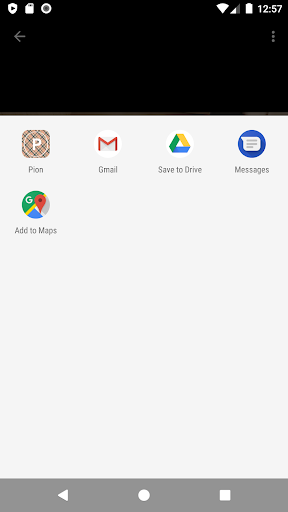
Any file can be shared to Pion app for publishing just as file sharing,
History of published files is added
Past published content/file can be shared from history panel






9Apps 4.9













