
DESCRIPTION:
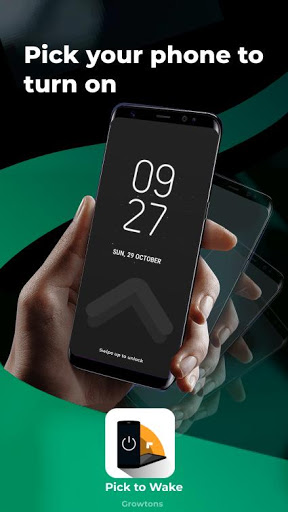
The app switches on the screen when you pick your phone and enables you to switch off the screen just by clicking the App Icon. An essential feature of this app is that it eliminates the use of the power button to normally switch on and off the screen. This can be particularly useful for people having a damaged power button or to the phones in which it can be annoying to reach the power button every time.
** Note:
This app uses device admin permission to turn off your screen. You need to provide this permission when prompted to enable Screen off feature. However, the Screen On feature doesn't require any permissions.
**
Read the following instructions carefully to learn about the usage of this app:
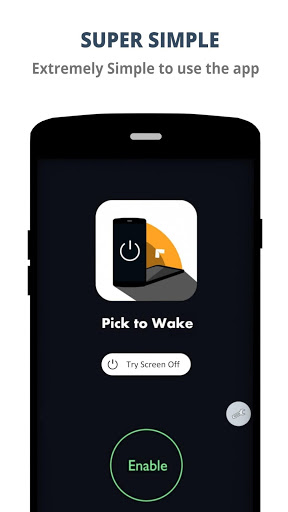
- Click on the enable button to enable the pick to wake Screen On feature.
- Now as you pick the phone next time, you will see your unlock screen appearing without having the need to click the power button.
-
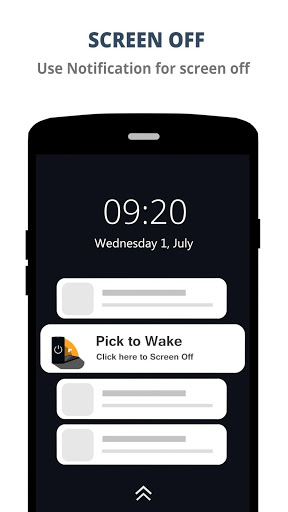
Now click on the App -> Settings and Screen Off option. You will see a Screen off Activation request. Click Activate/OK. Now you will receive an everlasting notification.
-
From the next time when you click on this notification, the screen will turn off.
-
From here on, you just need to pick your phone to wake up the screen and click the App's notification to turn
the screen off.
-
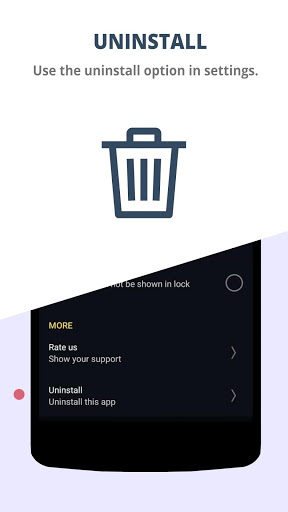
Uninstall options: You may not be able to uninstall the app directly due to restrictions (admin) imposed by Android. Thus in order to uninstall the app, go to the App UI-
>Settings>Uninstall.
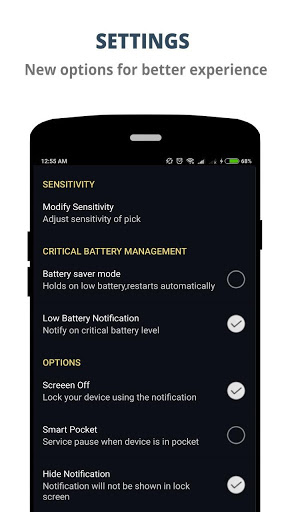
- You can adjust the sensitivity of the pick by going to Settings->Modify sensitivity-
>low/medium/high. If your device is too sensitive despite having low sensitivity, try advanced sensitivity.
NOTE:
For Redmi phones, after downloading the app go to Security->Auto start and then choose
this app to auto start in order to experience the effective working of this application even after clearing RAM.
Features:
- Two in one feature. (screen on/screen off).
- Works even on clearing RAM
- Holds the service on Low battery, automatically resumes when power connected.
- Simple UI Design.
- Extremely battery efficient.
-Combines well with face recognition.
Any queries or suggestions, just mail it to growtons@gmail.com
Developed by:
1) Roshan Kaushik : roshankaushik5@gmail.com
2) Swatish Swaminathan : swathish.07@gmail.com
- 1 MB app
- Performance improvements
- Simple UI



![warm light screen lamp - 10h - (16:9) - NO Sound - a simple screen for 10 hours [screen tools] screenshot 3](https://i.ytimg.com/vi/7T5NB_ntCLM/mqdefault.jpg)









9Apps 4.9














