

Are you worried about exposing your PIN while you unlock your phone?
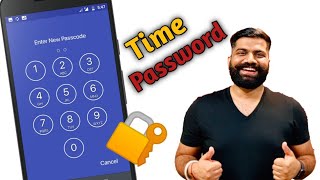
Here comes Photo Lock - Time Password (Dynamic Password) for the rescue.You can make your phone current time its lock screen password.And time changes every minute, so does the password too, so no one can even guess it.
NEW FEATURES
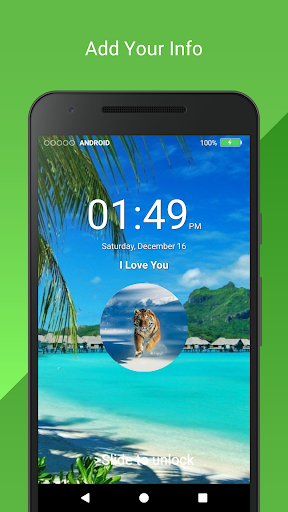
★ Cool iPhone style lock screen for your android.
★ Support on most of android phone.
★ Fully customisable lock screen.
★ Highly secure lock screen.
★ One of the best parallax effect Lock.
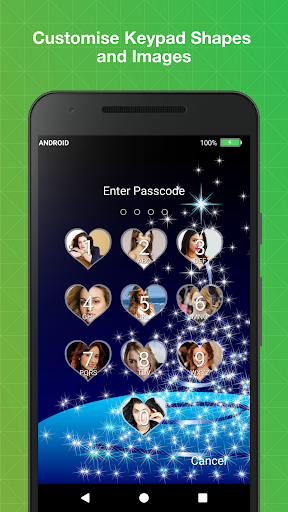
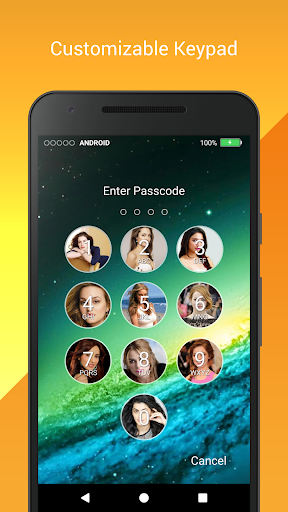
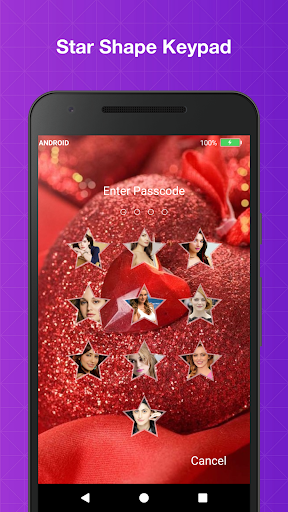
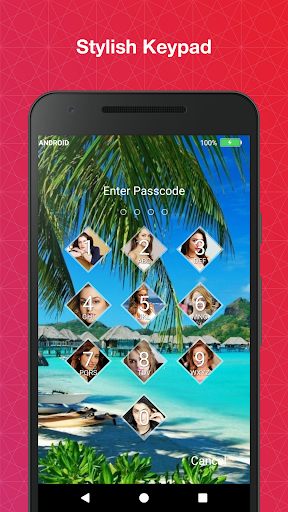
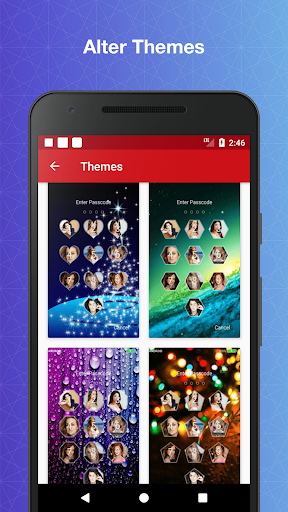
★ Highly customisable keypad.
★ Customise sliding text. You can put your name or your friend's name on your lock screen.
Features
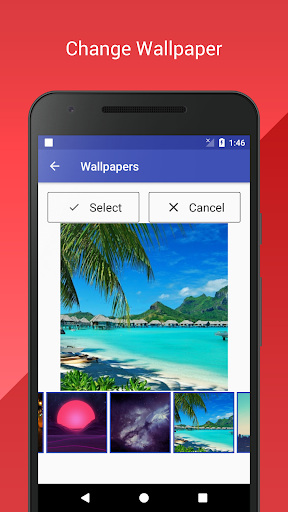
✔ Customise wallpaper for lock screen
You can apply HD Screen wallpaper or choose from Gallery.
✔ Unlock sound enable/disable.
✔ Unlock vibration enable/disable.
✔ 12 hour and 24 hour format both supported.
✔ Consume less memory and battery, Simple and Clean device.
✔ 100% safe and secure Photo Lock- Time Password
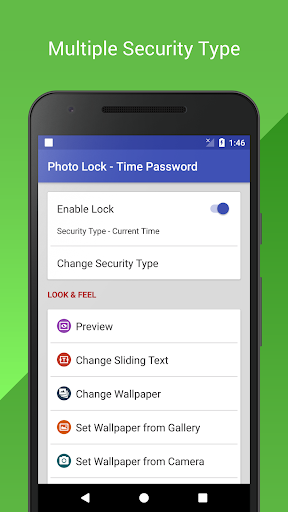
✔ Choose your own lock type
You can choose your own way to lock your android phone(Passcode change dynamically).
► Current Time : It is default password of your lock screen. e.g. If the time is 01:47, your PIN will be 0147.
► Pin Passcode - User can choose any password.
► Pin + Minute Passcode - e.g. if you choose digit is 12 and the time is 01:45 your PIN will be 1245.
► Pin + Current Time Passcode - e.g. if your choose digit is 45 and the time is 02:37 your PIN will be 450237.
► Pin + Day Passcode - e.g. if your choose digit is 45 and the date is 4 July 2017 your PIN will be 450407.
► Pin + Hour Passcode - e.g. if you choose digit is 12 and the time is 01:45 your PIN will be 4501.
---FAQ---
★
How to open hidden Photo Lock - Time Password?
1. Enter #666#6 in dial pad, and tap call button.
★
How to lock Xiaomi / MI phones?
►Xiaomi / MI phones have different permission management style. To use
Photo Lock - Time Password
on Xiaomi / MI phones, please follow the following steps.
1. Open Security App -> permissions.
Choose option permissions ->
Photo Lock - Time Password
-> Allow all the permissions.
2. Go back to Permissions -> Auto Start -> Allow
Photo Lock - Time Password
to Auto Start.
★
Explanation for the permissions:
android.permission.INTERNET
android.permission.READ_PHONE_STATE
android.premission.ACCESS_NETWORK_STATE
AD company need read phone state and network state to display and improve there AD quality.
android.permission.SYSTEM_ALERT_WINDOW : to lock screen
android.permission.RECEIVE_BOOT_COMPLETED : To lock device as soon as it restarts
android.permission.CAMERA : Image capture for lock screen wallpaper
android.permission.READ_EXTERNAL_STORAGE : For change lock screen wallpaper
android.permission.PROCESS_OUTGOING_CALLS : For open lock screen
Photo Lock - Time Password will not collect your any information.
- Themes added
- Minor Bug fixed
- Ui improvement







9Apps 4.9














