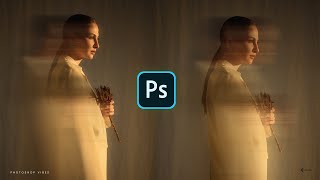
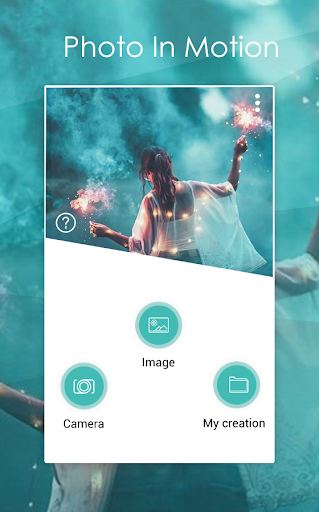
Motion Stunning video lets you apply motion on animation effect on particular object, just select the area and give direction for motion blur immersive video GIF.
User can get pictures or frames from the video, select images from gallery and capture frames via camera. By using these three functionality, very quickly add music of your choice & make new motion film ready, enjoy video, share with your friends, followers and family via social network.Motion On Photo is an app select image and transform them into beautiful cinemagraphs or sweeping cinematic pans using our advanced stabilization and rendering technology.
Motion On Photo is very easy to use:
1. Take a new photo to add motion or select photo from your gallery.
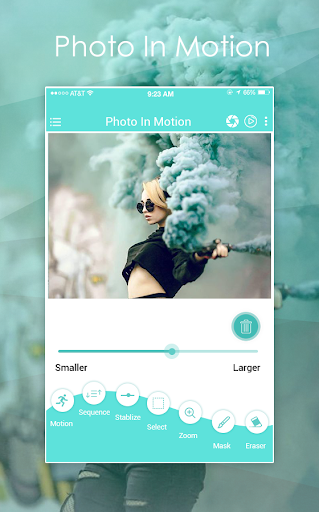
2. Use the movement tool at each point you want to give movement and direct the effect.
3. With the stabilization tool you define that point not be moved, avoiding undesired distortions. If three stabilization points are connected, a stabilized area is created.
The video stabilization on algorithm, the auto-focus, the HD(4k)high quality DSLR encoding and the new Motion should automatically prevent glitches and weird video effect. Motion on photos the movement tool at each point you want to give movement and direct the effect.
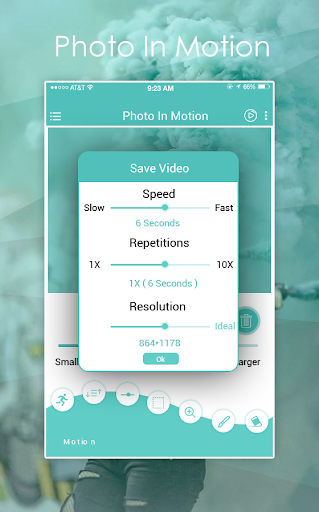
You can also adjust the motion effect with professional tools like animation, Feather, Blur, Video, gif, Feather, Opacity and Number of images.







9Apps 4.9