Philips voice recorder icon

Philips voice recorder

v3.5.22 for Android
4.4 | 100,000+ Installs | Reviews

Speech Processing Solutions GmbH

Description of Philips voice recorder

SPEAK - SEND - DONE
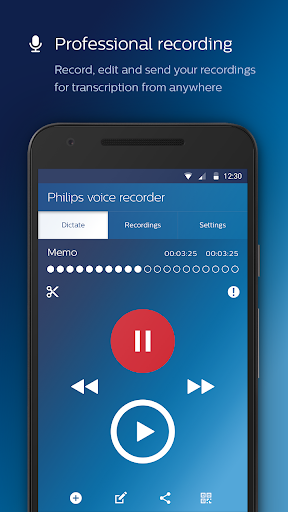
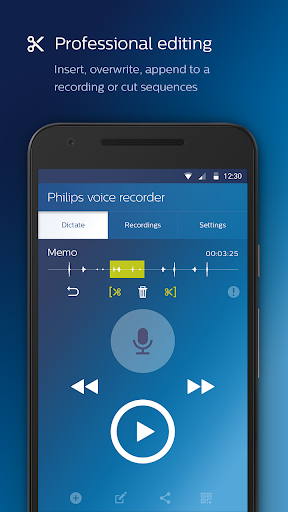
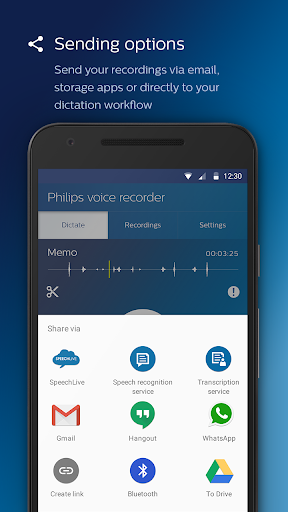
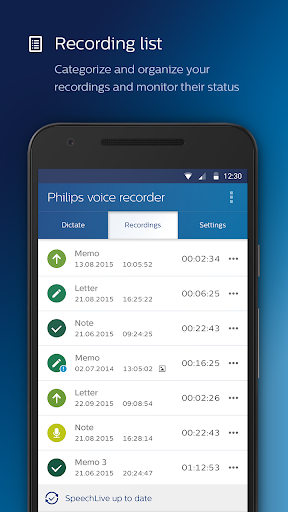
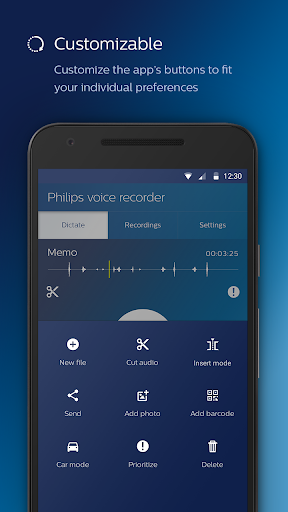
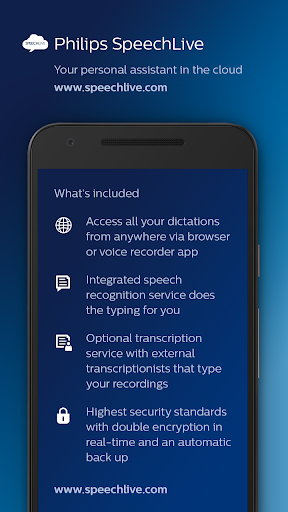
The Philips voice recorder app offers first-class recording quality, professional functions such as inserting or cutting sequences, and an intuitive operation. Recordings can be easily sent via email, Dropbox, Google Drive, etc. For maximum security, browser-based file management and additional services such as speech recognition, we recommend the use of our convenient Philips SpeechLive service.
Top features of the app:
- Easy RECORDING and file playback
- EDITING of recordings directly in the app
- Different SENDING OPTIONS e.g. email, Dropbox, Google Drive etc.
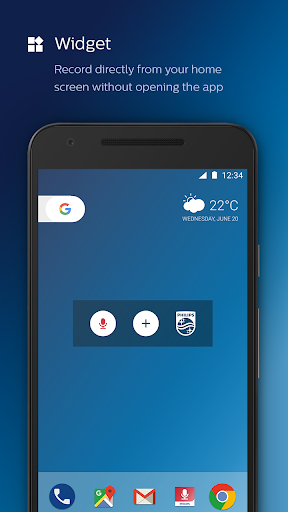
- APP-WIDGET for starting recordings directly from the homescreen
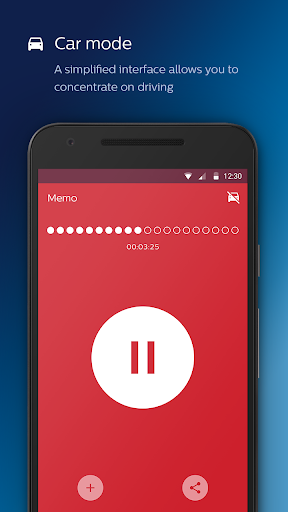
- CAR MODE for more safety and convenience when creating recordings during driving
PHILIPS SPEECHLIVE - USE THE FULL POTENTIAL OF PHILIPS VOICE RECORDER APP
In combination with Philips SpeechLive you can benefit from many other advantages:
- SPEECH RECOGNITION
- TRANSCRIPTION SERVICE
- INTEGRATION OF YOUR PERSONAL ASSISTANT
- BROWSER-BASED FILE MANAGEMENT AND WORKFLOW
- INDIVIDUAL USER MANAGEMENT
Click here for a 30-day free trial of SpeechLive and all its services:
http://www.speechlive.com
TAILORED SOLUTION
Do you have special requirements for your dictation workflow? The Philips dictation app can be seamlessly integrated into your existing workflow.
Our sales partners will gladly provide you with tailor-made solutions: https://www.dictation.philips.com/support/where-to-buy/

What's New with Philips voice recorder v3.5.22

- The SpeechLive integration of the Philips Voice Recorder app will be discontinued end of September.
- Please send your dictations to SpeechLive and they will be available in the new app: https://play.google.com/store/apps/details?id=com.philips.dictation.speechlive
- Email addresses are supported in "Author" field

Information

  • Category:
    Productivity
  • Latest Version:
    v3.5.22
  • Updated:
    2021-07-12
  • File size:
    66.8MB
  • Requirements:
    Android 4.2 or later
  • Developer:
    Speech Processing Solutions GmbH
  • ID:
    com.speech
  • Available on:
Reviews
  • avatar
    How to view picture taken in notes you only listen to dictation but can't see. The picture taken
    2020-09-17 07:01
  • avatar
    Good app, easy to use, and does what it's supposed to!
    2020-09-11 11:47
  • avatar
    Please scroll back previous audio in long recordings instead of compressing 4 to 5 minutes long recordings into screen size long bar. Please look at samsung recorder for reference it resizes and show recording bar created in real time
    2020-09-01 08:00
  • avatar
    This app records well and dependable, even with the screen locked. But it is far too simple. Getting recording off or from it is extremely challenging. It only exports as HUGE wav files which I have to upload to my Google Drive then download it back to my device so I can find it somewhere, to then edit and convert with a different program to an MP3 which is much smaller and I can share. This side of things is absurd.
    2020-08-05 01:46
  • avatar
    Very clear. Slight delay in pausing takes a little getting used to and anyicipation
    2020-07-29 04:12
  • avatar
    I would give it 5/5 if I could choose also other lossy formats except wav in order to reduce file size. When doing many letters dictation and I need to send to my secretary the overall size is prohibitive for emails. Sort this out and this would be best app
    2020-07-24 08:01