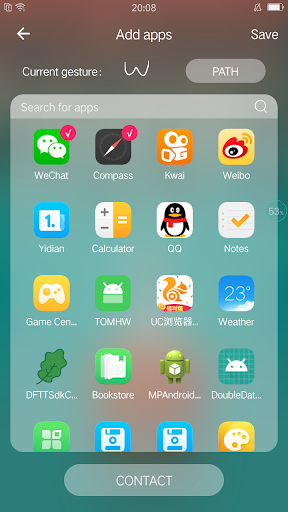
A clean, fast and tall launcher, Make your launcher tall.Just draw a path and you can quickly find the app you want, or you can call the designated person to text.Support for daily recommended wallpaper with powerful gesture recognition technology.
Gesture Launcher usage:
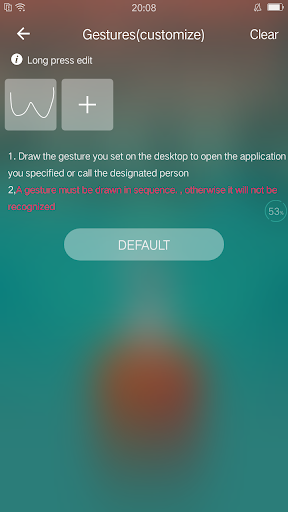
1, add gestures
2, set the application or contact that will be opened after gesture recognition
3, save settings
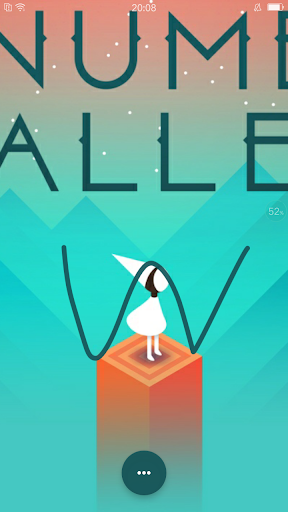
4, back to the desktop, draw the set gesture
5, automatically open the app or call the contact
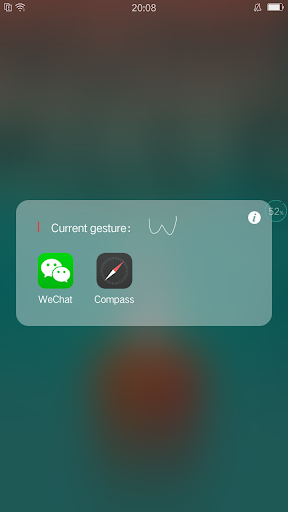
6, a gesture to add multiple applications or contacts, displayed as a folder
Recommended wallpaper usage:
1, enter the settings
2, open the recommended wallpaper switch
3, will automatically replace a wallpaper every day
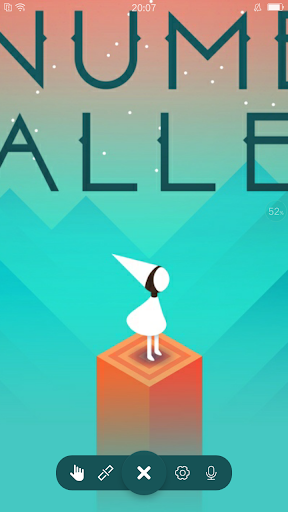
1, the new floating ball function, open to open the gesture interface in any application to quickly find the application or call
2,After the update, you need to manually open the floating window permission (android.permission.SYSTEM_ALERT_WINDOW), the default is off state, this permission is used to open the gesture recognition interface, you can open the application without going back to the launcher, which is convenient for users; no other action, please safe to use.




9Apps 4.9