

Is it hard for you to remember all your passwords? Do you frequently use 'Forgot Password'? Do you have a password.txt on your desktop?
Well not anymore. Just remember only one password to see all your password at one place. I bring to you the Password Manager. A complete solution to all your Username/email and password related problems.
1. The data is encrypted and saved locally on the device.
2. No internet connection required.
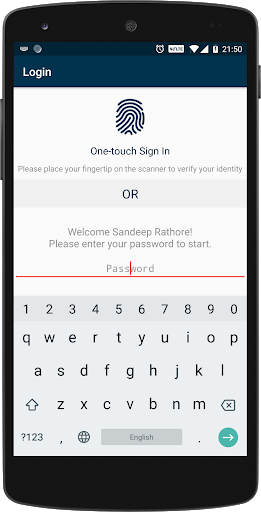
3. User will have to login in always. So in case you lost your phone, you can rest assured knowing that no one can get into the application and check your password.
4. Additional login option using security answer.
5. Export and Import functionality.
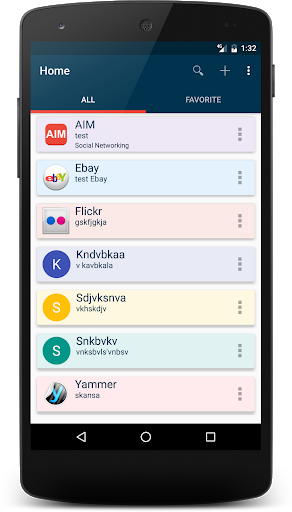
6. Multi-color list.
7. Auto Backup after adding new entry.
8. Auto logout when screen turns off.
Important:-
- Master Password is very important. DON'T forget that. It's recommended to select security question and answer as well as an additional login option.
- Though there is option to enable the auto backup after every entry, it's highly recommended to take backup as it's encrypted and save it on cloud system like Drive or Dropbox or even in your system.
If you are changing your phone, please follow these steps:-
1. Use Export option in the app to export the encrypted database file on memory card of the existing phone.
2. Take the backup on a computer or external hard-drive. (Password manager folder under root directory)
3. Put the Password Manager folder under the root directory of new phone.
4. Download the app from Google play store and start using it.
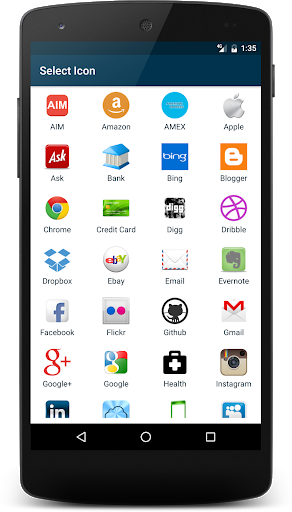
Note:- Please let me know the icons you need in the app and I will add them in next release.
- Fingerprint Authentication
- Bug fixes and improvements.
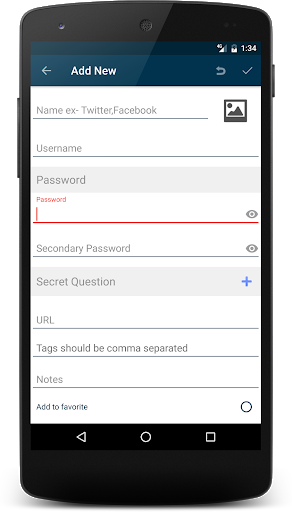
- Add New option in overflow menu










9Apps 4.9













