

★
100% Free password manager
★
PassKeep is an easy and secure way to keep all your passwords with you at all times. All you have to do is remember one password which is the master password. The master password is encrypted using a salted PBKDF2 (Password-Based Key Derivation Function 2). SQLCipher is used to encrypt the database with provides transparent 256-bit AES encryption.
Features
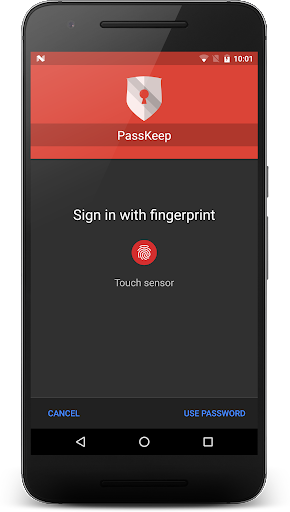
★ Fingerprint sign in (*Android Marshmallow and above)
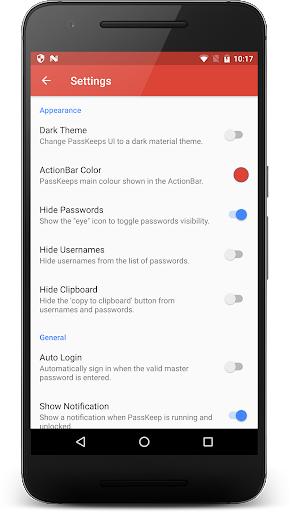
★ Dark material theme
★ Customizable application colour
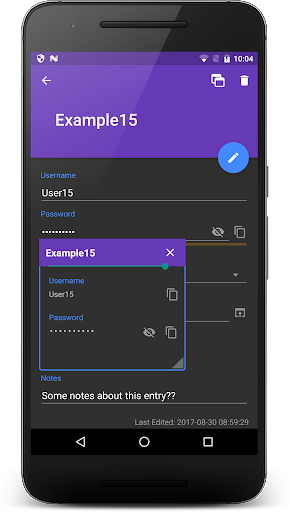
★ Custom Fields
★ Floating window which is resizeable for easier entry of passwords
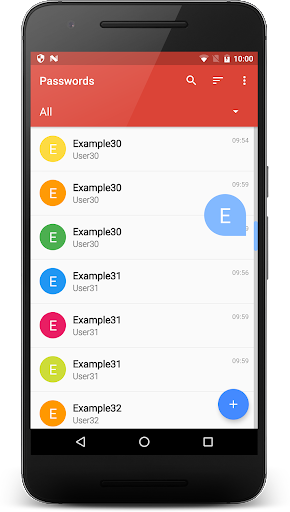
★ Color code your entries
★ Quick access (sign in) notification
★ Clear clipboard entry on app exit
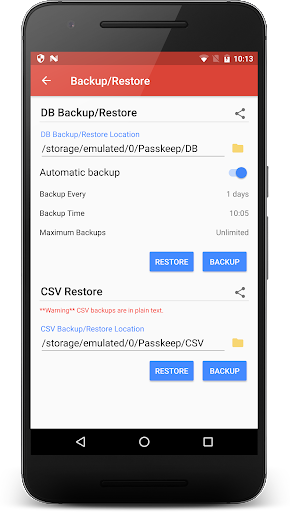
★ Backup and Restore the database
★ Auto Backup and Restore database (user configurable time, intervals & max backups)
★ Backup and Restore from CSV (** WARNING** CSV backups are unencrypted)
★ Share backups to Google Drive, Dropbox etc.
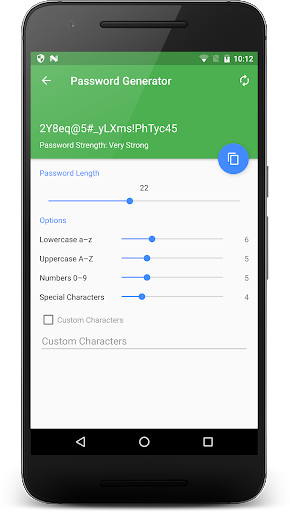
★ Password Generator
★ Password Strength Checker
★ LG Dual window Support
★ Add Samsung Multi-Window support
★ Add Samsung Pen-Window support
★ Auto logout after a set time
★ Self-destruct mode after a certain amount of password attempts
★ Fast login - login without needing to press the sign in button
★ Block screenshots for the application
★ Keep screen on while using the application
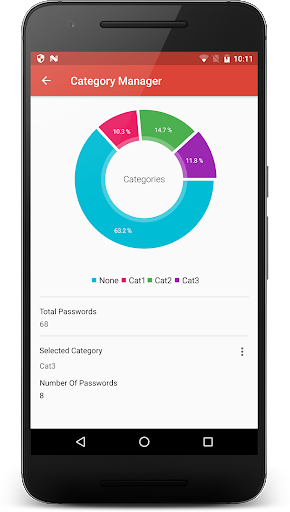
★ Password Categories
★ And more...
Supported Languages
• English
• Russian - credits DumF0rGaming/gaich
• Czech - credits phsnake, Lukas Novotny
• German - credits laufersteppenwolf/Trafalgar-Square/mythos234/noc.jfcbs
• Vietnamese - credits dd721411, Soft Phan & tphg
Incomplete translations - soon to come
Use of permissions
•
RECEIVE_BOOT_COMPLETED
- To start the auto backup on each boot.
•
READ & WRITE_EXTERNAL_STORAGE
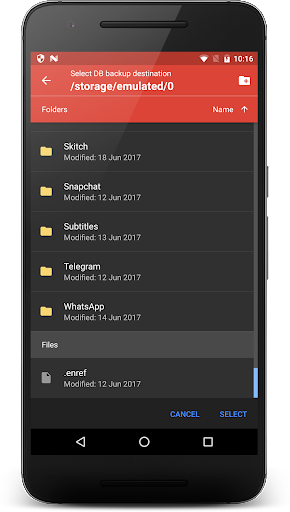
- For the built in file explorer and backing up DB and CSV.
•
SYSTEM_ALERT_WINDOW
- For the floating window.
•
USE_FINGERPRINT
- For fingerprint sign in (Android Marshmallow and above)
•
BILLING
- For in app donations -- PassKeep is still 100% free
★★★
IMPORTANT
★★★
• As this application does not use the internet to store any of your data, IF you loose your master password, passwords will not be recoverable. You can backup to a CSV file but it is not recommended as all your passwords will be in plain text.
• This application does not and will not contain internet permissions in the future, therefore auto sync to cloud is not available in this application.
Backups
• DB Backups - Database backups are encrypted.
• CSV Backups - CSV Backups are unencrypted therefore be careful where you save them.
Website
- there is help on how to use the application and an FAQ
http://www.garethwilliams.host
XDA Thread
• If you have find any bugs please contact me using the link to the contact form below or through XDA.
• https://www.garethwilliams.host/contact
• http://forum.xda-developers.com/android/apps-games/app-passkeep-password-manager-t3209441/post62964781#post62964781
Changelog
https://www.garethwilliams.host/passkeep-changelog
- Remove autofill logins - to comply with Google policies







9Apps 4.9














